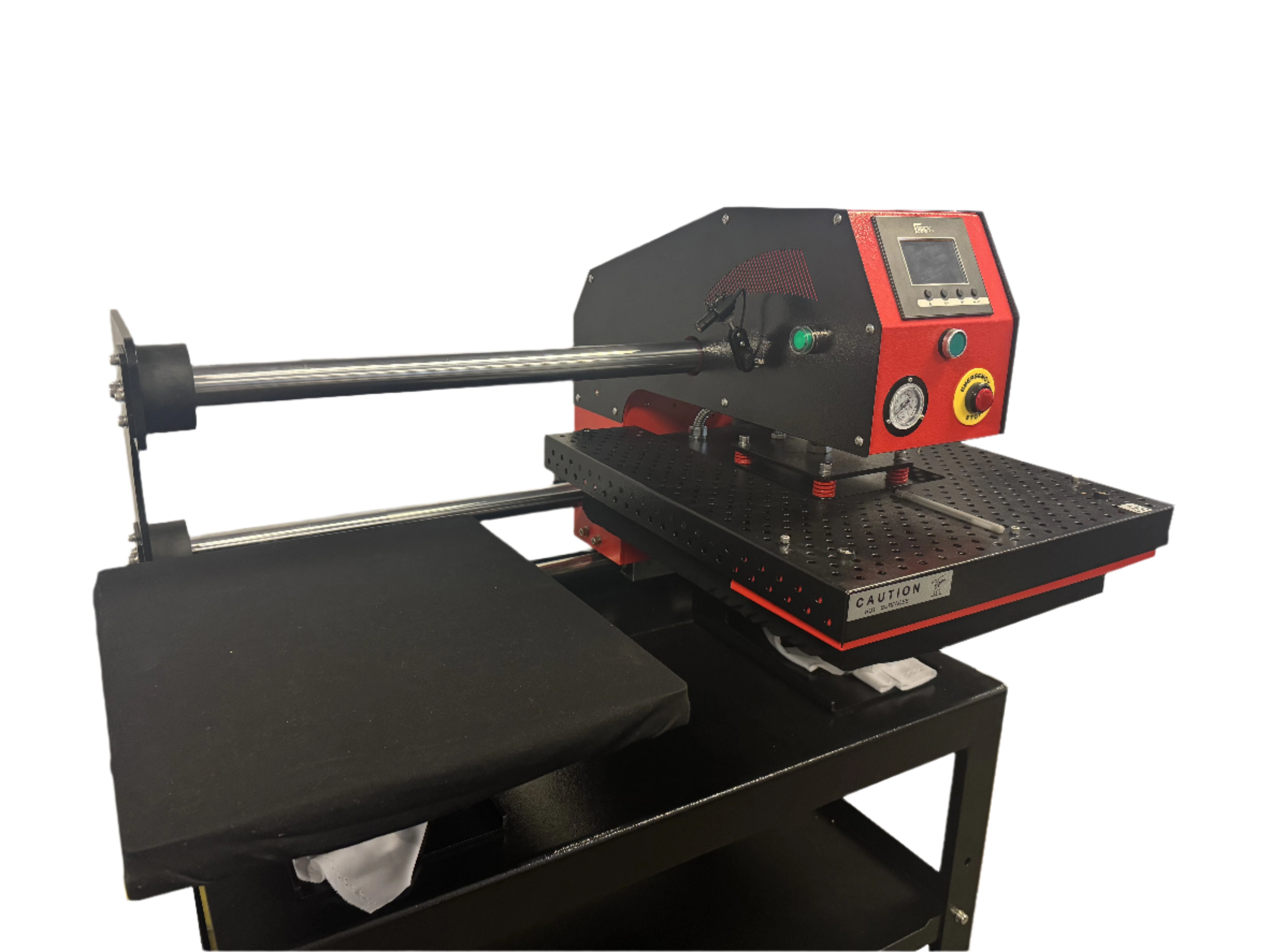
Regular heat press machine maintenance is the single most effective way to prevent transfer failures, extend equipment lifespan, and protect your investment. A press that isn't routinely cleaned and calibrated produces inconsistent results: uneven pressure, temperature drift, and adhesion failures that waste materials and degrade finished product quality.
For businesses producing DTF transfers, sublimation prints, or heat transfer vinyl applications, the heat press is the final step in the production chain. Any contamination, misalignment, or mechanical wear at this stage directly affects what the customer receives. A single maintenance failure can mean an entire production run bonds improperly, resulting in prints that crack, peel, or fade after washing.
This guide covers the complete maintenance system for heat press machines: daily cleaning routines, weekly and monthly tasks, calibration checks, how to troubleshoot common failures, and a full maintenance schedule table you can use immediately.
Understanding the Heat Press as a System
A heat press applies three variables simultaneously: heat, pressure, and time. All three must be accurate and consistent to produce a quality transfer. Maintenance directly affects all three. When one fails, the others cannot compensate.
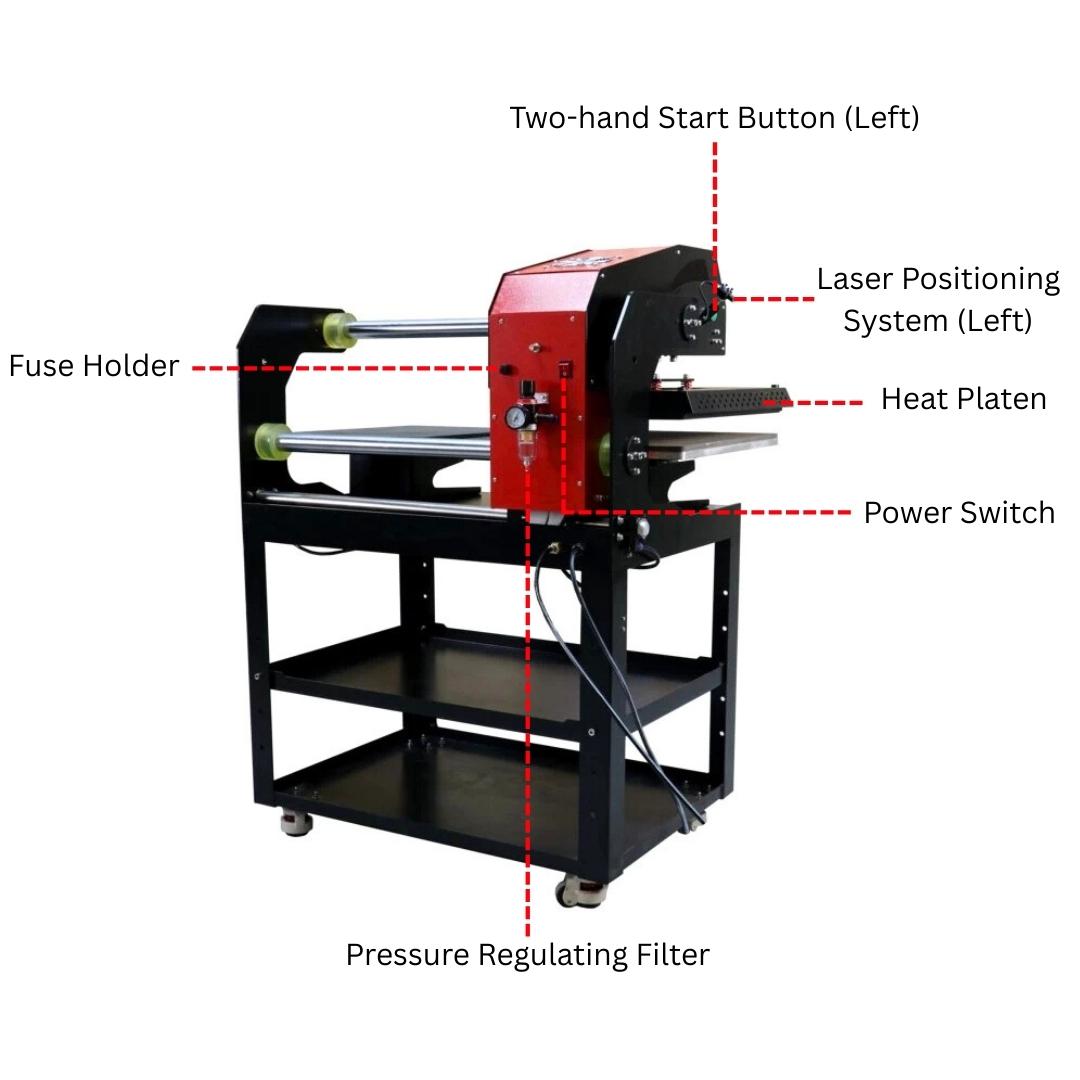
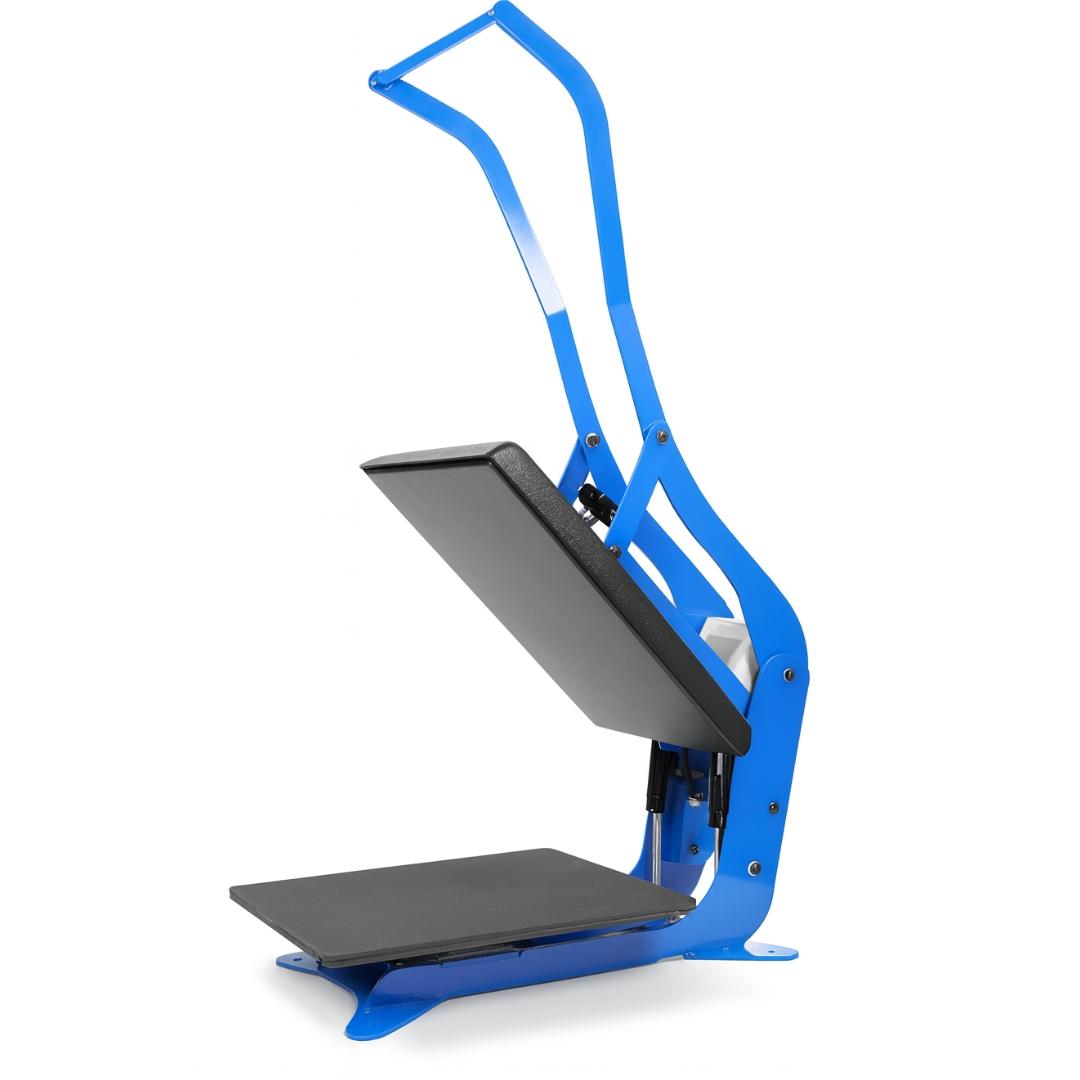
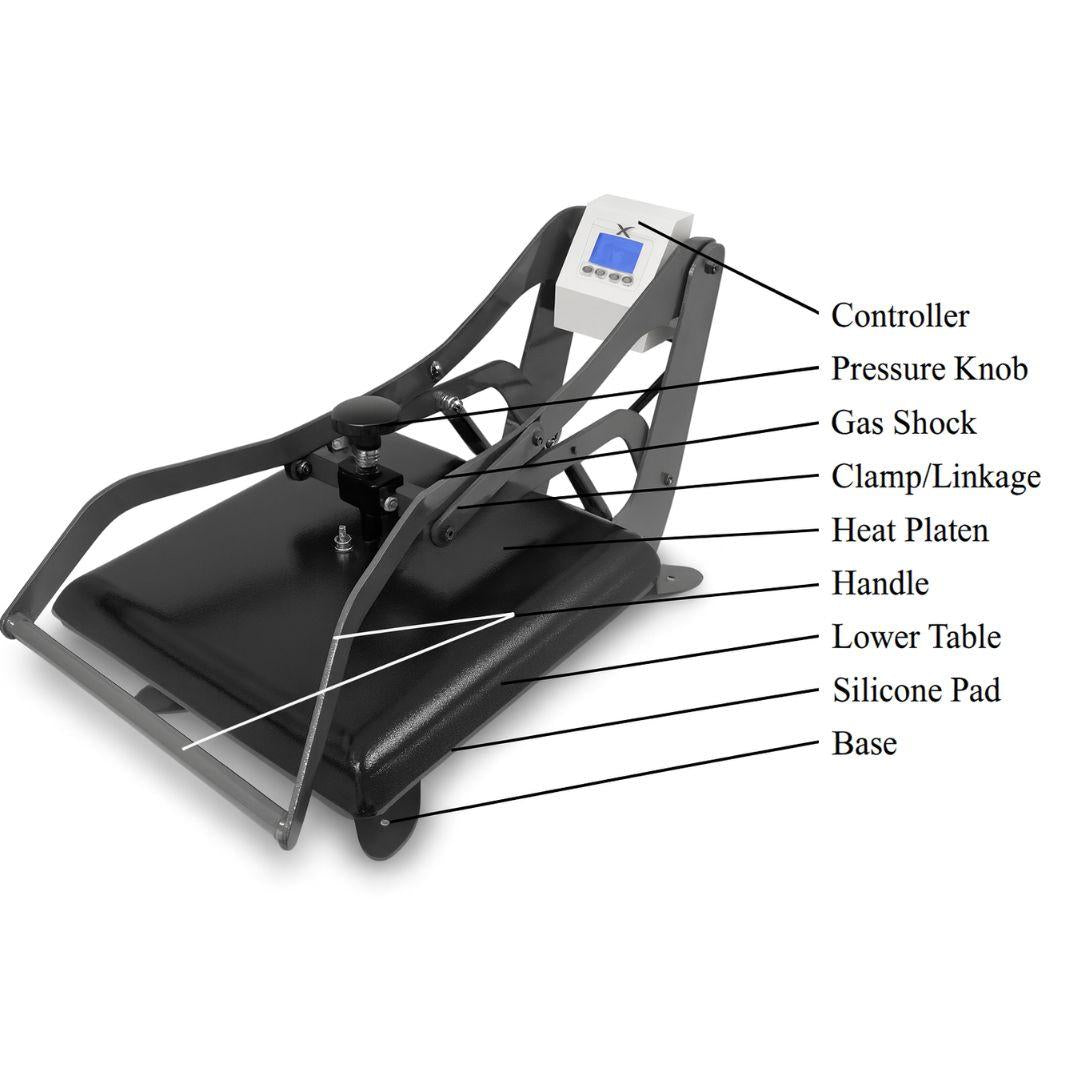
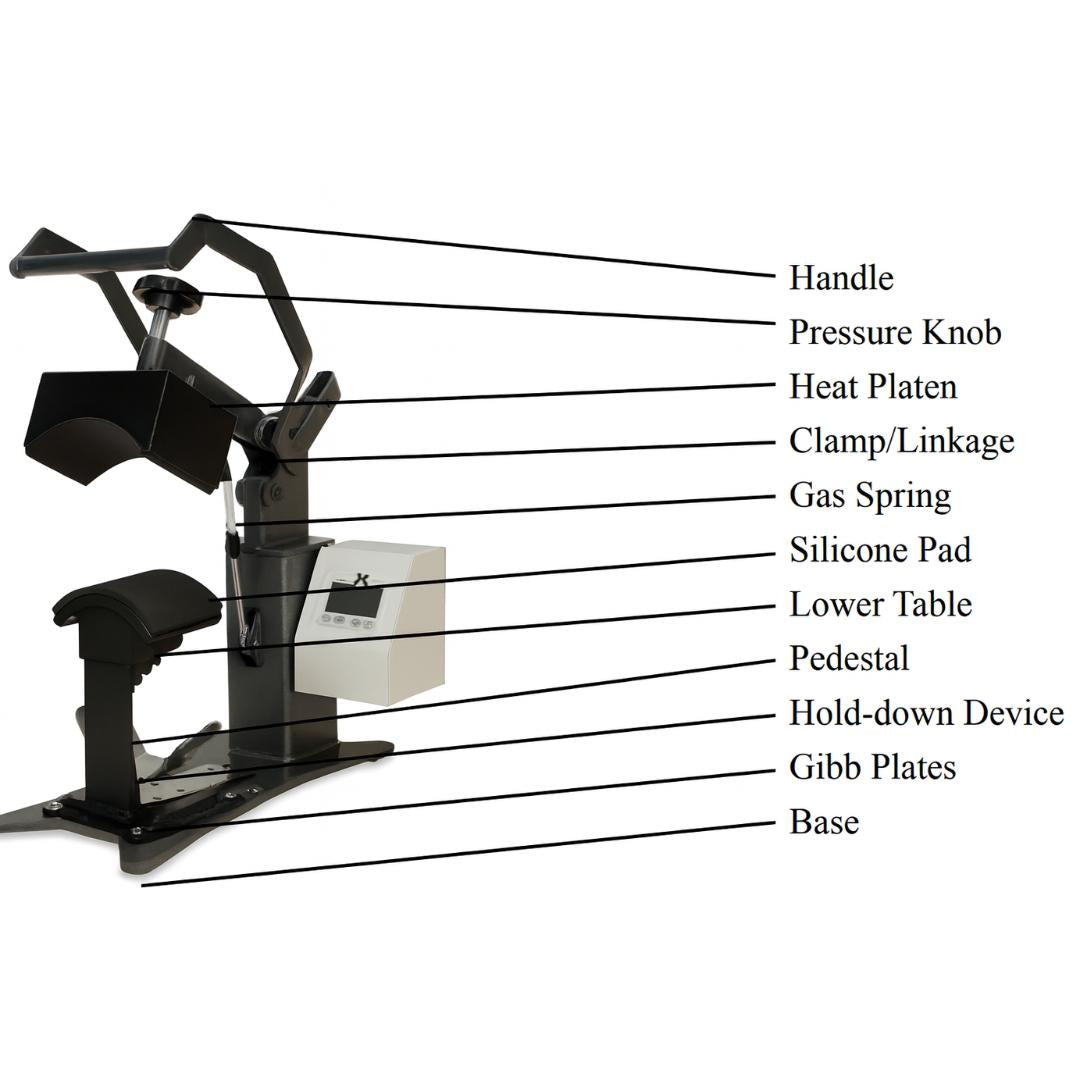
The heat platen accumulates residue from transfers, adhesive powders, and inks over time. This residue creates a thermal barrier that reduces the effective temperature reaching the substrate surface. Even if the digital readout shows the correct setting, platen buildup means the actual heat at the transfer point is lower than required, causing poor adhesion or incomplete ink activation.
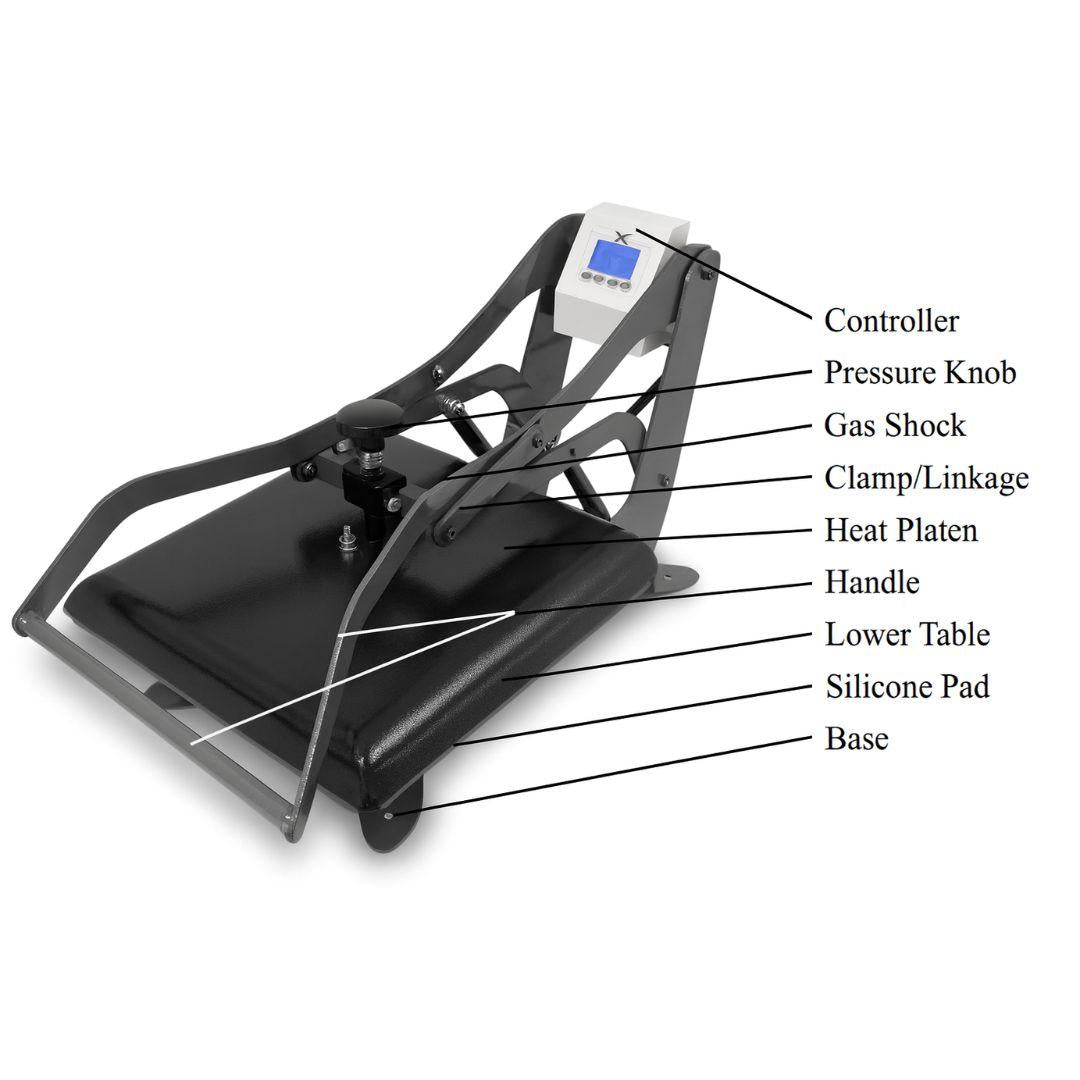
Pressure components (springs, knobs, and pivot mechanisms) wear with use. Worn springs produce uneven pressure distribution across the platen, creating zones of under-pressing and over-pressing within the same transfer. The result is partial adhesion that appears acceptable off the press but fails during the first wash cycle.
These three variables are interdependent. A press running at the correct temperature with uneven pressure still produces failures. Maintenance keeps all three variables accurate and consistent. This is the foundation of repeatable print quality.
Daily Maintenance: After Every Session
Cleaning after each session prevents residue from hardening and bonding to the platen surface. Hardened residue is significantly more difficult to remove and can permanently affect surface texture, creating uneven heat distribution in the affected zones.
- Cool down completely before cleaning. Never clean a hot platen. Cleaning solutions can vaporize on a hot surface, creating fumes. Sudden temperature changes also stress the heating element over time. Unplug the machine and allow full cool-down before starting.
- Wipe the upper heat platen. Use a soft microfiber cloth dampened with isopropyl alcohol (90%+) or a dedicated heat press cleaner. Work in circular motions to lift residue without scratching the surface.
- Wipe the lower platen. Clear any dust, debris, or transfer scraps. Even small particles on the lower platen create pressure bumps that leave marks on the finished product.
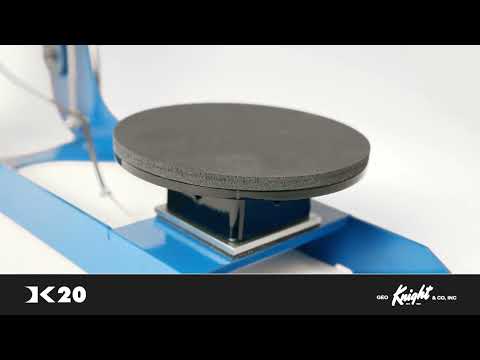
- Check the silicone pad. If the pad shows visible scorching, surface hardening, or indentations, flag it for replacement. A degraded silicone pad is one of the most common causes of inconsistent pressure distribution.
- Clear the workspace. Remove transfer scraps, loose DTF adhesive powder, and dust from the area around the press. Debris migrates onto the platen during the next session if the workspace isn't clean.
Weekly Maintenance Tasks
Weekly maintenance goes beyond surface cleaning to address mechanical components and calibration accuracy.
Pressure Calibration Check

Place a sheet of transfer paper or a pressure strip across different zones of the platen. Close the press and check for even impression across the full surface. If some areas show heavier impression than others, adjust the pressure knob and retest. Consistent pressure across the entire platen is non-negotiable for production-quality output.
Temperature Accuracy Verification

Use an infrared thermometer or thermal testing strips to verify that platen temperature matches the digital readout. A variance of more than 10°F indicates a thermostat calibration issue. Do not continue production pressing with an unverified temperature. Even a 15°F variance can cause adhesion failures with DTF transfers or color shifts in sublimation.
Wiring and Connection Inspection
Inspect the power cord and any accessible wiring for fraying, cracking, or loose connections. Compromised wiring is both a performance risk and a safety hazard. Any damaged wiring requires immediate attention. Do not operate a press with exposed or frayed wires. Follow OSHA electrical safety guidelines for equipment in a production environment.
Silicone Pad Assessment

A silicone pad that has hardened, cracked, or developed a surface glaze (shiny spots from heat cycling) loses its cushioning properties. Hard spots on the pad create corresponding pressure inconsistencies across every transfer you press. Replace the pad before it degrades further.
Monthly Maintenance Tasks
Deep Platen Cleaning
Use a non-abrasive cleaning pad with a dedicated heat press cleaner to address residue that has accumulated despite daily wiping. Work methodically across the platen in sections. For stubborn adhesive buildup, which is common when pressing DTF transfers: warm the press to approximately 150°F, power off, and apply cleaner while the platen is still warm. This softens hardened adhesive and makes it easier to remove without abrasive force.
Moving Parts Inspection and Lubrication

Check the hinge, pressure adjustment mechanism, and pivot points for wear or stiffness. Apply the lubricant recommended by your press manufacturer to pivot points if the press shows resistance when opening or closing. Do not use general-purpose lubricants on components near the heating element. Use only products specified for heat press equipment.
Heating Element Visual Check
With the press cool and unplugged, visually inspect the heating element area where accessible. Uneven discoloration, scaling, or physical damage to the element indicates it may be delivering inconsistent heat. This is typically a service call. Heating element replacement is not a standard user maintenance task.
Maintenance Log Update
Document each maintenance session: pressure and temperature calibration results, parts replaced, and any observations about machine performance. A maintenance log helps you track wear patterns and anticipate parts replacement before failures occur during production runs.
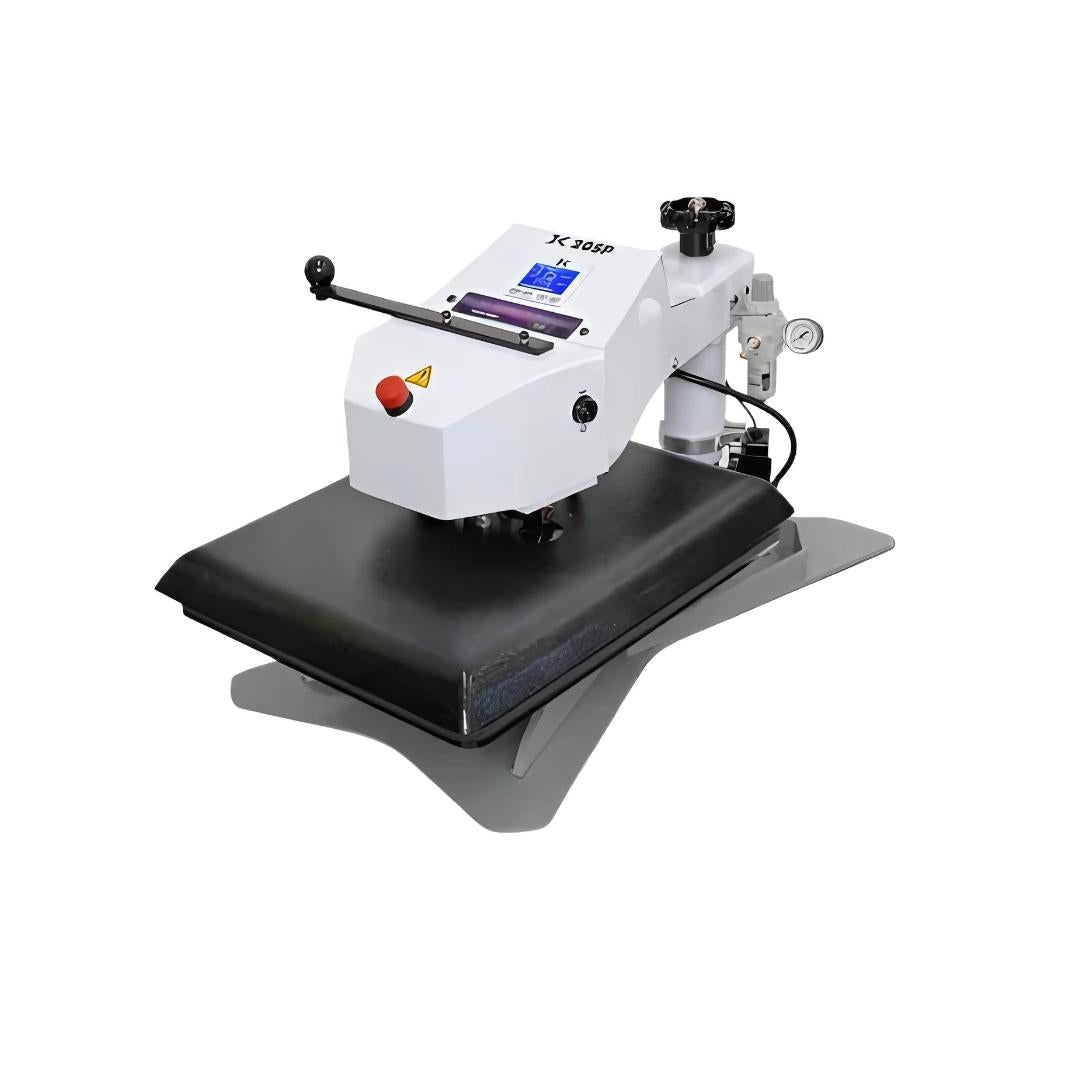
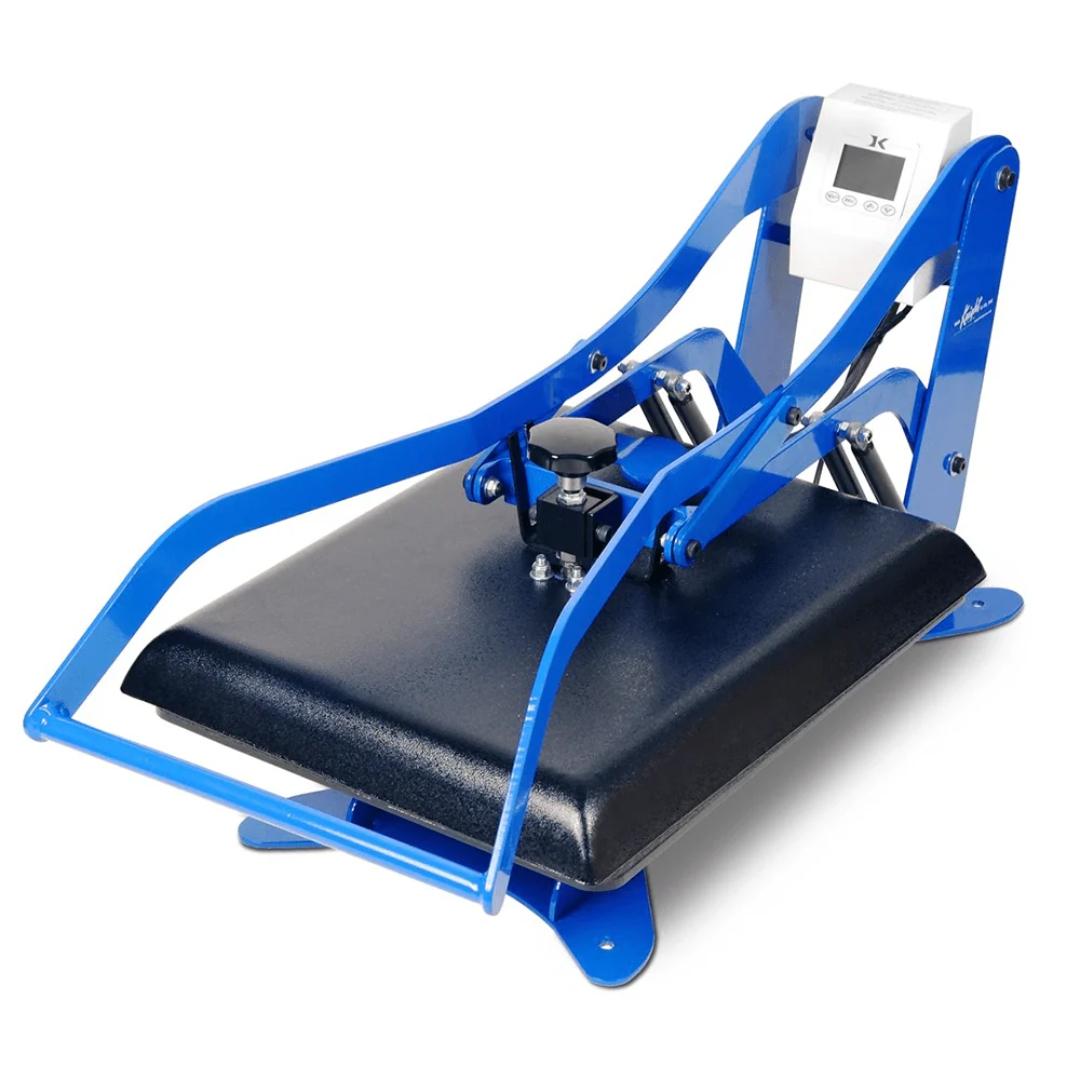
Maintenance by Heat Press Type: Clamshell vs. Swing-Away
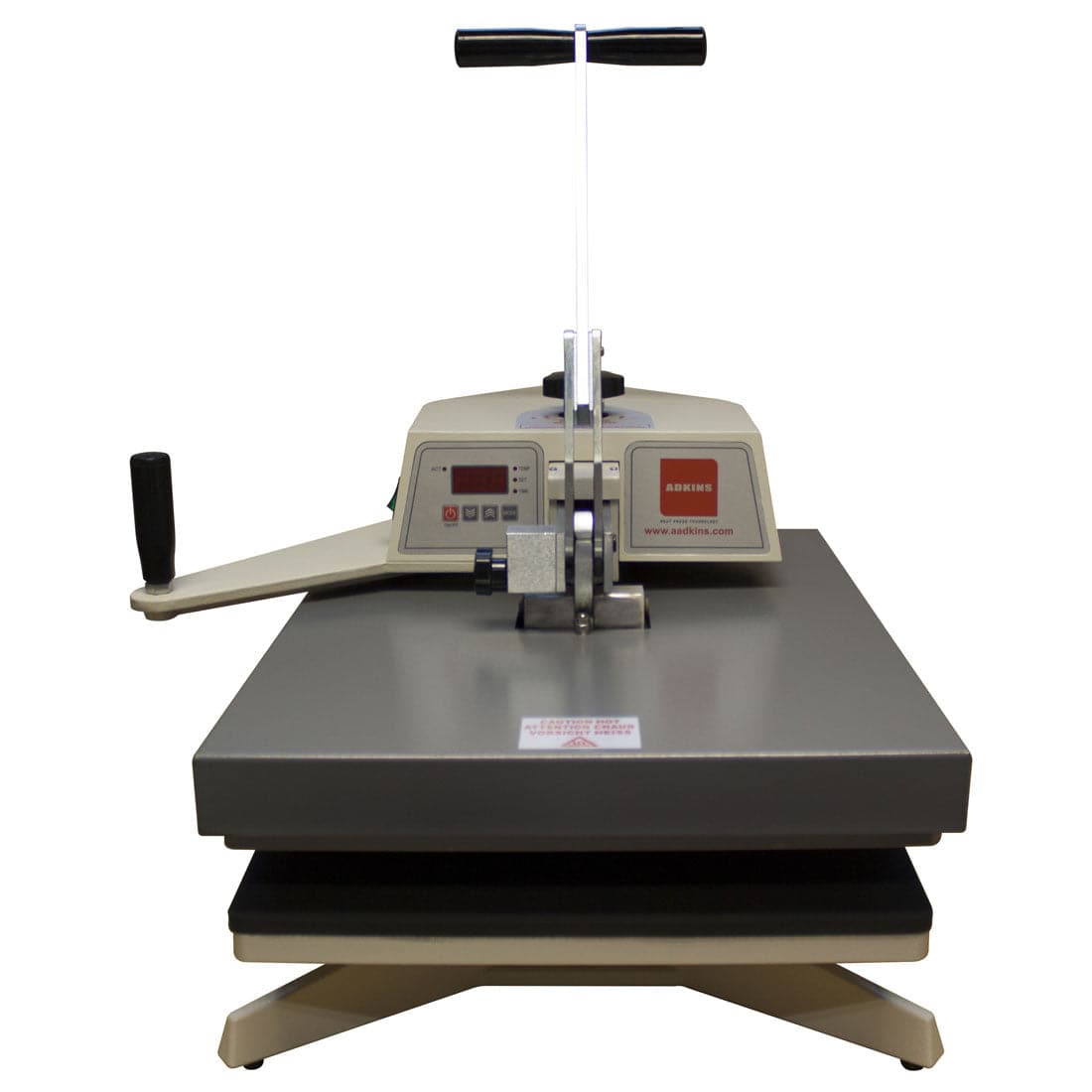
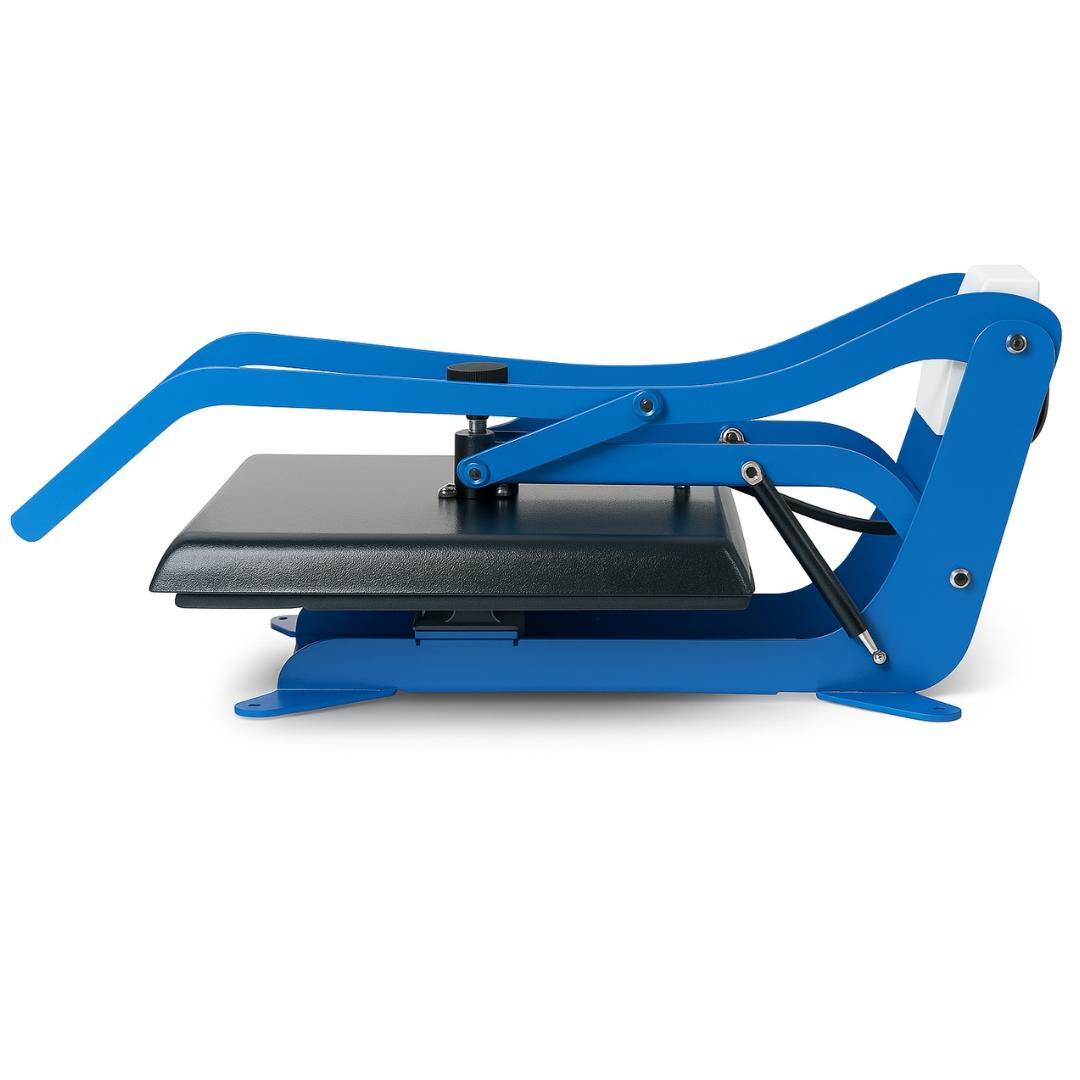
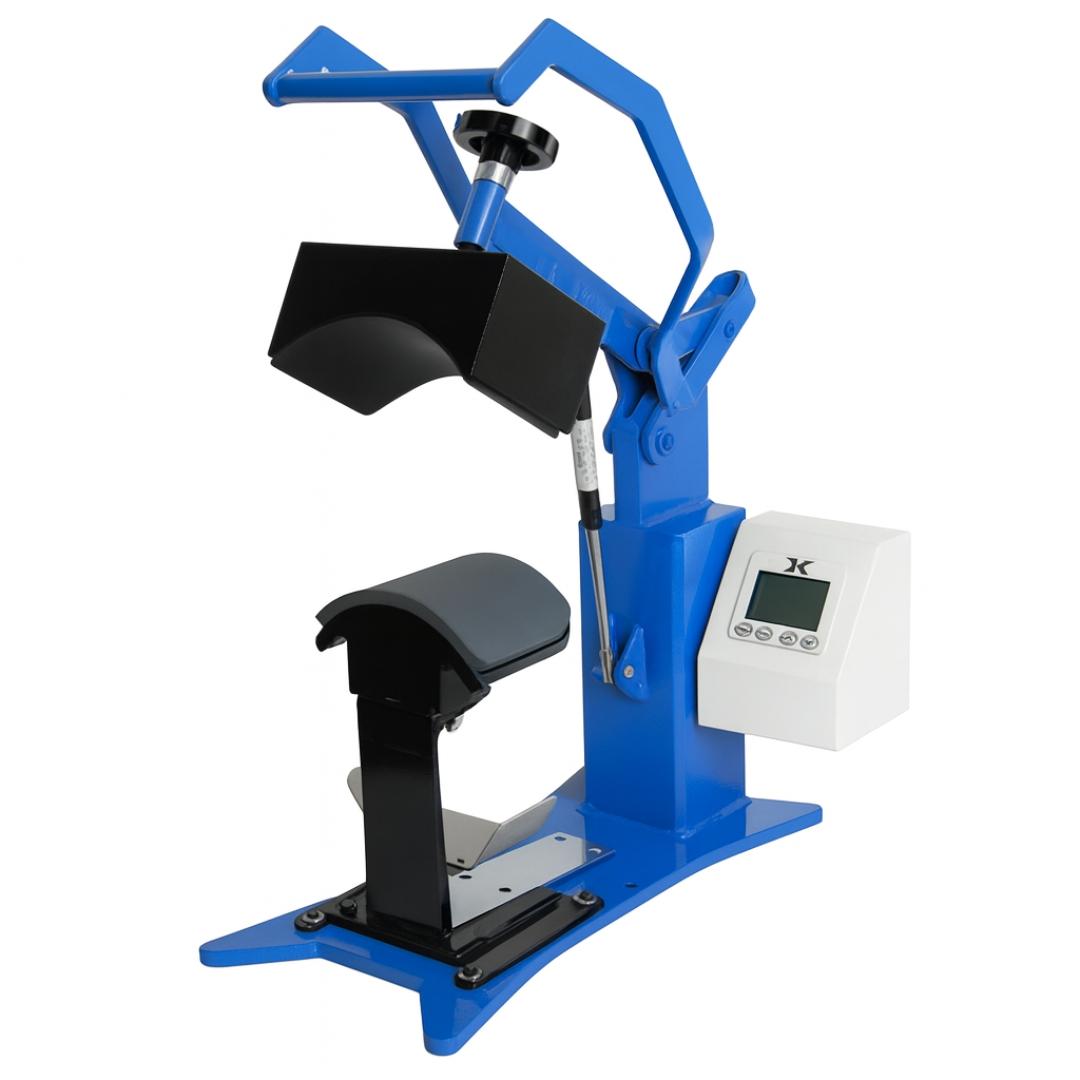
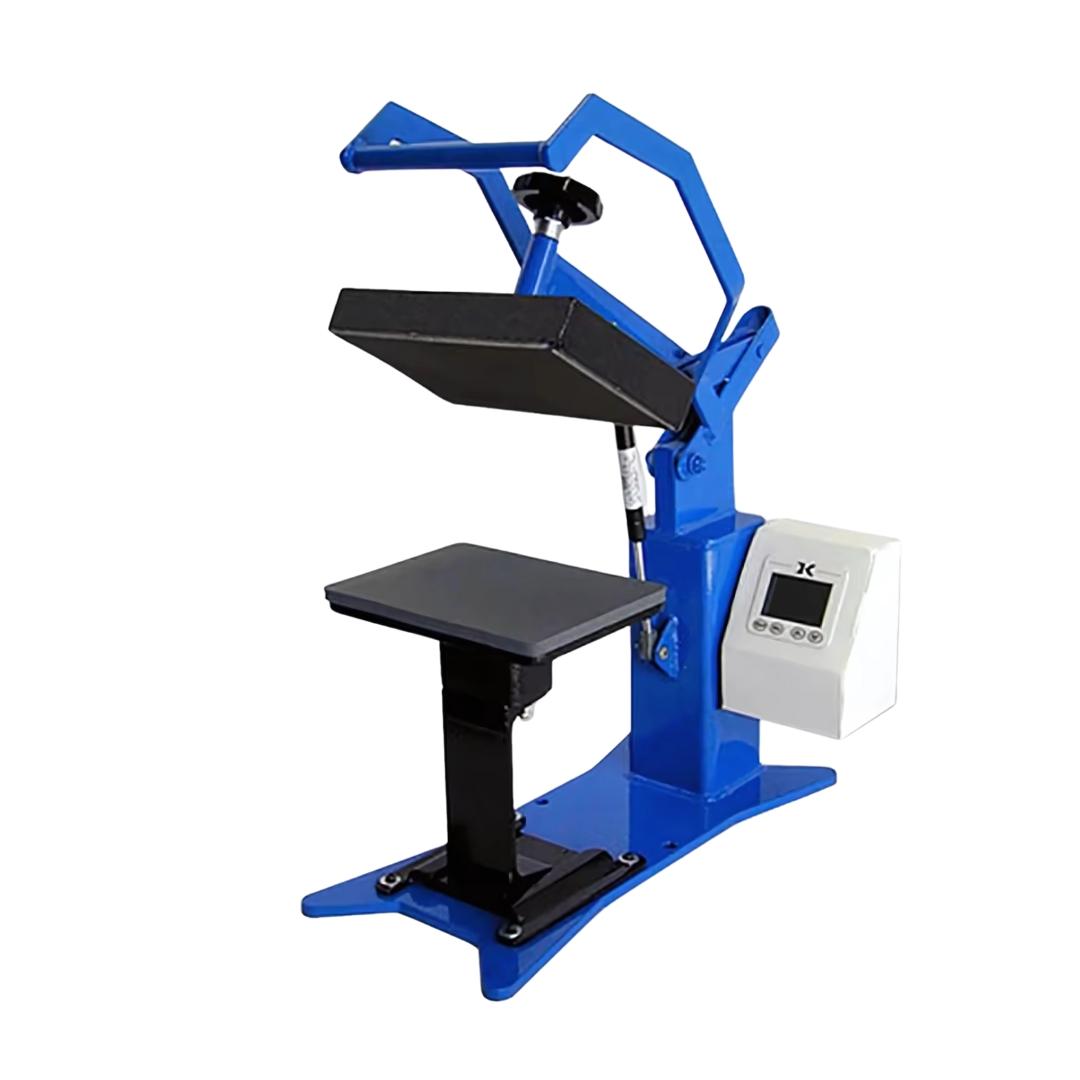
Both press types share the same core maintenance requirements, but their designs concentrate wear in different areas and affect how easily you can access the platen for cleaning.
| Feature | Clamshell Press | Swing-Away Press |
|---|---|---|
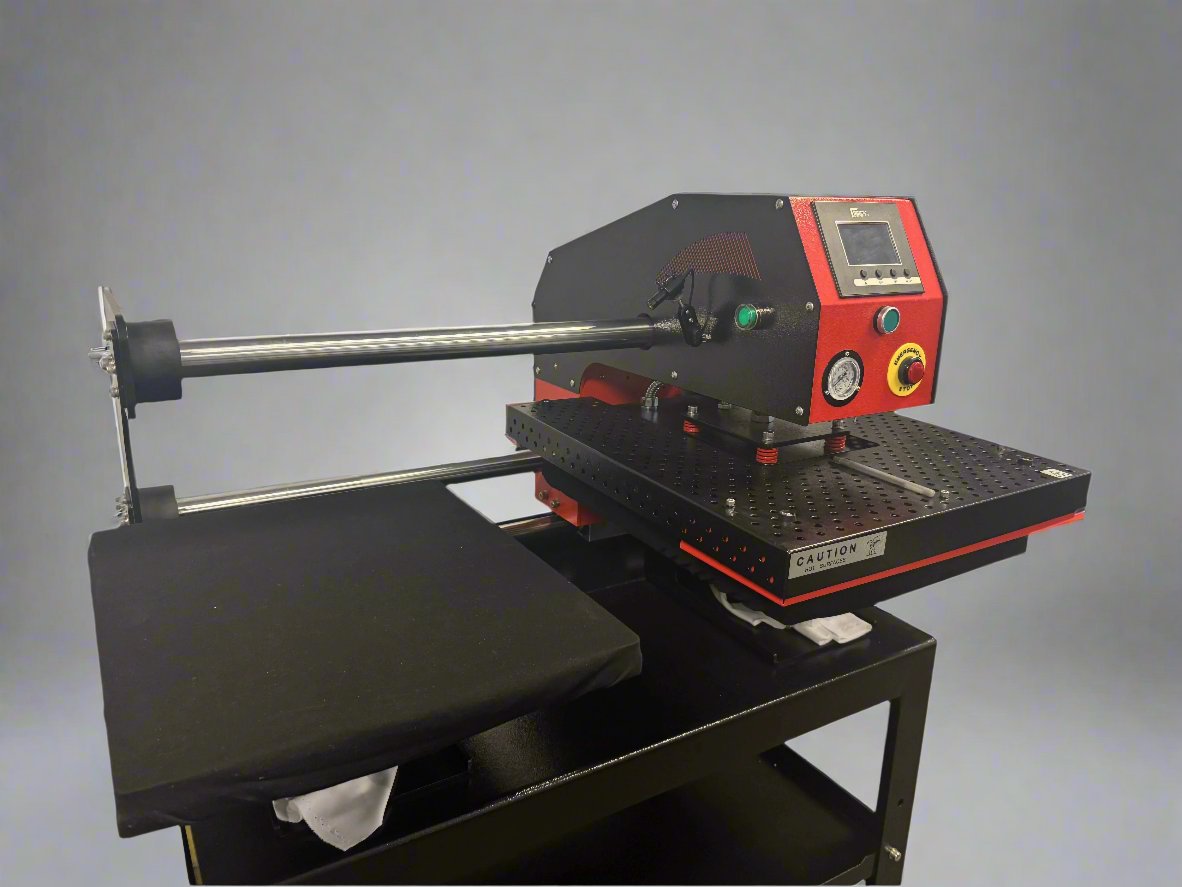
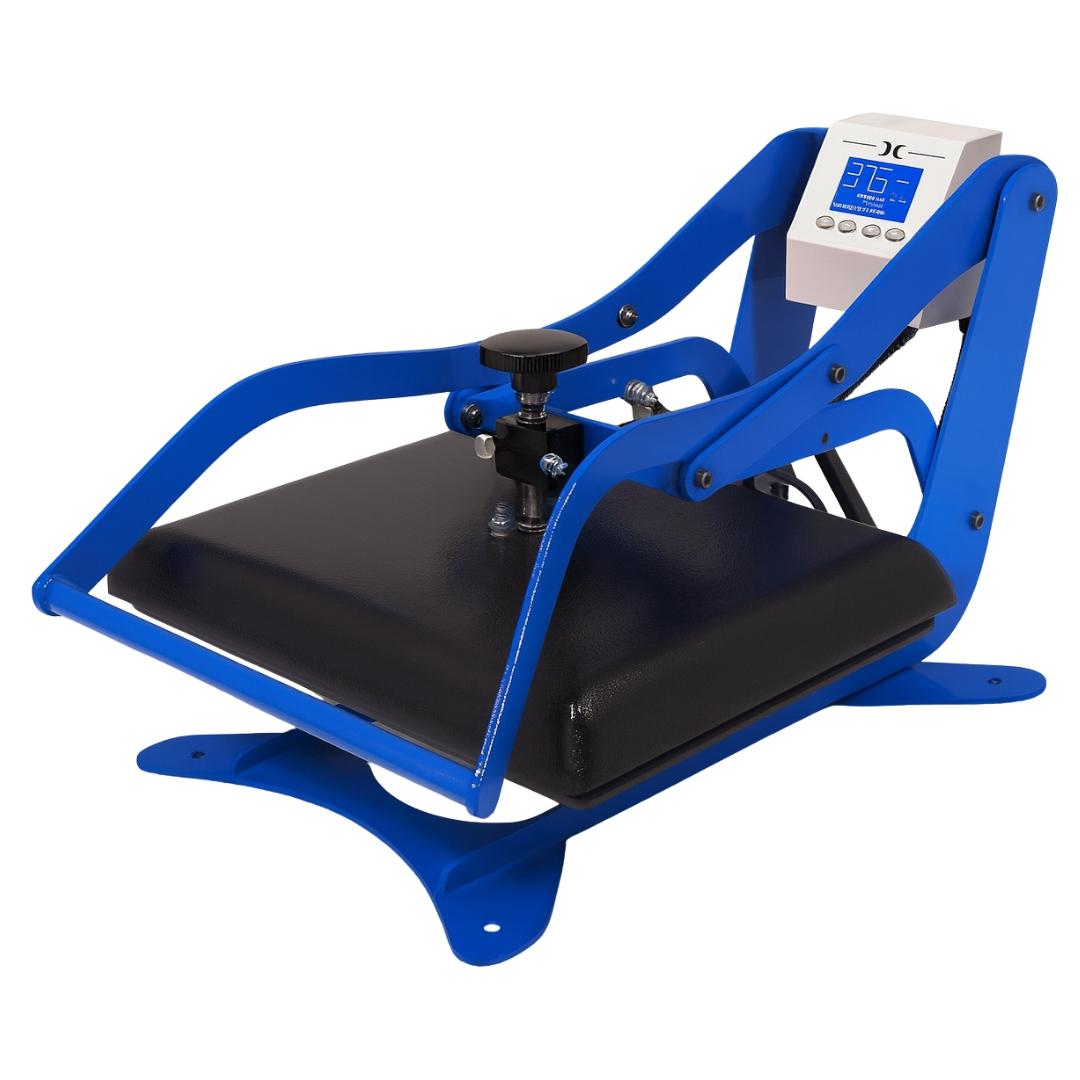
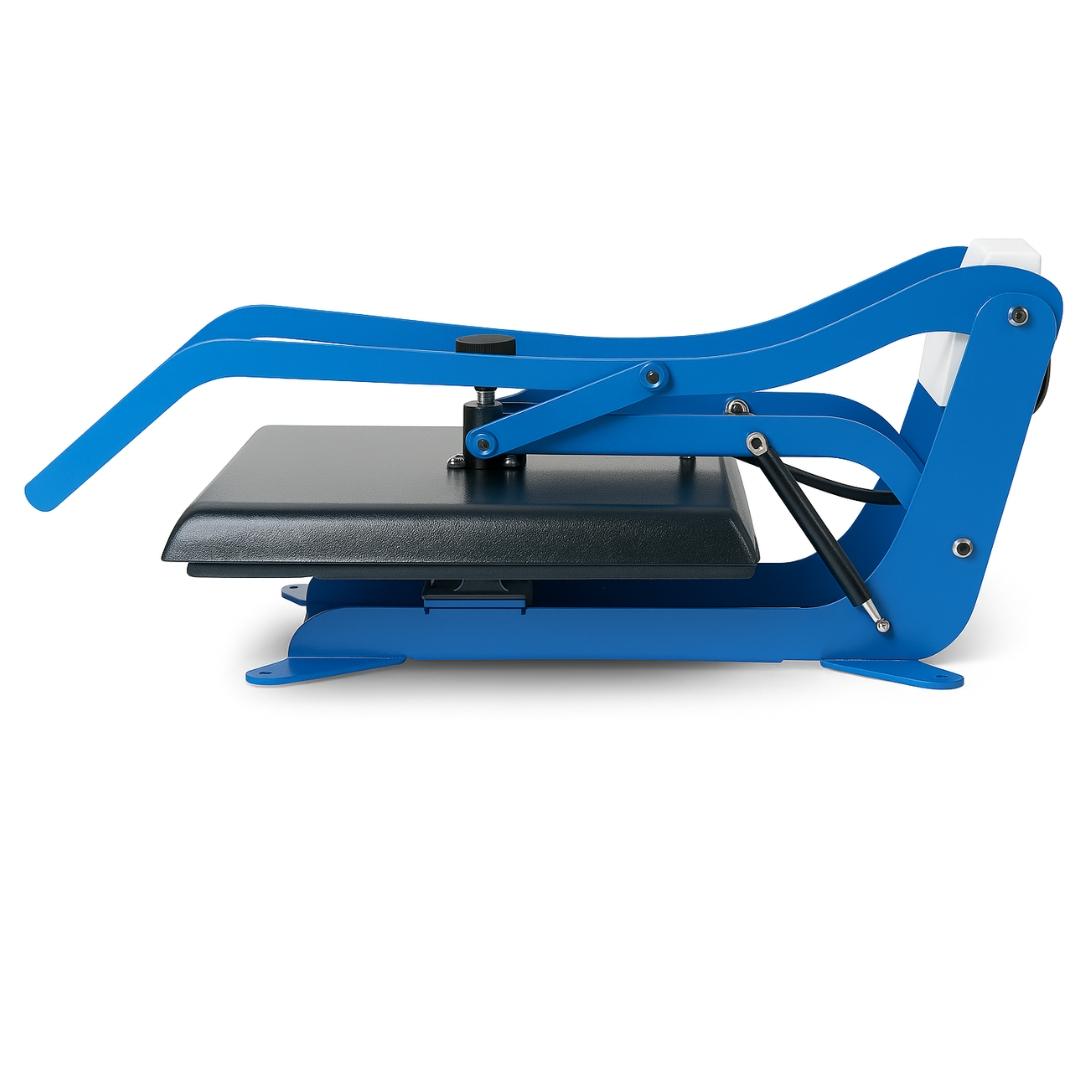
| Platen access for cleaning | More limited: upper platen stays close to work surface | Full access: upper platen swings completely clear |
| Cleaning ease | Harder to clean edges and corners | Easier full-surface access |
| Common wear point | Hinge spring and clamping mechanism | Arm pivot and locking mechanism |
| Pressure mechanism | Spring-loaded hinge | Adjustable arm with separate pressure control |
| Maintenance priority | Keep hinge and clamping mechanism clean and lubricated | Inspect arm pivot for wear; verify lock engagement |
Maintenance Schedule at a Glance
| Task | Frequency | Time Required |
|---|---|---|
| Wipe upper and lower platen | After each session | 5 minutes |
| Clear workspace debris | After each session | 2 minutes |
| Pressure calibration check | Weekly | 10 minutes |
| Temperature accuracy verification | Weekly | 5 minutes |
| Wiring and connection inspection | Weekly | 5 minutes |
| Silicone pad assessment | Weekly | 5 minutes |
| Deep platen cleaning | Monthly | 20 minutes |
| Moving parts inspection and lubrication | Monthly | 15 minutes |
| Heating element visual check | Monthly | 10 minutes |
| Maintenance log update | After each session | 2 minutes |
Common Problems and How to Fix Them
Uneven Pressure Across the Platen
Cause: Worn spring, platen misalignment, or debris under the lower platen.
Fix: Check for debris under the lower platen first. This is the most common and easily resolved cause. Then check platen alignment by measuring the gap at multiple points around the platen perimeter when closed. If alignment is correct and the press is debris-free, the spring or pressure mechanism may need replacement.
Temperature Fluctuations During a Session
Cause: Thermostat drift, failing heating element, or loose wiring connection.
Fix: First, verify with an external infrared thermometer whether the fluctuation is real or a display error. Real temperature fluctuations with a correct display indicate a thermostat or heating element issue. Display errors with stable actual temperature point to a sensor or control board problem. Both require professional service or component replacement.
Sticky Residue on the Platen
Cause: DTF adhesive powder, sublimation ink, or heat transfer adhesive that wasn't fully cleaned after a previous session.
Fix: Warm the press to approximately 150°F, power off, and apply a dedicated heat press cleaner. Allow it to penetrate for 30 seconds before wiping. For hardened adhesive, use a non-abrasive cleaning pad with gentle circular pressure. Do not use abrasive pads or metal scrapers, as these permanently damage the platen surface.
Transfer Not Adhering Properly
Cause: Before adjusting transfer settings, check the press. Inadequate temperature, insufficient pressure, or platen residue creating a thermal barrier are all common press-side causes of adhesion failures.
Fix: Verify temperature with an external thermometer. Run a pressure calibration test. Deep clean the platen. Only after eliminating press-side causes should you adjust transfer time, temperature, or pressure settings.
What Materials Do You Need to Clean a Heat Press?
Keep these supplies at your workstation for consistent, effective maintenance:
- Isopropyl alcohol (90%+): Effective for general residue removal from the heat platen. Evaporates quickly and leaves no residue. Suitable for daily cleaning.
- Dedicated heat press cleaner: Formulated for adhesive and ink residue. More effective than isopropyl alcohol on heavy buildup from DTF adhesive powder or sublimation ink.
- Soft microfiber cloths: For wiping platens without scratching. Replace when they show ink saturation.
- Non-abrasive cleaning pad: For tackling hardened residue without damaging the platen surface. Never substitute with abrasive kitchen pads or steel wool.
- Infrared thermometer or thermal test strips: For verifying platen temperature accuracy during weekly checks.
- Replacement silicone pads: Keep at least one spare on hand. A degraded pad is one of the most common and easily overlooked causes of pressure inconsistency.
Signs Your Heat Press Needs Professional Servicing
Some issues go beyond regular maintenance and require professional attention or component replacement. Stop production and contact your equipment supplier if you observe any of the following:
- The press fails to reach target temperature despite correct settings
- Pressure adjustment has no effect on platen compression
- The digital display shows error codes or erratic readings
- Visible damage to the heating element or wiring
- The platen surface is warped or has developed raised areas that cannot be cleaned away
- The press produces a burning smell during operation. Stop immediately, unplug, and do not resume until inspected
Operating a press showing these signs risks both product quality and workplace safety. The cost of a service call is far less than the cost of failed production runs or a safety incident.
Frequently Asked Questions About Heat Press Maintenance
How often should I clean my heat press machine?
Clean the upper and lower platens after every session. This takes less than five minutes and prevents residue from hardening. Perform pressure and temperature calibration checks weekly. Do a full deep clean and mechanical inspection monthly. If you work primarily with DTF transfers, clean more frequently: DTF adhesive powder migrates to platen edges and builds up faster than residue from other transfer types.
Can I use water to clean the heat platen?
Water alone is not effective for ink and adhesive residue. A damp cloth works for light surface dust, but for any transfer residue, use isopropyl alcohol or a dedicated heat press cleaner. Avoid soaking the platen with any liquid. Moisture that reaches the heating element can cause internal damage. Always let the press cool completely before applying any cleaning solution.
What causes uneven transfers even when my settings are correct?
Uneven pressure distribution is one of the most common causes of inconsistent transfer results, and it's often mistaken for a settings problem. Before adjusting temperature or time, check the press: look for debris under the lower platen, verify platen alignment, and run a pressure calibration test using transfer paper. Correct the press first, then reassess your settings.
How do I know when to replace the silicone pad?
Replace the silicone pad when it shows hardening, surface glazing (shiny or reflective spots), scorching or discoloration, cracking, or visible indentations from repeated pressing. A degraded pad creates pressure inconsistencies across every transfer you press. Replacement pads are inexpensive compared to the defective output a worn pad produces.
Is it safe to clean the heat press while it's still warm?
No. Always allow the press to cool completely before cleaning. Applying isopropyl alcohol or chemical cleaners to a hot platen can cause rapid vaporization, creating inhalable fumes. Applying cold liquids to a hot heating element also causes thermal stress that shortens element lifespan over time. Unplug the machine and wait for full cool-down before starting any cleaning or inspection task.
Maintaining Your Heat Press for Long-Term Production Quality
A consistent maintenance routine is what separates reliable, repeatable production from inconsistent results and unexpected downtime. The tasks described in this guide (daily cleaning, weekly calibration checks, monthly deep maintenance) require minimal time but have a significant impact on machine longevity and the quality of every transfer you press.
For specific maintenance products, replacement silicone pads, or equipment guidance, visit the JOT Imaging Essentials product pages or contact us directly. We're here to support your production setup.