


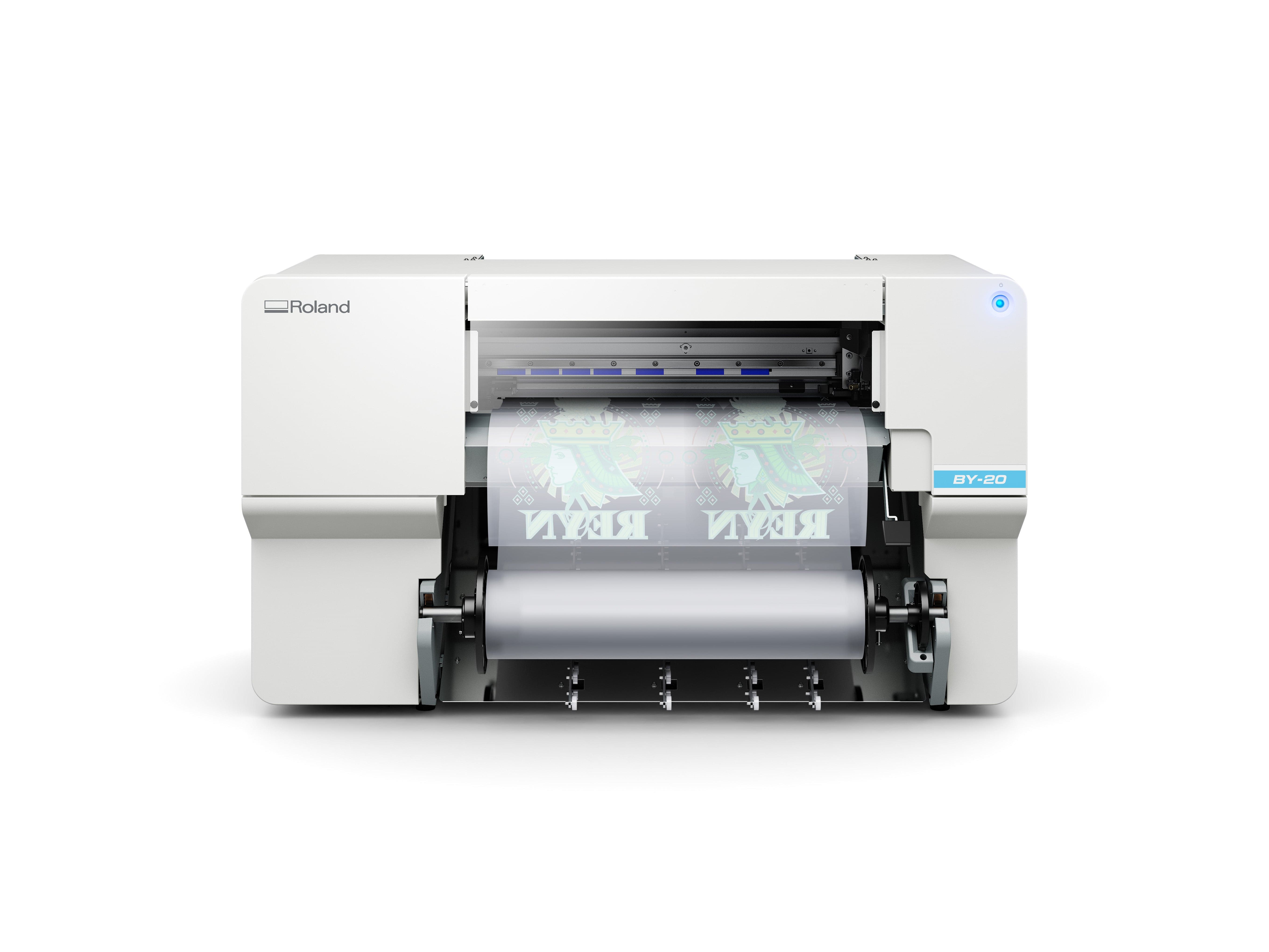
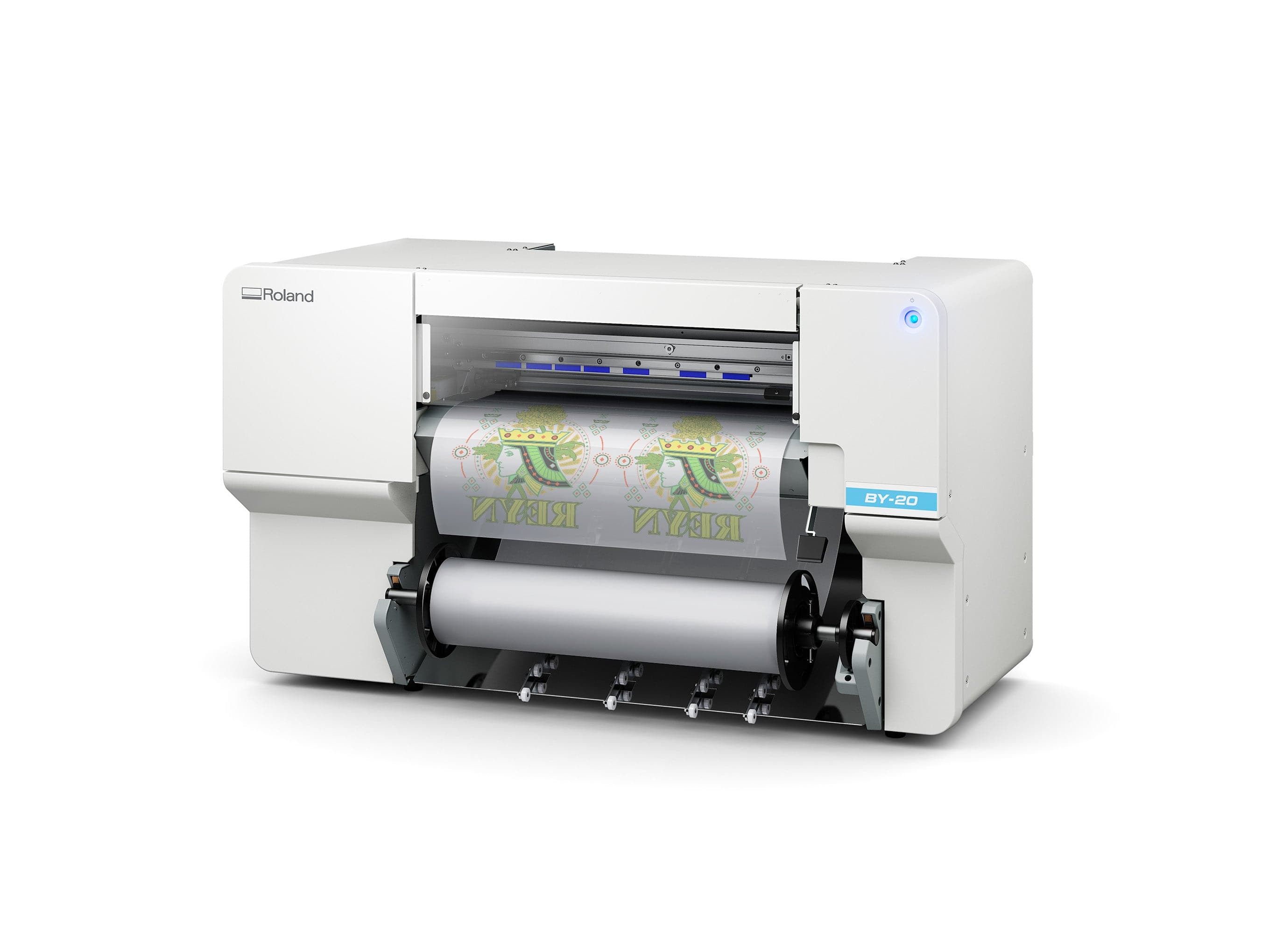


Roland VersaSTUDIO BY-20 Direct-to-Film Printer
Print professional-quality apparel transfers in one compact machine. The BY-20 lets you produce vibrant DTF graphics for cotton, polyester, blends, and more without weeding, without screens, and without the enterprise price tag. You'll get production-ready output at desktop footprint, with integrated cutting for contour work and fast optimized print modes that cut your workflow in half compared to previous generations.
Quick Specs
- Print Width: 18.89 inches (480 mm)
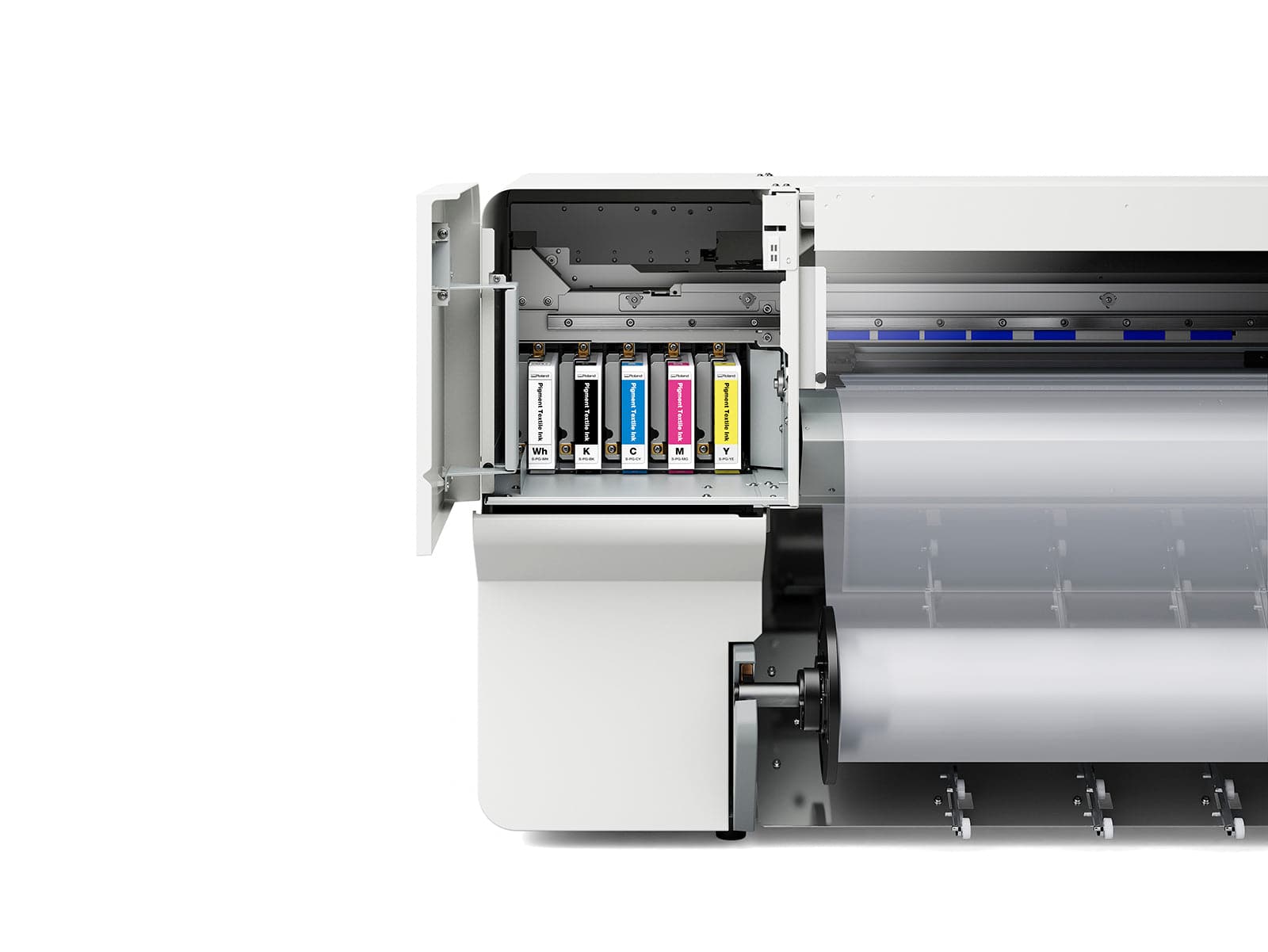
- Ink System: CMYKW (5-color) with integrated white ink
- Resolution: 1,440 dpi for photo-quality detail
- Media Support: DTF film, cotton, polyester, denim, nylon, rayon, blends
- Print & Cut: Integrated contour cutting—no separate equipment
- Software Included: FlexiDESIGNER VersaSTUDIO Edition, VersaWorks 6, Roland DG Connect
- Connectivity: Ethernet for remote operation and monitoring
Why Choose Roland VersaSTUDIO BY-20
- No weeding, no pre-treatment, no complexity. Transfer graphics directly to garment in seconds. Cut your labor per job by 60 percent compared to traditional screen or vinyl workflows. Your team starts producing on day one without special training.
- Professional output at clearance pricing. You're buying the same Piezo ink-jet technology Roland uses in wide-format industrial equipment, at a cost that fits startup and shop budgets. This clearance price doesn't come back.
- Print and cut in one pass. The integrated cutting system handles contour work, detail lines, and kiss-cutting without a second device. Consolidate your workflow, consolidate your floor space.
- White ink included and integrated. Full opacity on dark fabrics without a separate white-ink system or carrier fluid headaches. Print neon, pastels, and photographic color on any garment base.
- Automation-ready. Works with standard DTF powder shakers and heat units from Vastex, Stahls, and others. Scale from one-at-a-time custom orders to automated production runs as you grow.
Features
Optimized Print Modes
Fast mode delivers speed without sacrifice. Standard mode locks in maximum detail. Both modes work with textile inks optimized for durability, wash-fastness, and color fidelity—so your transfers survive 100+ washes without cracking or fading.
Integrated Media Heating
Built-in print heater and dryer hold ink and powder at optimal cure temperatures automatically. No separate equipment, no separate learning curve. Set temperature once and walk away.
Front-Loading Design
Ink cartridges, media roll, and maintenance access all from the front. You're not reaching around a machine or wrestling with rear panels between jobs. Consumable changes take seconds.
Oeko-Tex ECO PASSPORT Certified Inks
Your prints meet international safety standards for textile products with zero toxic substances. Sell with confidence to corporate buyers, schools, and customers who require certified-safe apparel.
Utility Software for Every Role
FlexiDESIGNER is for designers and operators who want intuitive tools and guided workflows. VersaWorks is for production managers who need color management, batch printing, and detailed output control. Roland DG Connect gives you live monitoring and predictive maintenance alerts so you catch problems before they cost a job.
Complete Product Specifications
| Specification | Value |
|---|---|
| Printing Method | Piezo ink-jet (drop-on-demand) |
| Print Resolution | Maximum 1,440 dpi |
| Ink Type | 220 ml cartridges (CMYK + White) |
| Printable Width | 5.91 to 20.2 inches (150 to 515 mm) |
| Maximum Print Width | 18.89 inches (480 mm) |
| Print Length | Unlimited (roll media) |
| Media Thickness for Printing | Maximum 39.3 mil (1.0 mm) with liner |
| Media Thickness for Cutting | Maximum 15.7 mil (0.4 mm) with liner; 8.6 mil (0.22 mm) without liner |
| Roll Outer Diameter | Maximum 5.9 inches (150 mm) |
| Roll Weight | Maximum 13.2 lb (6 kg) |
| Core Diameter | 3 inches (76.2 mm) or 2 inches (50.8 mm) |
| Cutting Speed | 0.39 to 5.9 in/s (10 to 150 mm/s) |
| Blade Type | Roland CAMM-1 series blade |
| Blade Force Range | 30 to 500 gram-force |
| Blade Offset Precision | 0.000 to 1.500 mm (0.0 to 59 mil) |
| Software Resolution (Cutting) | 0.025 mm/step (0.98 mil/step) |
| Print Heater Temperature Range | 86 to 95 degrees Fahrenheit (30 to 35 degrees Celsius) |
| Dryer Temperature Range | 86 to 100.4 degrees Fahrenheit (30 to 38 degrees Celsius) |
| Warm-Up Time After Power-Up | 5 to 20 minutes (environment dependent) |
| Input Power Rating | 100-240 VAC, 50/60 Hz, 2.1 A |
| Power Consumption (Operating) | Approximately 185 W |
| Power Consumption (Sleep Mode) | Approximately 27 W |
| Connectivity | Ethernet (100BASE-TX/1000BASE-T, automatic switching) |
| Power-Saving Function | Automatic sleep feature |
| Noise Level (Operating) | 62 dB(A) or less |
| Noise Level (Standby) | 60 dB(A) or less |
| Operating Temperature Range | 68 to 82.4 degrees Fahrenheit (20 to 28 degrees Celsius) |
| Operating Humidity Range | 40 to 80 percent RH (no condensation) |
| Storage Temperature Range | 41 to 104 degrees Fahrenheit (5 to 40 degrees Celsius) |
| Storage Humidity Range | 20 to 80 percent RH (no condensation) |
| Machine Dimensions | 42.1 x 24.3 x 24.5 inches (1,069 x 617 x 622 mm) |
| Machine Weight | 137 lb (62 kg) |
What's Included
- Roland VersaSTUDIO BY-20 DTF Printer
- Integrated Contour Cutting System
- Roland DG VersaWorks 6 Software Suite
- FlexiDESIGNER VersaSTUDIO Edition Design Software
- Roland DG Connect Monitoring App
- Power Cord and USB Cable
- Media Holders and Guides
- Replacement Blade for Separating Knife
- Full User Manual and Quick-Start Guide
- Manufacturer's One-Year Trouble-Free Warranty
Setup, Use, and Care
Before First Use
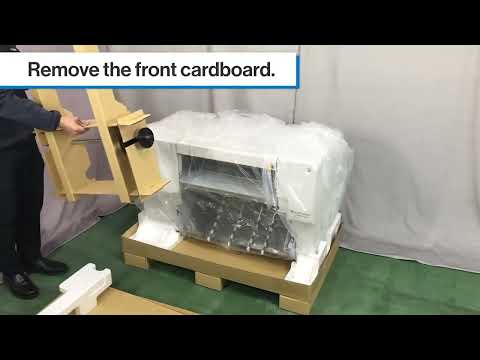
Unpack the printer on a level, vibration-free surface with 6 inches of clearance on all sides. Plug in and run the automatic setup sequence in VersaWorks. Allow 5 to 20 minutes for the print heater and dryer to reach temperature. Load media and verify cutting blade offset using the test cut function in utility software.
During Operation
Monitor ink levels in cartridge bays and swap 220 ml cartridges when the utility software alerts you. Empty the separator bin after every 100 to 150 feet of cutting. Check media tension before each print run to prevent skew. Calibrate cutting blade offset weekly or when switching between media types.
Regular Maintenance
Run the nozzle flush cycle twice weekly if printing daily, once weekly if printing less frequently. Clean the print head at the end of each work shift using the supplied swabs and cleaning cartridge. Replace the cutting blade every 2,000 to 3,000 linear inches of cutting, or when you see ragged edges or incomplete cuts. Store unused cartridges in original packaging in a cool, dry environment to prevent ink settling.
Important Usage Notes
All prints require DTF powder adhesive and heat curing for durability. Ensure proper ventilation in your shop when curing powder to meet occupational safety standards. Do not exceed recommended ambient temperature and humidity ranges during operation or you may experience print quality degradation or thermal errors. The machine requires network connectivity for remote monitoring and software updates; connect to your shop ethernet before first use.
For detailed troubleshooting, driver downloads, and video tutorials, visit Roland DG's support center at https://downloadcenter.rolanddg.com/BY-20


