
Skip to content
en
United States USD
Skip to product information

Free shipping on orders of $250+ · under 150 lbs

Paropy™ Heat Transfer Paper Inkjet Light - Pack of 100

Regular price $81.00
Sold out

P-IJL-GEN-LT-NI

Shipping calculated at checkout

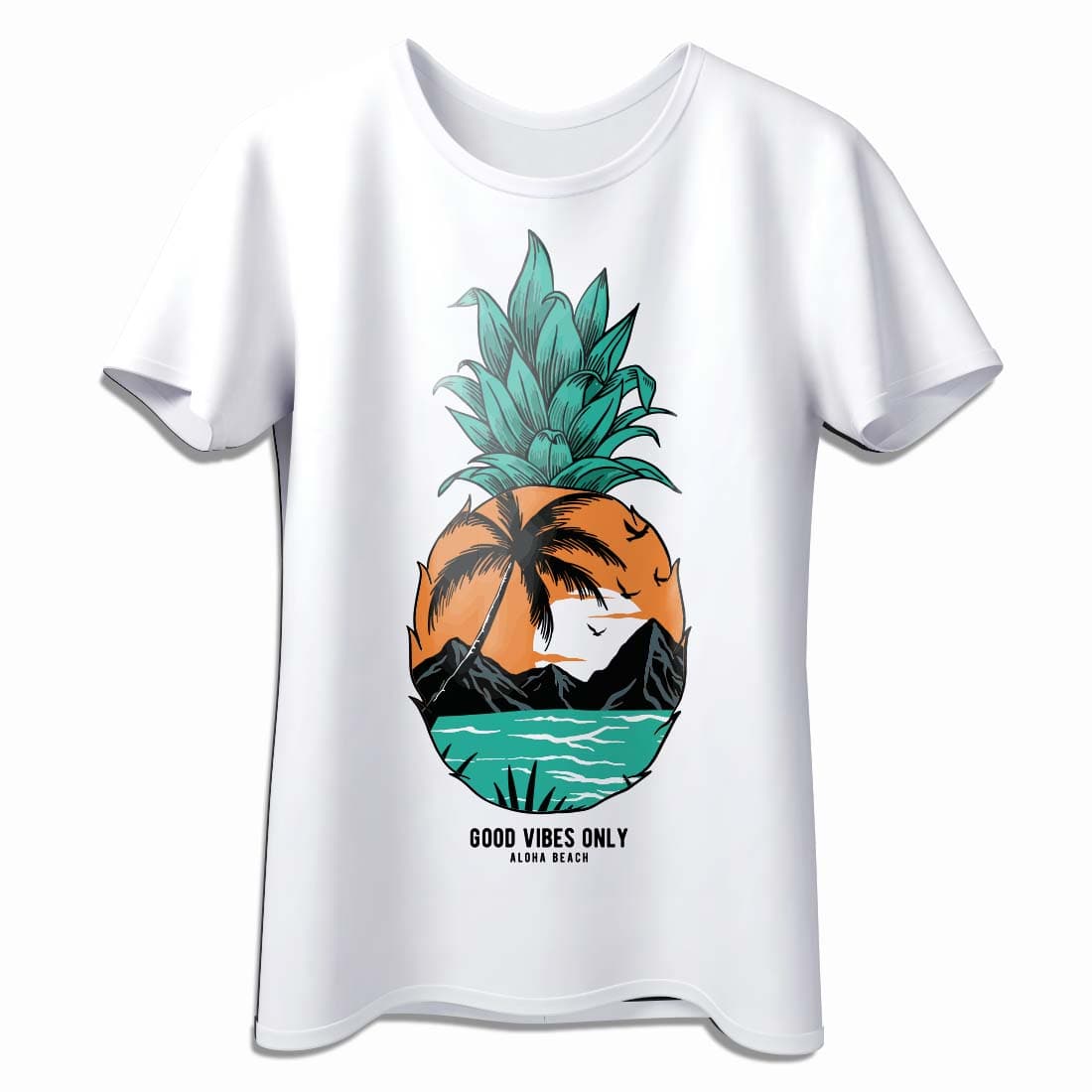
This transfer paper is ideally for white and light-colored shirts. It has excellent wash, amazing stretch, vibrant color reproduction, and minimal polymer background. It needs to be peeled warm and pressed with heavy pressure. It works with Pigment, dye-based, or sublimation printers.

  • Letter (8.5" x 11")
  • Tabloid (11" x 17")
Sold out

Description


Paropy™ Inkjet Light Transfer Paper – High-Quality Transfers for Light-Colored Fabrics


Create stunning, full-color designs on white and light-colored fabrics with our premium Paropy™ Inkjet Light Transfer Paper. Engineered for brilliant color reproduction and long-lasting results, this paper is perfect for t-shirts, bags, caps, and more.


Compatible with pigment, dye-based, and sublimation inks, it works on cotton, polyester, blends, and specialty fabrics. Enjoy a virtually invisible polymer background, excellent wash resistance, and a soft, flexible finish. Application is easy with either a heat press or a household iron.


Key Features:


  • Perfect for white and light-colored fabrics
  • Virtually invisible polymer background for a natural look
  • Excellent wash resistance (up to 105°F / 40°C)
  • Bright, vivid color output with superb stretch
  • Compatible with pigment, dye-based, and sublimation inks
  • Press with a heat press or household iron


Recommended Fabrics:


  • 100% cotton
  • 100% polyester
  • Poly/cotton blends
  • Polyester knits and mesh
  • Satin and poly/foam caps


Printing & Application Instructions:


  • Print Mode: Photo Quality / Best Quality
  • Image: Mirror before printing
  • Press Temperature: 350°F (175°C)
  • Time: 20 seconds
  • Pressure: Heavy (70–80 PSI)
  • Peel: Warm peel (after 5 seconds). For glossy finish, peel cold
  • Important: Do not use Teflon sheets during pressing


Wash & Care Instructions:


  • Wait 24 hours before washing
  • Machine wash with mild detergent (no bleach)
  • Wash temperature should not exceed 105°F (40°C)
  • Do not dry clean
  • Iron image after each wash to restore vibrancy


Product Specifications:


  • Brand: Paropy™
  • Type: Inkjet Light Transfer Paper
  • Pack Size: 100 sheets
  • Application: Inkjet printer + heat press or household iron


Perfect For:


  • Custom t-shirts and apparel
  • Personalized tote bags and fabric accessories
  • Decorating caps, satin, and specialty fabrics
  • DIY projects and creative gifts


Handling & Storage Recommendations:


  • Store in a cool, dry place away from direct sunlight
  • Keep sheets flat to avoid curling
  • Handle with clean, dry hands for best print results


Instructions
Peel Warm
Image Mirror
Pressure 70PSI - 80PSI
Application Temperature 345-365°F (175-185°C)
Time 20 seconds
Equipment Used Inkjet Printer
Wash Temperature Up To 105F (40C)
Imaging Instructions Feed material into the inkjet printer so that the printer is printing on the printable side (white matte coated side).
Design your image and resize if necessary. Print your graphic onto the paper. Use Photo Quality / Best Quality print mode.
Prepress fabric for 5 seconds.
Place on fabric with image face down.
Heat press the transfer onto the fabric. Press at 350F at 20 seconds. Use heavy pressure. Do not use Teflon sheets when pressing.
Peel after 5 seconds to allow to cool slightly. For glossy finish peel cold. Tip: Gently stretch your fabric by tugging on the sides after pressing. This will help soften up the transfer.
Downloads
Description


Paropy™ Inkjet Light Transfer Paper – High-Quality Transfers for Light-Colored Fabrics


Create stunning, full-color designs on white and light-colored fabrics with our premium Paropy™ Inkjet Light Transfer Paper. Engineered for brilliant color reproduction and long-lasting results, this paper is perfect for t-shirts, bags, caps, and more.


Compatible with pigment, dye-based, and sublimation inks, it works on cotton, polyester, blends, and specialty fabrics. Enjoy a virtually invisible polymer background, excellent wash resistance, and a soft, flexible finish. Application is easy with either a heat press or a household iron.


Key Features:


  • Perfect for white and light-colored fabrics
  • Virtually invisible polymer background for a natural look
  • Excellent wash resistance (up to 105°F / 40°C)
  • Bright, vivid color output with superb stretch
  • Compatible with pigment, dye-based, and sublimation inks
  • Press with a heat press or household iron


Recommended Fabrics:


  • 100% cotton
  • 100% polyester
  • Poly/cotton blends
  • Polyester knits and mesh
  • Satin and poly/foam caps


Printing & Application Instructions:


  • Print Mode: Photo Quality / Best Quality
  • Image: Mirror before printing
  • Press Temperature: 350°F (175°C)
  • Time: 20 seconds
  • Pressure: Heavy (70–80 PSI)
  • Peel: Warm peel (after 5 seconds). For glossy finish, peel cold
  • Important: Do not use Teflon sheets during pressing


Wash & Care Instructions:


  • Wait 24 hours before washing
  • Machine wash with mild detergent (no bleach)
  • Wash temperature should not exceed 105°F (40°C)
  • Do not dry clean
  • Iron image after each wash to restore vibrancy


Product Specifications:


  • Brand: Paropy™
  • Type: Inkjet Light Transfer Paper
  • Pack Size: 100 sheets
  • Application: Inkjet printer + heat press or household iron


Perfect For:


  • Custom t-shirts and apparel
  • Personalized tote bags and fabric accessories
  • Decorating caps, satin, and specialty fabrics
  • DIY projects and creative gifts


Handling & Storage Recommendations:


  • Store in a cool, dry place away from direct sunlight
  • Keep sheets flat to avoid curling
  • Handle with clean, dry hands for best print results


Instructions
Peel Warm
Image Mirror
Pressure 70PSI - 80PSI
Application Temperature 345-365°F (175-185°C)
Time 20 seconds
Equipment Used Inkjet Printer
Wash Temperature Up To 105F (40C)
Imaging Instructions Feed material into the inkjet printer so that the printer is printing on the printable side (white matte coated side).
Design your image and resize if necessary. Print your graphic onto the paper. Use Photo Quality / Best Quality print mode.
Prepress fabric for 5 seconds.
Place on fabric with image face down.
Heat press the transfer onto the fabric. Press at 350F at 20 seconds. Use heavy pressure. Do not use Teflon sheets when pressing.
Peel after 5 seconds to allow to cool slightly. For glossy finish peel cold. Tip: Gently stretch your fabric by tugging on the sides after pressing. This will help soften up the transfer.
Heat Transfer Paper Inkjet Light - Pack of 100
Paropy™ Heat Transfer Paper Inkjet Light - Pack of 100
Drawer Title
Similar Products