The best DTF printer for beginners balances reliable output, manageable workflow complexity, and support infrastructure. Entry-level operators should prioritize single-function systems with proven printheads, accessible consumables, and clear maintenance protocols over multi-feature hybrid machines that add operational complexity without addressing core production needs.
Most first-time DTF printer buyers focus on print width and price, then discover their real constraints six weeks into production. The printer works, but the workflow doesn't. White ink clogs because the maintenance routine wasn't documented. Film costs twice what the sales sheet suggested. The powder shaker sits unused because nobody explained the curing temperature range. The business model assumed 50 shirts per day, but the actual sustained output is 12.
DTF printing (Direct to Film) removes the substrate restrictions that limit sublimation and the pretreatment complexity that slows DTG operations. It works on cotton, polyester, blends, nylon, and treated leather without surface preparation. The film-based transfer process decouples printing from pressing, which means one person can print while another applies transfers. For small operations building custom apparel businesses, this workflow separation matters more than maximum print resolution or color gamut.
Choosing the wrong printer doesn't just waste the equipment investment. It locks you into a consumables ecosystem, defines your service speed, and sets your quality ceiling for the next three to five years. This guide breaks down what actually separates beginner-appropriate systems from production machines, which features matter for small-batch operations, and how to match printer specifications to real business workflows.
What makes a DTF printer beginner-friendly:
- Proven printhead technology with documented white ink management
- Clear maintenance protocols and accessible support infrastructure
- Manageable workflow complexity matched to operator experience
- Accessible consumables with transparent cost structures
- Realistic production capacity that scales with business growth
Why DTF Printer Selection Determines Business Viability
A DTF printer is not a standalone device. It anchors a production system that includes film supply, powder application, heat curing, and garment pressing. The printer defines cycle time, color consistency, and white ink opacity. Everything downstream depends on what the printer delivers.
When the printer outputs consistent film with proper ink saturation and reliable white underbase, the rest of the workflow runs predictably. Powder adheres uniformly. Curing happens at documented temperatures. Transfers apply without edge lifting or incomplete adhesion. Quality stays consistent across production runs.
When the printer struggles with white ink flow or produces uneven color density, every downstream step becomes a troubleshooting exercise. Operators adjust powder weight trying to compensate for weak ink coverage. Curing temperatures get pushed higher to force adhesion. Press times extend because the transfer film won't release cleanly. What looked like a powder problem or a film problem traces back to printhead performance or ink formulation.
The printer determines three operational constraints that affect everything else. First, it sets maximum production speed through print resolution, head configuration, and pass requirements. Second, it defines consumable costs through ink consumption rates and compatible film specifications. Third, it establishes maintenance overhead through head cleaning frequency, white ink circulation needs, and calibration requirements. These constraints don't appear in specification sheets, but they control whether a business model actually works at the assumed production volume and margin structure.
What Makes a DTF Printer Beginner-Friendly
Beginner-appropriate DTF printers share specific design characteristics that reduce operational risk and accelerate learning. These characteristics aren't about dumbing down features. They're about matching system complexity to operator experience and business scale.
Printhead Technology and White Ink Management
DTF printing requires white ink as an underbase layer beneath CMYK color. White ink contains larger pigment particles than process colors, which means it clogs more easily and requires more aggressive circulation. Entry-level systems should use proven Epson printheads with documented white ink compatibility, not experimental head configurations that promise higher speed at the cost of reliability.
The white ink circulation system matters more than printhead count. Printheads that sit idle allow white ink to settle and form deposits. Effective systems either run continuous circulation loops or implement scheduled agitation cycles that prevent settling without requiring manual intervention. Beginner operators need systems that maintain white ink flow automatically, not machines that depend on remembered maintenance schedules.
Film Handling and Media Path Design
DTF film feeds differently than paper. It's stiffer, more dimensionally stable, and less forgiving of tension variations. Roll-fed systems work better than sheet-fed configurations for sustained production because they maintain consistent media tension and eliminate the handling time between individual sheets.
The media path should run straight without tight curves or complicated routing. Complex paths increase jam frequency and make troubleshooting harder when film tracking goes wrong. Simple paths mean faster problem identification and less downtime when adjustments are needed.
Integrated vs. Modular Workflow Design
Some DTF printers include powder application and curing in a single integrated unit. Others output printed film that requires separate shaking and oven equipment. Integrated systems reduce handling steps and floor space requirements, but they lock you into one workflow sequence and complicate troubleshooting when problems span multiple functions.
Modular systems let you isolate problems more easily. If powder adhesion fails, you know the issue is in the shaker or oven, not somewhere in a multi-function machine. You can also upgrade components independently as production volume grows. The tradeoff is more floor space, more handling between steps, and more equipment to maintain.
Software and Color Management
DTF printing requires RIP software that manages white ink underbase generation, color separation, and print queue processing. Entry-level operators need RIP interfaces that handle standard workflows without requiring deep color management knowledge. The software should generate white underbase automatically from image alpha channels, not force manual mask creation for every design.
ICC profile support matters for color consistency. The RIP should include pre-built profiles for common film and ink combinations, with clear documentation for when custom profiling becomes necessary. Systems that require immediate custom profile development add a technical barrier that most beginners can't clear without external help.
The 5 Best DTF Printers for Beginners and Small Business
These five systems represent different entry points into DTF production. They span budget ranges, production capacities, and workflow approaches. Each serves specific business models and operator experience levels.
1. Epson F2270 Hybrid DTG/DTF Printer

The Epson F2270 operates as both a direct-to-garment and direct-to-film printer, which gives operators two production methods in one system. This hybrid capability matters for businesses that want to test both DTG and DTF workflows before committing to one approach, or that need DTG for specialty applications while running DTF for volume production.
Epson's PrecisionCore printhead technology delivers consistent output across both printing modes. The system uses genuine Epson ink packs rather than bulk ink systems, which simplifies inventory management and reduces the risk of contamination from third-party formulations. The printhead maintenance runs automatically on documented schedules, and the system alerts operators before problems develop into failures.
The workflow switching between DTG and DTF modes takes approximately 15 minutes, which means this isn't a machine for constantly alternating between methods throughout a production day. It works best when operators batch similar jobs together and switch modes weekly or monthly rather than hourly. For businesses uncertain about which printing method will dominate their production mix, the hybrid design provides flexibility without forcing an immediate commitment to one technology path.
This printer fits established businesses adding custom apparel capabilities to existing product lines, or operators with prior screen printing or embroidery experience who understand production workflow management. The dual-mode capability adds operational complexity that pure beginners may not need, but it provides a clear upgrade path as business requirements evolve.
Key Features
- Hybrid DTG and DTF printing capability
- PrecisionCore printhead technology for consistent output
- Genuine Epson ink pack system
- Automatic maintenance scheduling
- 15-minute mode switching workflow
Best For
- Businesses testing both DTG and DTF workflows
- Operators with prior printing equipment experience
- Operations requiring production method flexibility
2. Roland VersaSTUDIO BY-20 DTF Printer

The Roland BY-20 combines printing and contour cutting in a single desktop unit, which eliminates the need for separate cutting equipment when producing shaped transfers or custom patches. The integrated cutting system reads registration marks printed with the design, then cuts accurate contours around complex shapes without manual positioning.
This printer targets operations producing small-batch custom orders where design variety matters more than volume throughput. The desktop footprint fits spaces that can't accommodate separate printer and cutter stations. The integrated workflow reduces handling steps between printing and cutting, which decreases the chance of registration errors or media damage during transfer between devices.
The compact design does limit production capacity. The BY-20 handles smaller film widths than full-size DTF printers, which restricts maximum transfer dimensions. For businesses producing primarily small designs, patches, or single-location prints, this constraint rarely matters. For operations planning to produce full-chest prints or all-over designs, the width limitation becomes a workflow barrier.
Roland's VersaWorks RIP software includes print-and-cut workflow templates that simplify setup for common production tasks. The system works well for prototype development, custom merchandise production, and small apparel brands running frequent design changes across limited quantities. It's less suitable for high-volume production of standardized designs where the integrated cutting capability goes unused.
Key Features
- Integrated printing and contour cutting
- Desktop footprint for space-limited operations
- Registration mark-based automatic cutting
- VersaWorks RIP with print-and-cut templates
- Compact media width for small to medium designs
Best For
- Small-batch custom orders with design variety
- Prototype development and sampling
- Operations requiring shaped transfers and patches
3. Epson F1070 Hybrid DTG/DTF Printer

The Epson F1070 delivers hybrid DTG/DTF capability at a lower entry price than the F2270, using similar PrecisionCore printhead technology and UltraChrome DG2 ink formulation. The system produces comparable print quality to its larger sibling while operating in a more compact footprint with reduced maximum print dimensions.
This printer uses the same genuine Epson ink pack system as the F2270, which means consumable costs scale directly with production volume without bulk purchase requirements or minimum order quantities. The automated maintenance runs on the same schedule, and the workflow software provides similar functionality with a streamlined interface designed for simpler operations.
The value proposition centers on businesses that need professional print quality and dual-mode capability but don't require maximum production speed or the largest print areas. The F1070 produces professional results at lower throughput rates, which works when production planning can accommodate longer cycle times and when most designs fit within the available print dimensions.
This system serves startup operations building initial production capacity, established businesses testing DTF as a service addition, or operators transitioning from hobbyist to commercial production scales. The Epson support infrastructure and documented maintenance protocols reduce the technical risk for operators without prior industrial printer experience.
Key Features
- PrecisionCore printhead with UltraChrome DG2 ink
- Compact footprint with professional output quality
- Genuine Epson ink pack system
- Automated maintenance scheduling
- Lower entry price than F2270
Best For
- Startup operations building initial capacity
- Businesses testing DTF as service addition
- Hobbyist to commercial transition operators
4. xTool Apparel Printer All-in-1 Bundle

The xTool All-in-1 Bundle integrates printing, powder application, and curing in a single automated workflow. The system uses dual Epson i1600 printheads to deliver production speeds that support growing operations moving from occasional custom orders to sustained daily production volume.
The automated powder and cure integration means operators load film, initiate the print job, and retrieve finished transfers ready for pressing. This workflow automation eliminates manual powder shaking and separate oven operation, which reduces handling time and decreases the opportunity for contamination or damage between production steps.
The G7-certified color accuracy ensures consistent output across production runs, which matters when businesses commit to branded merchandise programs or ongoing apparel contracts that require color matching between initial samples and volume orders. The system maintains calibration across multiple print sessions, reducing the need for constant profile adjustments or test prints before production runs.
The SmartCycle maintenance system automates printhead cleaning and white ink circulation without requiring operator scheduling or manual intervention. This automation reduces the technical knowledge barrier for scaling production, because new operators or additional shifts don't need deep understanding of maintenance protocols to keep the system running reliably.
This printer fits businesses transitioning from prototype or sample production into sustained commercial volume. The integrated workflow and automated maintenance support operations adding second shifts or multiple operators without requiring extensive training on complex equipment maintenance. The investment level makes sense when daily production volume justifies the automation benefits and when floor space exists for the integrated system footprint.
Key Features
- Integrated printing, powdering, and curing workflow
- Dual Epson i1600 printheads for production speed
- G7-certified color accuracy and consistency
- SmartCycle automated maintenance system
- One-click operation from film load to finished transfer
Best For
- Operations scaling from samples to volume production
- Businesses adding second shifts or multiple operators
- High-volume daily production requirements
5. Procolored F13 Panda DTF Printer

The Procolored F13 Panda uses Epson L1800 printhead technology adapted for DTF printing, which provides a low-cost entry point into film-based garment decoration. This printer delivers functional output quality for operators willing to manage manual workflow steps and perform regular maintenance without automated assistance.
The system requires manual powder application and separate curing equipment, which means operators handle printed film through multiple stations before transfers are ready for pressing. This manual workflow adds handling time and creates opportunities for contamination or damage, but it also lets operators learn each production step independently and troubleshoot problems by isolating individual stages.
Print speeds are slower than production-grade systems, and the single-head configuration means longer wait times for large or complex designs. For businesses producing limited daily volume or testing DTF viability before making larger equipment investments, these speed constraints rarely become production barriers. For operations planning to scale into volume production, the throughput limitations become apparent quickly.
The Procolored community provides extensive online documentation, tutorial videos, and troubleshooting forums that help new operators solve common problems without requiring direct manufacturer support. This community knowledge base partially compensates for the limited formal support infrastructure. Operators comfortable with independent problem-solving and online research find adequate resources. Those expecting immediate telephone support or on-site service find the support model frustrating.
This printer serves absolute beginners testing business viability, hobbyists exploring commercial production, or side operations running limited weekly volume. It's not suitable for businesses with immediate high-volume requirements or operators without technical troubleshooting comfort. The low entry cost makes sense when business validation matters more than production capacity, and when operators have time to develop DTF workflow knowledge through hands-on experience.
Key Features
- Epson L1800 printhead adapted for DTF
- Manual powder and curing workflow
- Low-cost entry point for DTF printing
- Extensive community documentation and tutorials
- A3 desktop size for space-limited operations
Best For
- Absolute beginners testing business viability
- Hobbyists exploring commercial production
- Limited weekly volume side operations
Comparison Framework: Matching Printer to Business Stage
| Business Stage | Production Volume | Recommended System | Key Considerations |
|---|---|---|---|
| Testing Viability | 1-20 transfers per week | Procolored F13 Panda | Minimal investment, manual workflow, community support, learning-focused rather than production-optimized |
| Early Commercial | 20-100 transfers per week | Roland BY-20 or Epson F1070 | Professional output quality, documented maintenance, manufacturer support, integrated or semi-automated workflow |
| Growing Production | 100-300 transfers per week | Epson F2270 or xTool All-in-1 | Dual-mode flexibility or full automation, consistent color management, scalable to multi-operator or multi-shift |
| Established Volume | 300+ transfers per week | xTool All-in-1 or industrial systems | Automated workflow, minimal operator intervention, predictable consumable costs, service contract availability |
Common Mistakes When Choosing DTF Printers
Prioritizing Print Width Over Workflow Capacity
Many buyers focus on maximum print width without analyzing their actual design size distribution. A 24-inch printer costs significantly more than a 13-inch model, but if 90% of designs fit within 10 inches, the extra width adds cost without improving throughput. The wider printer may actually reduce productivity if its larger footprint forces inefficient shop layout or if operators waste film by printing small designs on oversized media.
Analyze your design files before selecting print width. Measure the actual dimensions of typical orders, not theoretical maximum sizes. Most small apparel operations discover that 13-inch width handles the majority of their production volume, with occasional outsourcing for oversized specialty jobs costing less than the equipment upgrade and ongoing consumable expense for a wider system.
Underestimating Consumable Costs
The printer purchase price represents a fraction of total ownership cost over three years. Film, ink, and powder expenses accumulate based on actual production volume, not theoretical capacity. A printer that costs half as much but consumes twice the ink per square foot may cost more to operate than a higher-efficiency system at volume production levels.
Request detailed consumable specifications before purchase. Calculate cost per transfer based on your typical design sizes and production volume. Include white ink consumption separately, because underbase requirements vary significantly between light and dark garment applications. Factor powder costs by weight rather than transfer count, because powder usage depends on design coverage area and white ink density.
Ignoring Support Infrastructure Requirements
DTF printers need more than consumables. They require climate control for consistent ink performance, adequate ventilation for powder handling, stable electrical supply without voltage fluctuations, and clean workspace free from dust and debris. These infrastructure requirements aren't included in printer specifications, but they determine whether the system operates reliably.
The support infrastructure extends to technical knowledge and troubleshooting capability. Systems with strong manufacturer support networks work better for operators without prior industrial printer experience. Community-supported printers work for technically comfortable operators willing to research solutions independently. Mismatching support expectations to available resources leads to extended downtime and frustrated operators.
Overlooking Maintenance Overhead
Different printers require different maintenance commitments. Some systems need daily head cleaning, weekly calibration, and monthly deep maintenance cycles. Others automate most maintenance tasks and only require periodic consumable replacement. The maintenance overhead directly affects operational cost through labor time and through the technical skill level required to keep systems running.
Before purchasing, document the complete maintenance schedule. Identify which tasks operators can perform without specialized training and which require technical expertise or external service. Calculate the weekly labor hours required for routine maintenance at your planned production volume. Systems that promise low purchase prices but require extensive manual maintenance may cost more in operational labor than automated systems with higher initial investment.
What Happens Next: From Purchase to Production
Choosing the printer starts the process, but production readiness requires complete workflow planning. The printer needs compatible film and powder supplies with documented specifications, not generic consumables that may or may not work reliably. The heat press must match the transfer film requirements for temperature, pressure, and peel timing. The workspace needs adequate ventilation, climate control, and electrical capacity.
New operators should plan for a learning period before committing to customer delivery deadlines. The first production runs will reveal workflow bottlenecks, calibration needs, and process refinements that aren't apparent during equipment demonstrations or tutorial videos. Building this learning time into the business launch timeline prevents the pressure of missed customer deadlines during the critical early operational phase.
Production volume should ramp gradually rather than jumping immediately to maximum capacity. Starting with limited daily output lets operators develop quality control processes, refine maintenance routines, and identify consumable reorder cycles before scaling up. This graduated approach reduces the risk of quality failures during volume production and gives operators time to build the operational knowledge that specification sheets can't convey.
Frequently Asked Questions
What is DTF printing?
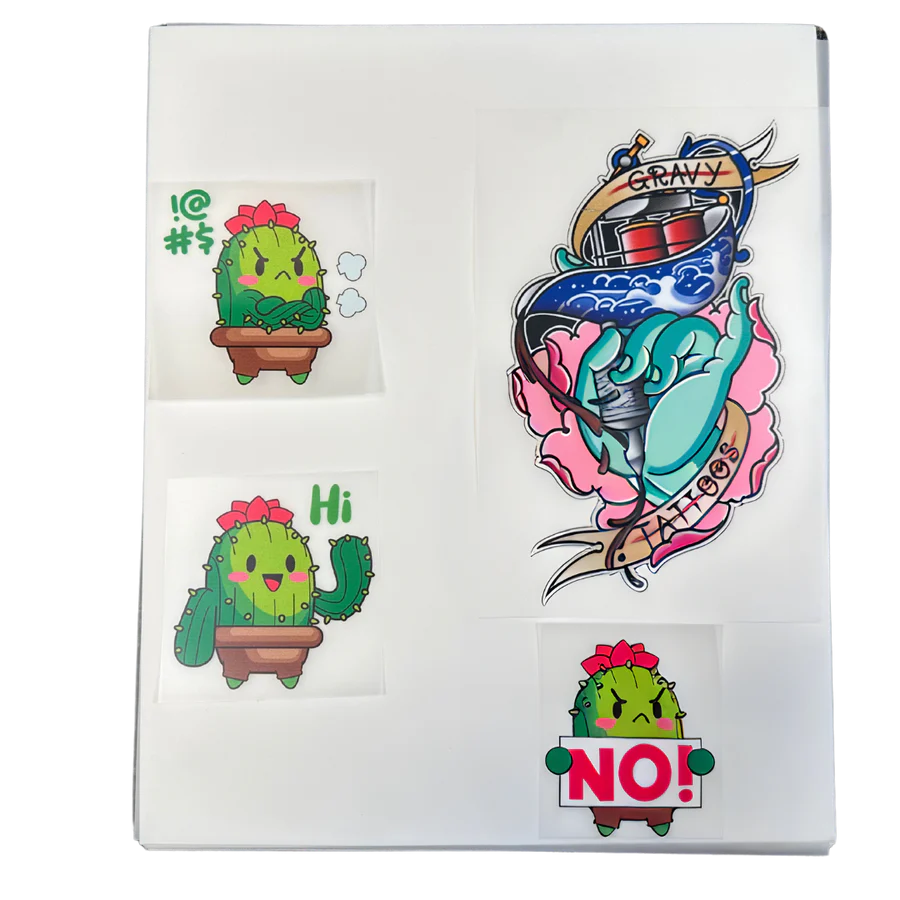
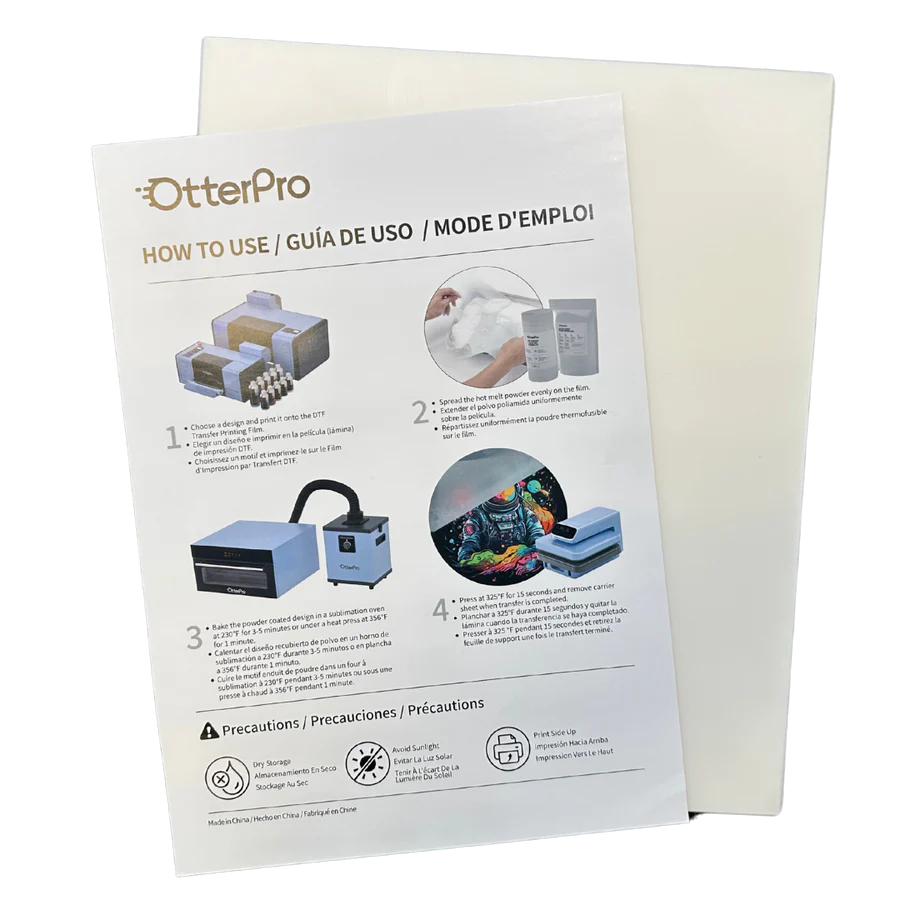
DTF (Direct-to-Film) printing is a method where designs are printed onto a special film and then transferred to a garment or other substrate using heat and pressure. The process involves printing a full-color CMYK layer followed by a white ink base, which is then coated with heat-activated adhesive powder and cured to create a durable transfer.
What is the difference between DTF and DTG printing?
DTF printing produces transfers on film that are then heat-pressed onto garments, while DTG printing applies ink directly to fabric. DTF works on any fabric type without pretreatment and allows transfer production to be decoupled from garment pressing. DTG requires fabric pretreatment for dark garments and prints directly on the final product. DTF offers more substrate flexibility and workflow separation, while DTG eliminates the transfer step for pure cotton applications.
How much does DTF printing cost per transfer?
DTF transfer costs depend on design size, white ink coverage, and powder consumption. Typical costs range from $0.50 to $3.00 per transfer for materials, including film, ink, and powder. Small single-color designs use minimal consumables, while large full-coverage designs on dark backgrounds require substantial white ink underlayers. Labor costs for printing, powdering, curing, and pressing add to material expenses based on production workflow efficiency and operator experience.
Is DTF printing durable?
Properly applied DTF transfers withstand 40-50 wash cycles without significant degradation when processed according to film manufacturer specifications. Wash durability depends on correct application temperature, adequate pressure during pressing, appropriate cure time, and proper garment care. Commercial laundry with harsh detergents or high heat drying reduces longevity. Home washing with standard detergent and air drying or low-heat tumble drying maximizes transfer lifespan.
Can I use any heat press with DTF transfers?
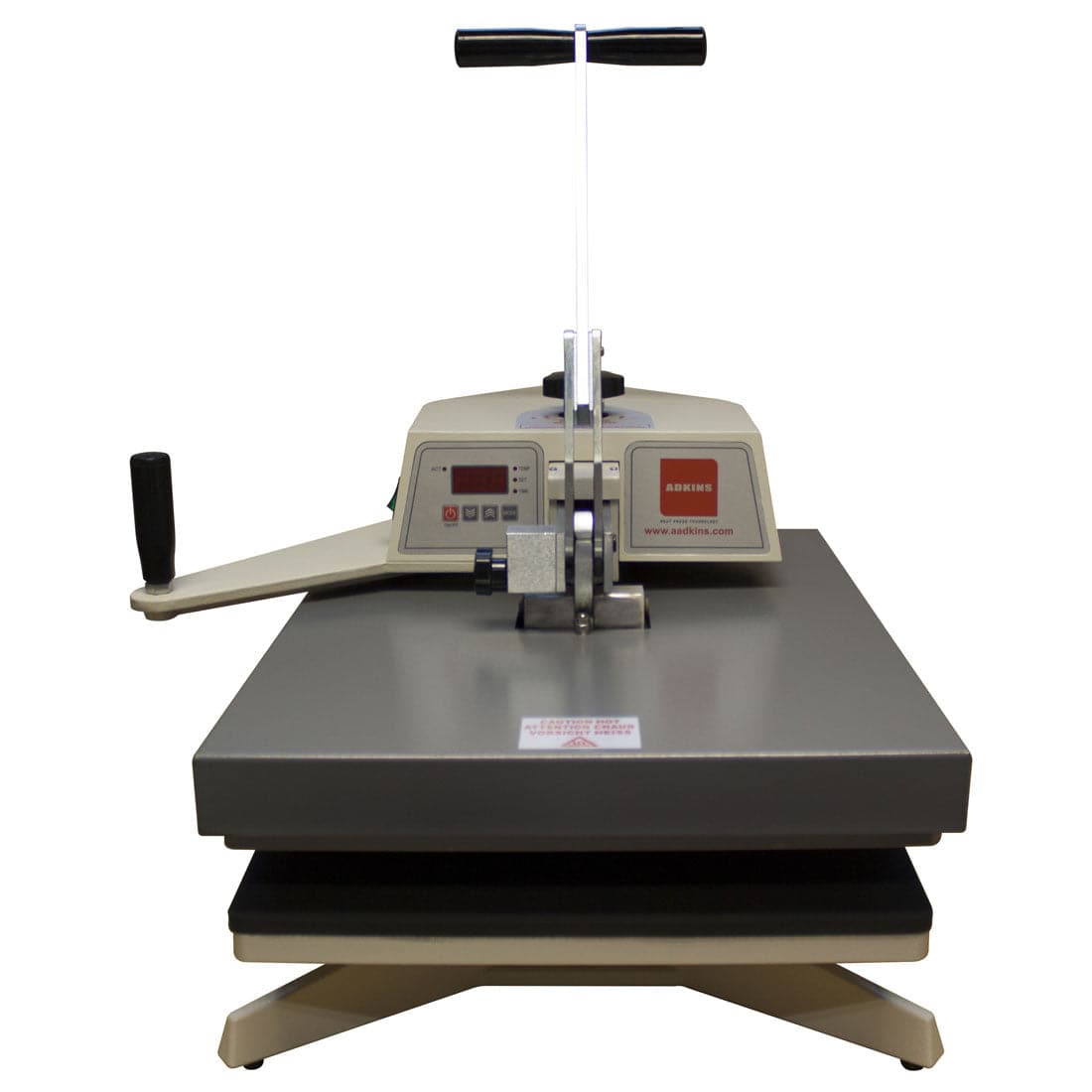
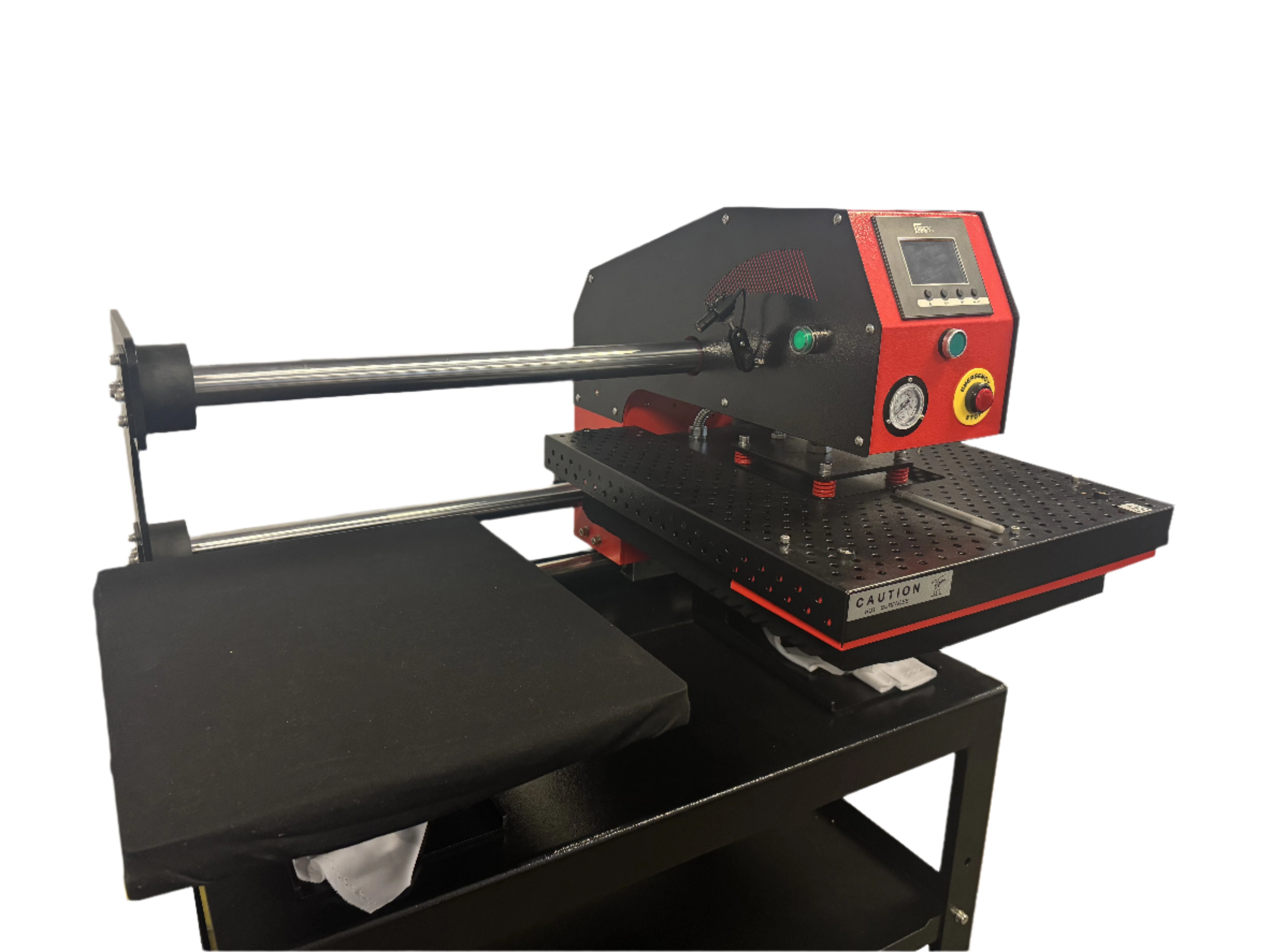
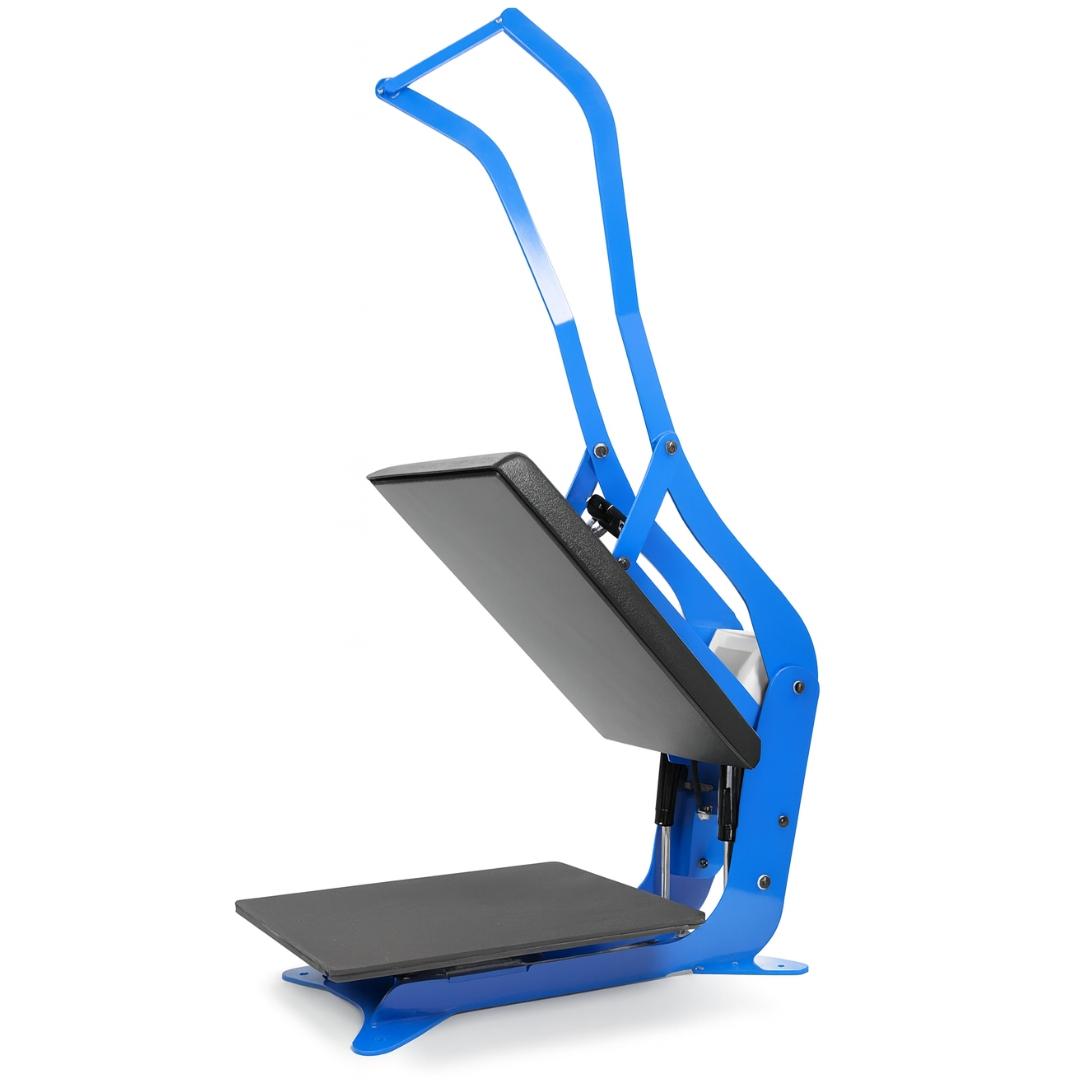
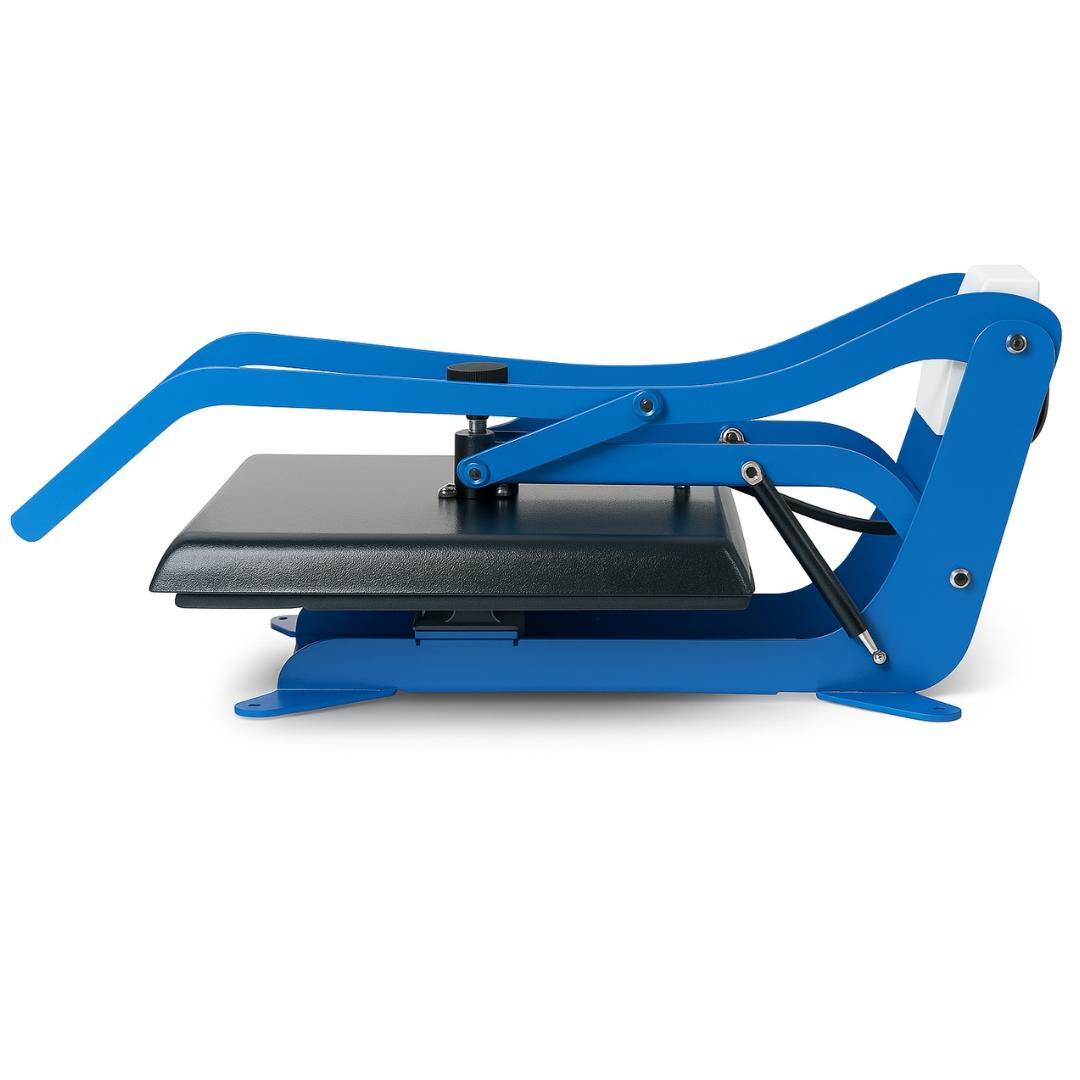
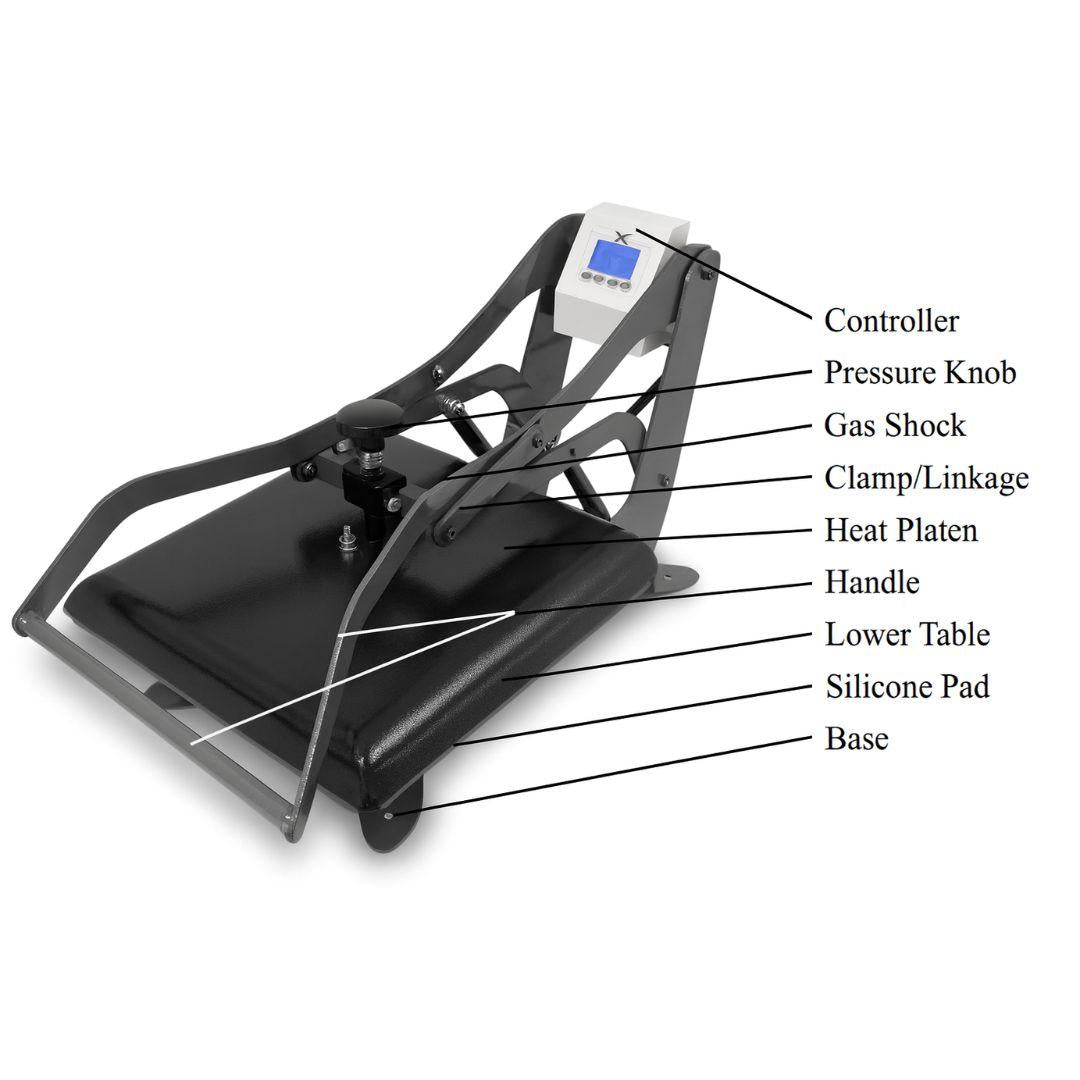
DTF transfers work with standard heat presses that maintain consistent temperature and pressure, but press specifications must match transfer film requirements. Most DTF films require temperatures between 300-320°F with medium to firm pressure for 10-15 seconds. The press must achieve even pressure distribution across the entire platen to prevent incomplete adhesion or edge lifting. Clamshell and swing-away press designs both work effectively when properly calibrated.
How do I maintain my DTF printer?
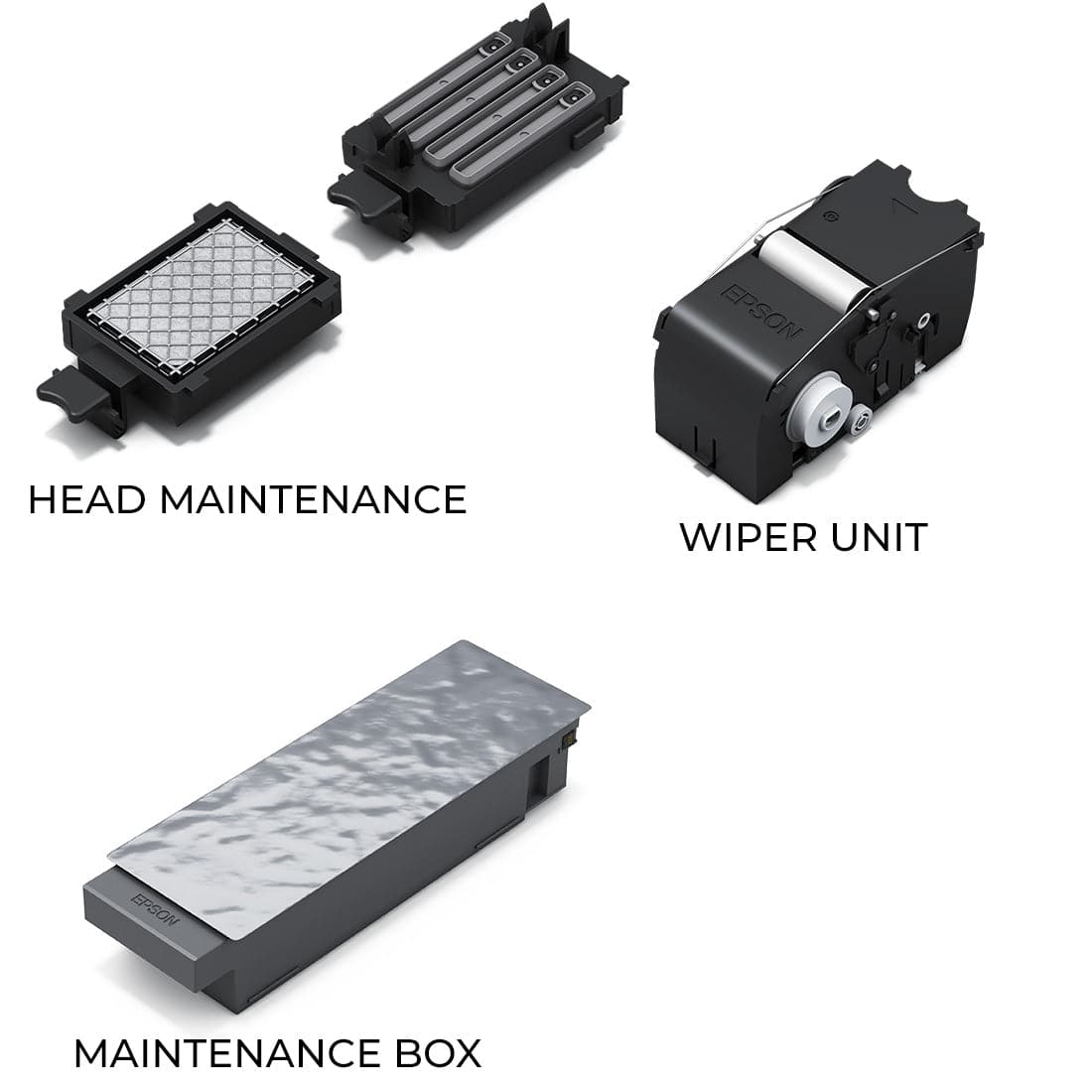
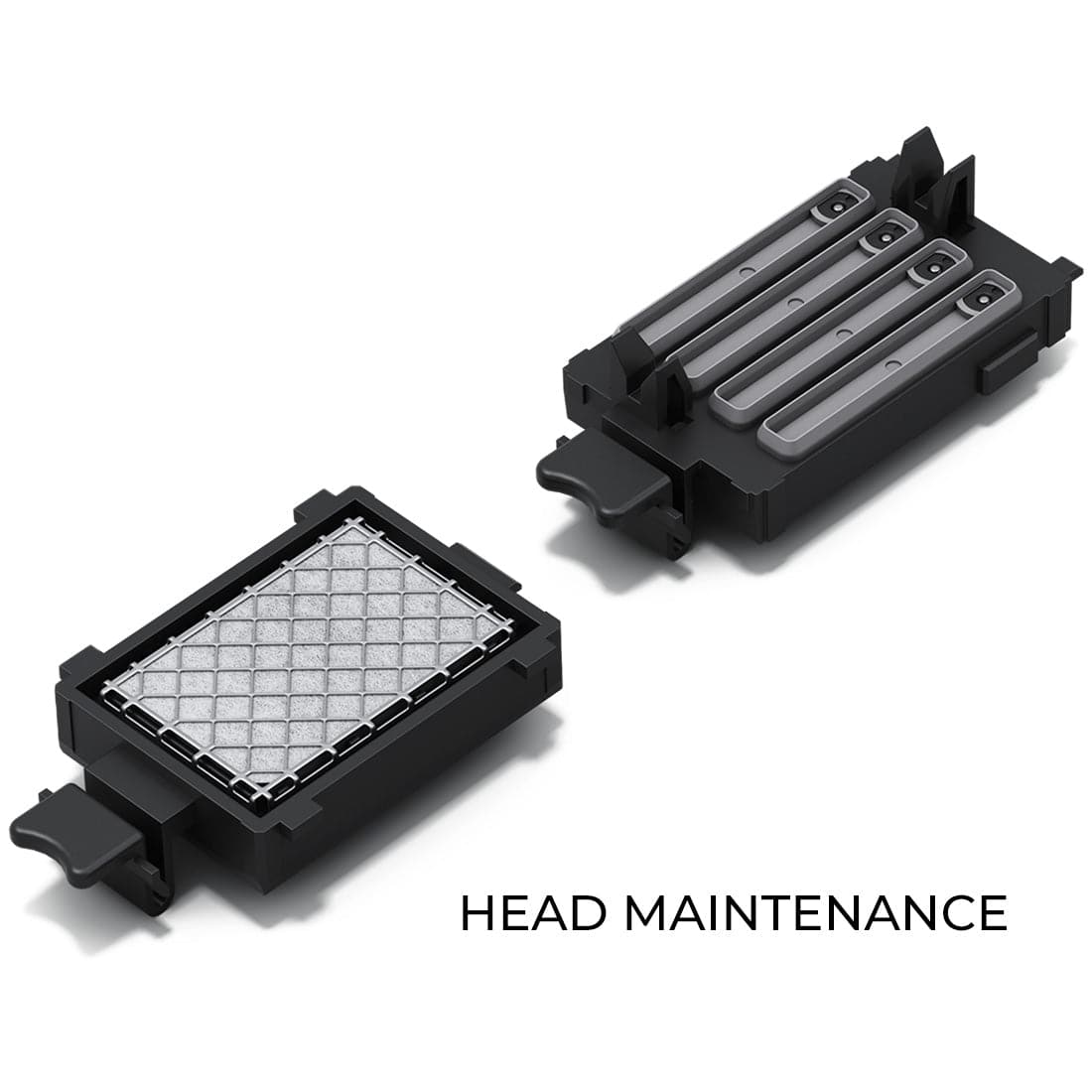
Regular maintenance includes cleaning the printhead, ensuring the ink system is free of clogs, and following the manufacturer's guidelines for upkeep. White ink requires more aggressive circulation than process colors due to larger pigment particles. Automated systems handle most maintenance scheduling, while manual systems require operator attention to daily head cleaning, weekly calibration, and monthly deep maintenance cycles.
Do I need special training to operate a DTF printer?
Basic DTF printer operation requires understanding of digital file preparation, RIP software workflow, and heat press technique rather than specialized technical certification. Manufacturers typically provide setup documentation and tutorial resources sufficient for operators with general computer literacy and basic equipment operation experience. Advanced troubleshooting and maintenance may require technical knowledge or manufacturer support depending on system complexity. Most operators achieve production competency within two to four weeks of regular use.