Skip to content
en
USD

Join Print Pulse Weekly and get exclusive deals, tips, and early product updates

Subscribe Now

Sublimation Printers

Dye Sublimation Printer Machines


Sublimation Printers for Apparel & Custom Product Businesses


Browse sublimation printers designed for businesses creating custom apparel, drinkware, signage, and promotional products for resale. Engineered for reliable color output and repeatable performance, these systems support efficient workflows and retail-ready results.
Filter

12 products

  • Sort by

Frequently Asked Questions:

What is a sublimation printer and how is it used for high-quality transfers?

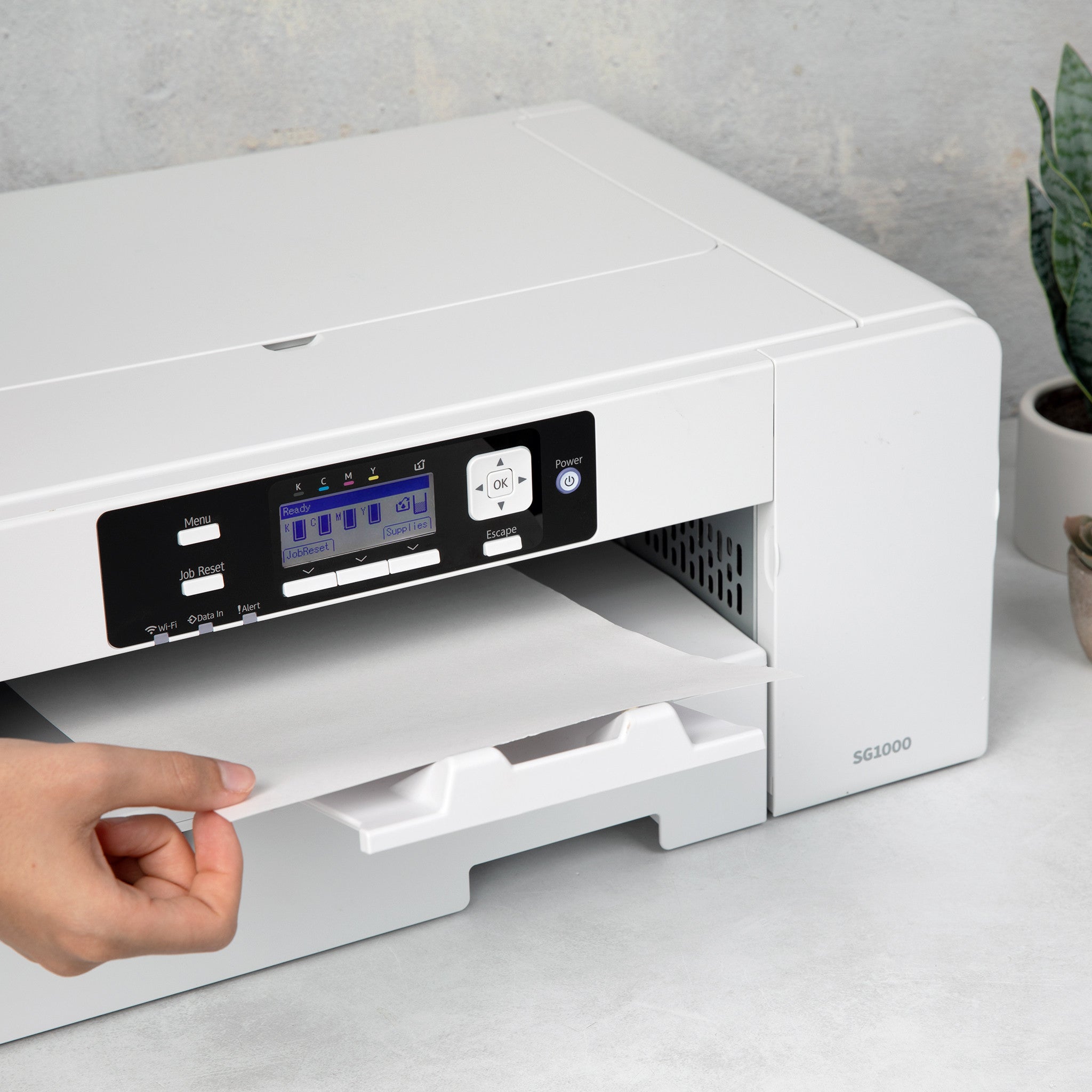
A sublimation printer is a specialized digital imaging device that uses heat to transfer dye onto polyester-based fabrics or polymer-coated substrates. This professional-grade equipment converts sublimation ink into a gas that permeates the material's fibers, resulting in vibrant, high-resolution graphics that will not crack, peel, or fade. By utilizing precision thermal technology and high-quality transfer paper, Joto Imaging Supplies' sublimation printers ensure permanent, industrial-strength results for custom apparel and hard goods. This process is essential for businesses seeking superior color accuracy and long-term durability in their heat transfer applications.

What are the material and substrate compatibility requirements for using Joto sublimation printers?

To ensure optimal results with Joto sublimation printers, substrates must be composed of at least 65% polyester or feature a specialized polymer coating, such as those found on professional-grade ceramic mugs and aluminum panels. While printing on glass is possible, it requires specific pre-treatment with a specialist spray to facilitate the molecular bonding of the sublimation dye. Because sublimation is a transparent dye process, it is essential to use white or light-colored materials to maintain color accuracy and high-resolution detail. Utilizing these technical compatibility standards ensures that your transfers achieve industrial-strength durability without cracking or peeling over time.

How can I ensure the long-term durability and proper maintenance of my sublimation printers?

To ensure the long-term durability of your sublimation printers, it is critical to perform regular nozzle checks and head cleanings to prevent specialized sublimation ink from drying and clogging the print heads. Maintaining a controlled environment with stable temperature and humidity levels is essential to preserve ink viscosity and prevent moisture-related transfer issues on your sublimation paper. Always use high-quality, manufacturer-recommended consumables and keep the internal components free of dust and debris to ensure consistent, professional-grade output. By keeping the printer powered on to allow for automatic maintenance cycles, you can minimize downtime and maximize the operational lifespan of your professional printing equipment.

How do I correctly set up and operate a sublimation printer to ensure a high-quality transfer?

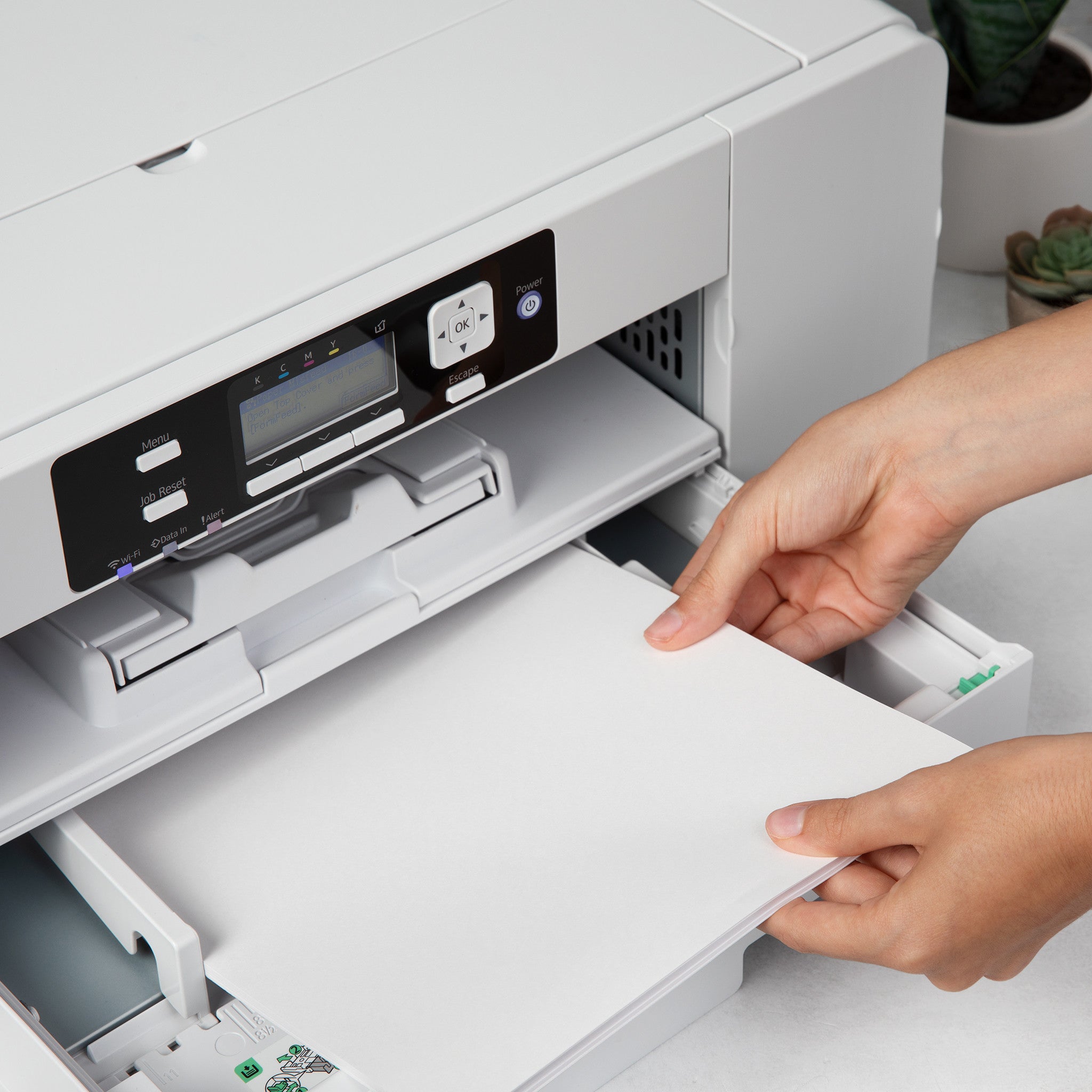
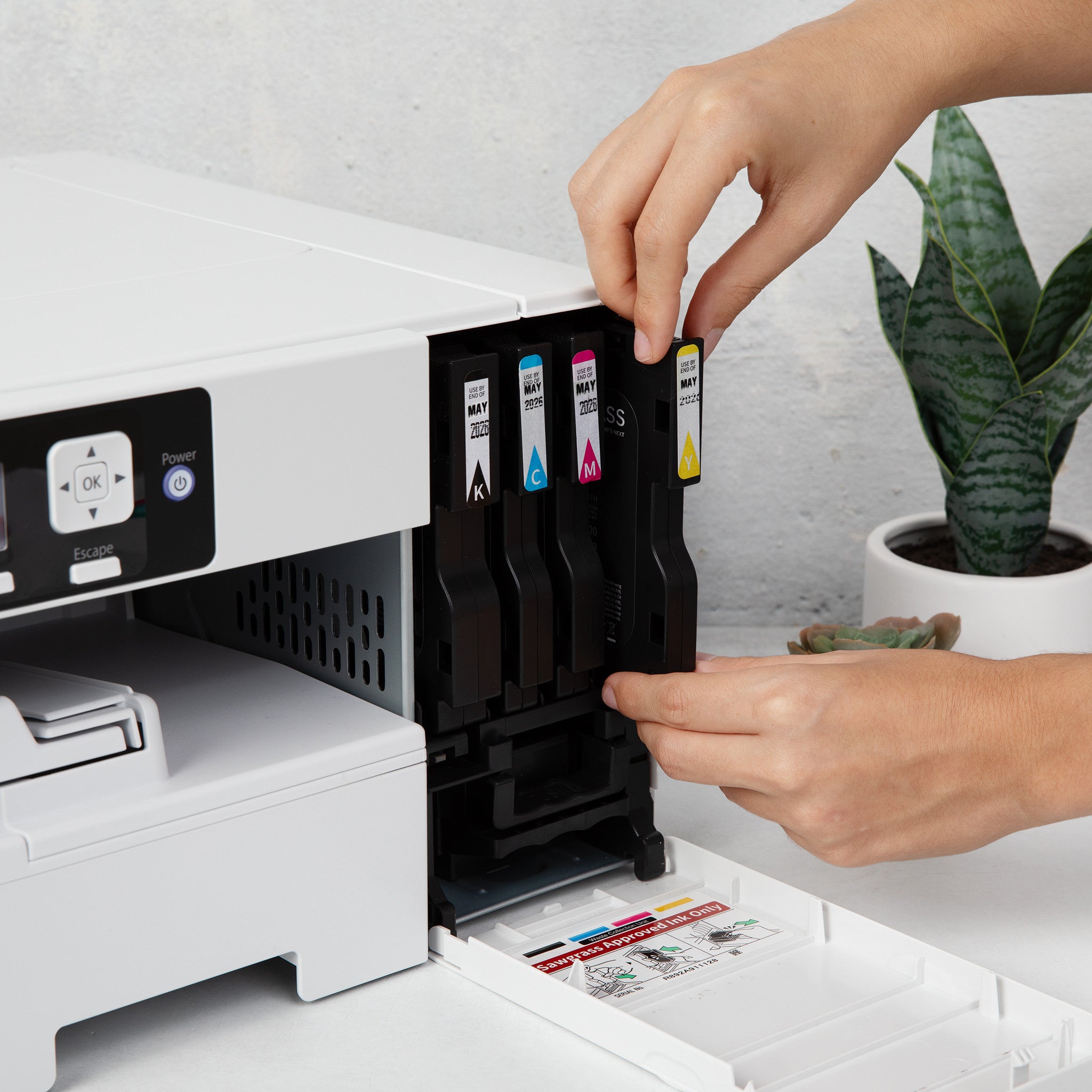
To correctly set up your sublimation printer, begin by installing high-quality sublimation inks and the specific ICC color profiles required for your printer model to ensure industrial-grade chromatic accuracy. Configure your print settings for high-resolution output on premium sublimation transfer paper, ensuring the printable side is correctly oriented to maximize ink absorption and prevent tracking issues. During operation, perform a nozzle check to verify print head health before executing your design to avoid banding or color shifts in the final thermal transfer. Utilizing these professional protocols with Joto Imaging Supplies equipment ensures the vibrant, durable results necessary for high-quality garment decoration and product customization.

Why are my sublimation prints coming out faded, blurry, or with incorrect colors?

Faded, blurry, or color-incorrect sublimation prints typically result from improper heat press settings, moisture in the substrate, or incorrect ICC color profiles. To resolve these issues, ensure your sublimation printer is calibrated with the correct color management software and verify that you are using high-quality transfer paper and inks. Technical errors like ghosting or blurring often stem from shifting transfer media during the heat press cycle, which can be mitigated using heat-resistant tape or a light adhesive spray. Regular maintenance and precise calibration of your Joto Imaging Supplies equipment will ensure professional-grade vibrancy and sharp detail for every project.

How can I use professional sublimation printers to ensure maximum color vibrancy and accuracy in my transfers?

To achieve maximum color vibrancy and accuracy, utilize professional sublimation printers equipped with custom ICC profiles specifically calibrated for your unique ink, paper, and substrate combination. Maintaining high-performance print heads through regular nozzle checks and cleaning routines prevents ink starvation and ensures consistent, high-resolution output with smooth gradients. For industrial-grade results, pair your hardware with premium dye-sublimation inks and high-quality transfer media to optimize ink absorption and thermal bonding during the heat press cycle. Consistent calibration of your equipment and monitoring environmental humidity will guarantee the professional-grade color precision and durability expected from Joto Imaging Supplies.
How can investing in a professional sublimation printer improve your production efficiency and long-term business profitability?

Investing in a professional sublimation printer significantly enhances production efficiency by utilizing precision print heads and advanced ink delivery systems to ensure consistent, high-resolution output. These industrial-grade machines offer rapid print speeds and sophisticated color management, which minimizes substrate waste and reduces the frequency of costly reprints. By streamlining your workflow with reliable hardware designed for high-volume demands, your business achieves a faster return on investment and increased long-term profitability. Maintaining these professional standards with Joto Imaging Supplies equipment reinforces brand authority through superior transfer quality and industrial-standard durability.

What are the best practices for the safe operation and proper storage of sublimation printers to ensure long-term reliability?

To ensure the long-term reliability of your sublimation printer, keep the unit powered on to allow automatic maintenance cycles that prevent piezoelectric print head nozzles from clogging. Store your equipment and media in a climate-controlled environment with a stable temperature between 15°C and 25°C and relative humidity of 40-50% to mitigate condensation and ink coagulation risks. Always close all printer covers and use an anti-static cloth during periods of inactivity to protect sensitive internal components from dust and environmental contaminants. Following these professional protocols from Joto Imaging Supplies preserves industrial-grade print quality and extends the service life of your digital decoration hardware.

How do sublimation printers compare to other garment decoration methods like screen printing or embroidery in terms of efficiency and versatility?

Sublimation printers offer a streamlined, digital workflow that eliminates the complex setup times and labor-intensive screen reclamation processes required for traditional screen printing and embroidery. By utilizing advanced piezoelectric print heads and high-performance sublimation inks, these systems allow for the seamless production of high-resolution, full-color designs in a single thermal cycle. Integrating professional-grade hardware from Joto Imaging Supplies ensures technical compatibility and unmatched versatility across a wide range of polyester-based fabrics and polymer-coated rigid substrates. This efficiency significantly reduces the learning curve and operational overhead, making sublimation the superior choice for high-quality, on-demand garment decoration and product customization.

How can I calibrate custom ICC profiles and adjust dot gain settings to achieve consistent color reproduction across high-volume production runs on various sublimation printers?

To achieve consistent color reproduction on various sublimation printers, begin by using a spectrophotometer to create custom ICC profiles tailored to your specific ink, paper, and substrate combinations. Integrate professional RIP software to precisely adjust dot gain and ink density settings, ensuring that mid-tones and gradients remain stable throughout high-volume production cycles. Regularly performing linearization and nozzle checks prevents color drift and maintains the technical accuracy required for industrial-grade output. By standardizing these rigorous calibration protocols across all equipment, Joto Imaging Supplies helps you maintain peak chromatic consistency and brand authority.

aaa

Drawer Title

Similar Products