Skip to content
en
USD

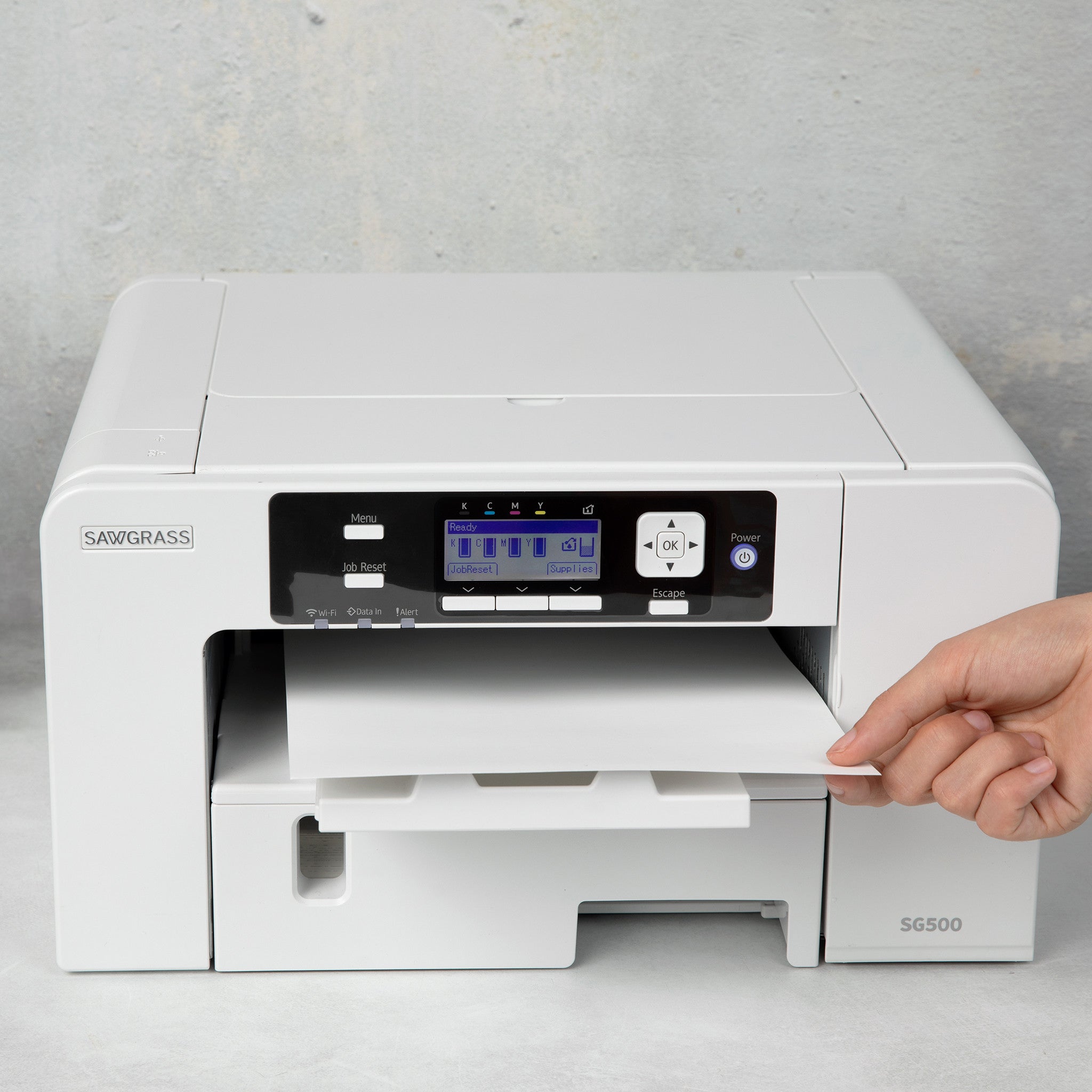
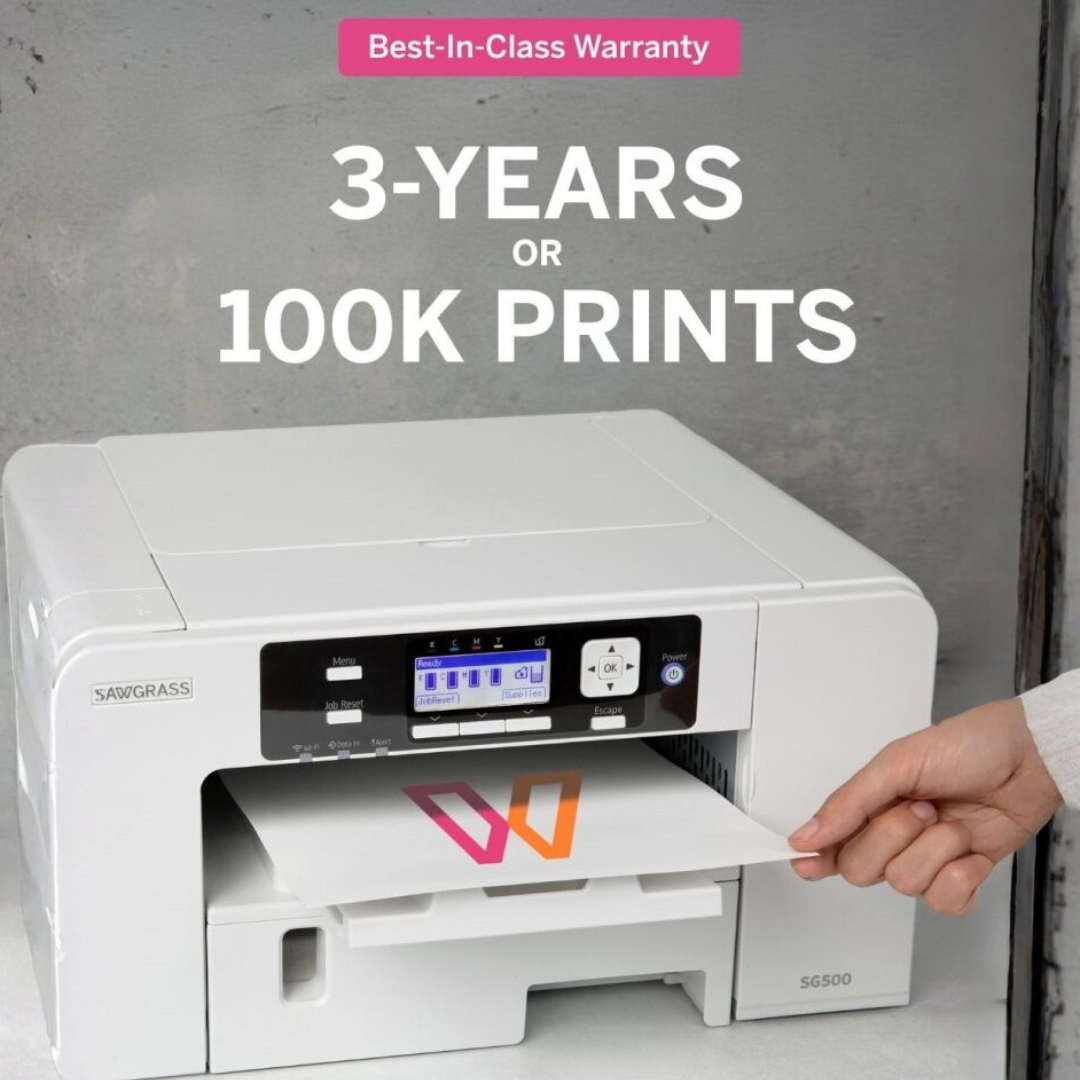
Save Up to 200 on Sawgrass SG500

Shop Now

Desktop Sublimation Printers

Desktop Sublimation Printers for Small Production Setups


Compact Systems for Consistent, High-Resolution Transfers


Desktop sublimation printers are ideal for businesses launching or managing low- to mid-volume custom production. With controlled color output and reliable paper handling, they support efficient workflows and professional-quality results without requiring large-format space.

Filter

5 products

  • Sort by

Frequently Asked Questions:

What is a desktop sublimation printer and how is it used?

A desktop sublimation printer is a specialized inkjet system designed to transfer high-quality, full-color designs onto polyester-based fabrics and polymer-coated substrates. These compact machines utilize heat-sensitive sublimation inks that, when pressed, transform into a gas to bond permanently with the material for a durable, soft-hand finish. They are primarily used by small businesses and entrepreneurs to create custom apparel, personalized mugs, and promotional items with professional-grade resolution. At Joto Imaging Supplies, we provide industry-leading desktop solutions that ensure consistent color accuracy and streamlined production workflows for various sublimation applications.

What materials and surfaces are compatible with desktop sublimation printers?

Desktop sublimation printers are engineered to bond specifically with white or light-colored 100% polyester fabrics and high-polyester blends to ensure maximum color vibrancy and wash durability. For hard-surface applications, these printers are compatible with a diverse range of "sublimation-ready" blanks, including ceramic mugs, stainless steel tumblers, and aluminum panels that have been pre-treated with a specialized polymer coating. At Joto Imaging Supplies, we emphasize that natural fibers like 100% cotton and uncoated rigid substrates are not compatible because the sublimation dye requires a synthetic polymer matrix to create a permanent molecular bond. Using high-quality sublimation inks and optimized ICC profiles across these compatible substrates guarantees professional-grade, high-resolution results for your custom production workflow.

How do I maintain my desktop sublimation printer to ensure long-term print quality and durability?

To ensure optimal performance of your desktop sublimation printer, perform regular nozzle checks and head cleaning cycles to prevent ink dehydration and printhead clogging. Maintain a controlled production environment with temperatures between 59°F and 77°F and relative humidity above 35% to protect the chemical integrity of your sublimation inks and transfer media. Additionally, keep the printer powered on to allow integrated maintenance systems to execute automatic pulse cleanings, and always use high-quality, manufacturer-recommended inks to avoid internal sediment buildup. Consistent maintenance of the waste ink tank and external components will further extend the service life of your equipment and guarantee vibrant, high-resolution results.

How do you print and transfer designs using a desktop sublimation printer?

To print and transfer designs with a desktop sublimation printer, start by printing your mirrored graphic onto premium sublimation paper using high-quality sublimation inks and optimized ICC profiles for precise color accuracy. Once the ink is dry, position the transfer face-down on your preheated polyester-based garment or polymer-coated substrate and secure it with heat-resistant tape to prevent ghosting. Apply consistent heat and pressure using a professional heat press—typically at 400°F (204°C) for 45 to 60 seconds—to trigger the gaseous phase transition that permanently infuses the dye into the material fibers. Finalize the process by carefully removing the transfer paper to reveal a high-definition, durable finish that is resistant to cracking and fading.

Why are my sublimation prints coming out dull, blurry, or with visible banding?

Sublimation prints often appear dull or blurry due to improper ICC profile management or excess moisture in the substrate, which prevents the ink from gassing correctly into the polyester fibers. Visible banding is typically caused by clogged print head nozzles or incorrect media feed settings, necessitating a nozzle check and head cleaning to restore fluid circulation. At Joto Imaging Supplies, we recommend utilizing premium sublimation paper and ensuring your heat press is calibrated to the correct temperature and pressure to eliminate ghosting and achieve professional-level color vibrancy. Maintaining your desktop sublimation printer through regular maintenance and using high-quality ink sets will guarantee consistent, high-resolution results for all your custom transfer projects.

How can I achieve professional-level color vibrancy and print quality with desktop sublimation printers?

To achieve professional-level color vibrancy and print quality with desktop sublimation printers, it is essential to utilize high-quality sublimation inks paired with optimized ICC profiles to ensure precise color management and gamut accuracy. Using premium, high-release sublimation paper is critical for maximizing ink transfer efficiency onto polyester-based textiles or polymer-coated substrates. Maintaining consistent heat press temperatures and even pressure distribution prevents common issues like ghosting or blurry details, ensuring a sharp, photographic finish. At Joto Imaging Supplies, we recommend regular printhead maintenance and pre-pressing substrates to eliminate moisture, which guarantees industrial-grade durability and vivid color reproduction.

How can investing in desktop sublimation printers improve the profit margins and production efficiency of my custom apparel business?

Investing in desktop sublimation printers enhances profit margins by eliminating high setup costs and minimum order requirements typical of traditional screen printing. These compact systems streamline production efficiency through rapid on-demand customization and high-speed output, allowing for faster turnaround times on short-run orders. By utilizing specialized ink sets and premium transfer media from Joto Imaging Supplies, you ensure durable, photographic-quality results that command premium pricing while minimizing material waste. This versatile digital solution optimizes your business scalability by supporting a wide range of polyester-based apparel and polymer-coated substrates with a lower initial capital investment.

How can I properly maintain and store my desktop sublimation printer to ensure long-term print quality and prevent nozzle clogging?

To maintain your desktop sublimation printer, perform regular nozzle checks and head cleanings at least weekly to prevent ink from drying and clogging the print head. Maintain a climate-controlled production environment with temperatures between 15-25°C and relative humidity above 35% to ensure optimal ink flow and prevent moisture-related transfer issues. Always use high-quality sublimation inks and keep the printer in a dust-free area, ensuring you keep the unit powered on to allow integrated maintenance systems to function automatically. Proper storage of consumables in airtight packaging further protects the integrity of your ink delivery system and guarantees long-term, professional-grade print quality.

How does desktop sublimation printing compare to screen printing or DTG for custom apparel and gift production?

Desktop sublimation printing offers a specialized, high-resolution solution for full-color apparel and gift production by gassing ink directly into polyester fibers or polymer-coated substrates for a permanent, no-feel finish. Unlike screen printing, which incurs high setup costs and is limited by color count, or DTG, which is optimized for cotton fabrics, desktop sublimation allows for cost-effective, on-demand customization of both textiles and hard-surface blanks. This technology excels in producing photographic quality and vibrant colors that will not crack or peel, making it the preferred choice for personalized gifts and performance athletic wear. Joto Imaging Supplies recommends desktop sublimation printers for businesses looking to achieve industrial-grade durability and exceptional detail without the extensive maintenance required by direct-to-garment systems.
How can I optimize ICC color profiles and customize ink-limit settings to ensure color accuracy and minimize bleeding on high-definition sublimation transfers?

To optimize color accuracy for desktop sublimation printers, install a custom ICC profile calibrated specifically for your combination of ink, transfer paper, and substrate. Adjust the total ink limit (TIL) within your RIP software or advanced printer settings to prevent over-saturation, which effectively minimizes bleeding and pooling on high-definition transfers. For the best results, disable all automatic color management in the printer driver and utilize a spectrophotometer to fine-tune linearization and gray balance. At Joto Imaging Supplies, we recommend performing incremental test prints and heat pressing onto polyester fabric to verify that your ink density and color gamut meet professional standards.

aaa

Drawer Title

Similar Products