What You Need for a Complete DTF Printing System
A complete DTF printing system requires five core components: a DTF printer with white ink capability, adhesive powder (hot-melt), PET transfer film, a curing oven or heat press for powder melting, and a heat press for final garment application. Entry-level systems start around $3,000 and handle small production runs, while professional setups exceeding $15,000 deliver higher throughput and automation for commercial operations.
Many businesses enter DTF printing without understanding the full system requirements. Buying a printer alone leaves you unable to produce transfers. Missing a proper curing solution results in powder adhesion failures and cracked transfers after washing. Undersizing your heat press creates bottlenecks when order volume increases. Each component must match your production capacity, or the weakest link determines your maximum output.
This guide covers:
- Every component in a working DTF system and how they connect
- System tiers from beginner to production scale with comparison frameworks
- Real costs beyond the printer purchase including consumables
- Common setup mistakes and how to avoid them
- Workflow integration from design file to finished garment
How DTF Systems Work: The Complete Production Chain
DTF printing operates as a five-stage production chain where each stage depends on the previous step being executed correctly.

The Five Stages:
- Print - Printer applies CMYK plus white ink to PET film
- Powder - Adhesive powder coats the wet ink immediately after printing
- Cure - Oven melts powder into ink layer, creating cohesive transfer film
- Press - Cured transfer placed on fabric and heat-pressed to bond permanently
- Peel - Carrier film removed after cooling (cold-peel) or immediately (hot-peel)
Understanding this workflow reveals why component selection matters. A printer that outputs film faster than your oven can cure creates a production bottleneck. Powder that doesn't match your ink formulation causes adhesion problems. Film quality affects both print clarity and transfer durability. Heat press temperature inconsistency leads to incomplete transfers or scorched fabric. The system works as an integrated whole, not isolated equipment.
Professional DTF operations treat this as a manufacturing process with quality control at each stage. Hobbyists often focus only on the printer, then discover that powder application technique, curing temperature precision, and pressing pressure all determine whether a transfer survives 50 wash cycles or fails after five.
DTF Printer Selection: Matching Equipment to Your Volume
Entry-Level DTF Printers (13-17 inch width)
Modified desktop printers or entry-level DTF units handle print widths from 13 to 17 inches, suitable for individual garment transfers and small batch production. These machines typically use Epson-based print engines with DTF ink conversion systems. Print speeds range from 10 to 20 square feet per hour depending on resolution settings and white ink density.
Key characteristics:
- Manual powder application using shaker boxes
- External curing equipment required
- Weekly print head cleaning and monthly white ink circulation needed
- Best for 20-50 transfers daily
Entry systems work well for businesses testing DTF as a new service offering before scaling up, or operations with limited workspace and modest production goals. Joto's entry-level options include modified Epson platforms and compact all-in-one DTF systems designed for small workspace environments.
Mid-Range DTF Systems (24 inch width)
Commercial-grade 24-inch DTF printers deliver higher throughput with integrated white ink management and automated maintenance routines. Print width accommodates gang sheets where multiple designs print simultaneously on a single film run, dramatically improving efficiency for mixed-order fulfillment.
System features:
- Built-in powder shakers and automated film take-up systems
- RIP software for color management and production queuing
- Automatic white ink circulation to prevent settling and clogs
- Print speeds reach 40-60 square feet per hour
Joto mid-range options:
- Epson F2270 (hybrid DTG/DTF capability)
- Uninet DTF Xpress (17-inch with 8-head auto-maintenance)
Mid-range systems suit businesses producing 100 to 300 transfers daily, print shops adding DTF to existing services, or operations transitioning from wholesale transfer purchasing to in-house production. The gang sheet capability becomes the efficiency multiplier at this volume level.
Production DTF Printers (35+ inch width)
Wide-format DTF printers handle industrial-scale gang sheet printing for high-volume fulfillment operations. These machines print multiple large designs or dozens of smaller transfers per sheet, with automated powder application, integrated curing conveyors, and production-grade RIP software for job management.
Production capabilities:
- Redundant white ink systems with automatic head cleaning
- Environmental controls for optimal ink performance
- Network connectivity for multi-workstation workflows
- Print speeds exceed 100 square feet per hour
Joto production option:
- Epson G6070 (35-inch with EZ-JET PRO 36 shaker/dryer integration available)
These systems serve screen printing shops adding digital capacity, fulfillment centers handling e-commerce orders, contract decorators servicing multiple brands, and manufacturers producing private-label apparel lines. At this scale, automation determines profitability.
DTF Consumables: Film, Powder, and Ink Specifications
PET Transfer Film Requirements
DTF film comes in two variants with different handling characteristics:
Cold-Peel Film (Most Common):
- Requires cooling 15-20 seconds after pressing before removing carrier
- Produces matte finish with excellent durability
- Best wash resistance for commercial applications
Hot-Peel Film:
- Remove immediately after pressing for faster production
- Yields glossier finish
- Slightly reduced wash resistance compared to cold-peel
Film thickness considerations:
- 75-micron film: Better conformity to textured fabrics, tears more easily
- 100-micron film: Easier handling for intricate designs, stiffer hand feel
- Premium films: Enhanced ink receptivity coatings improve color vibrancy
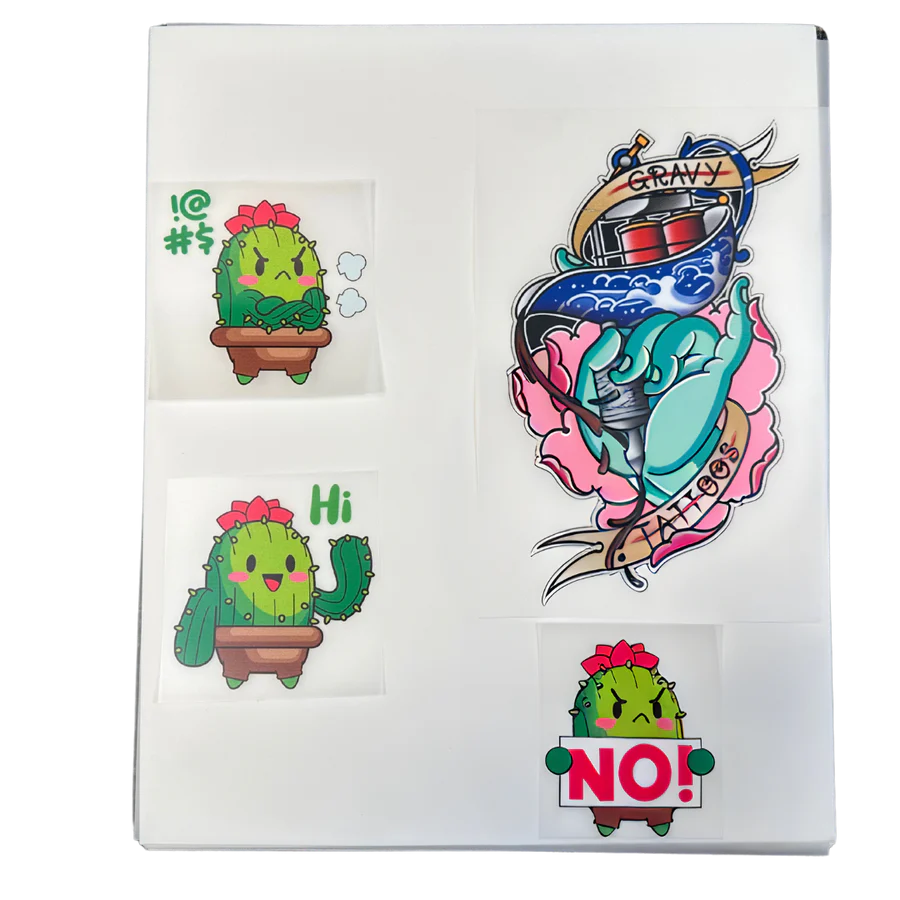
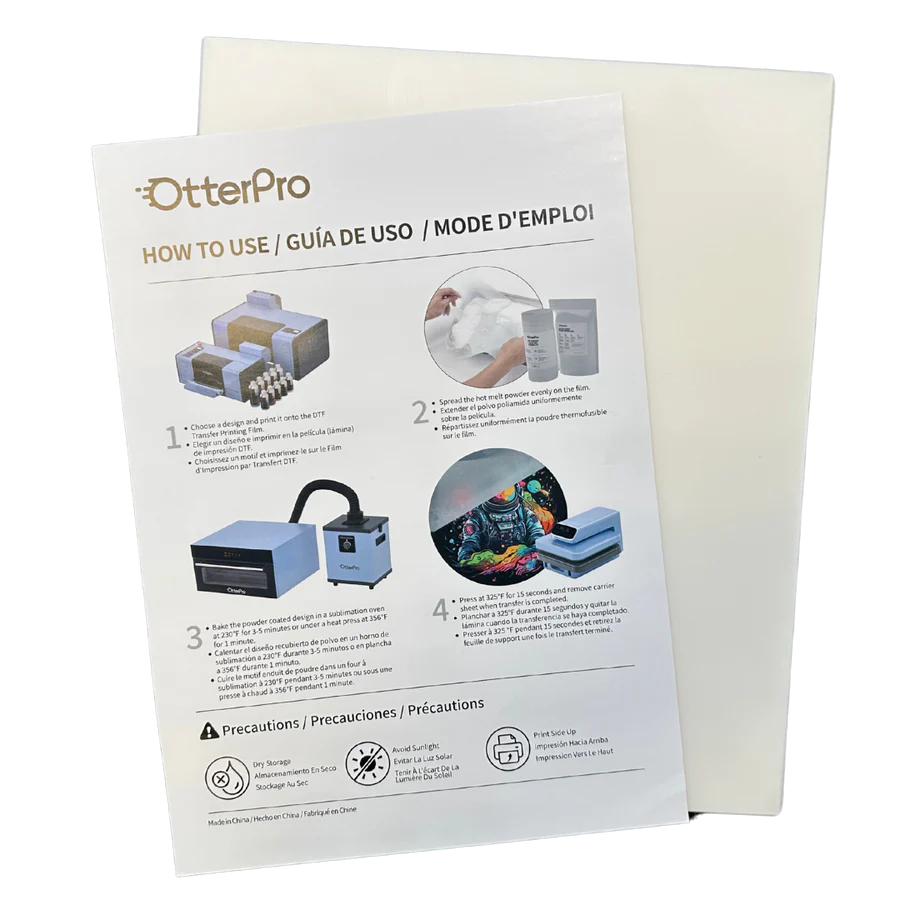
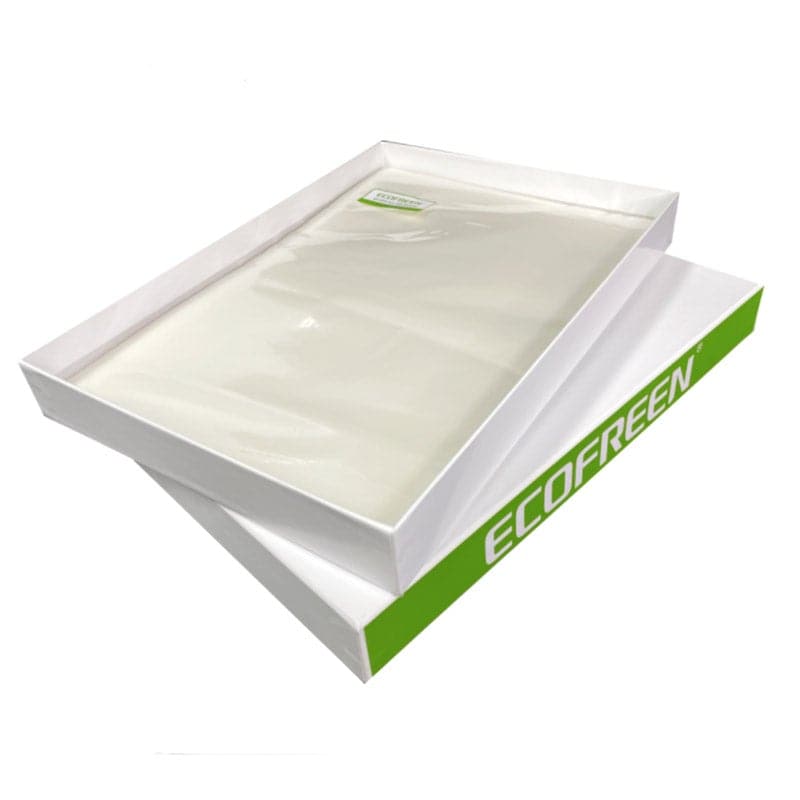
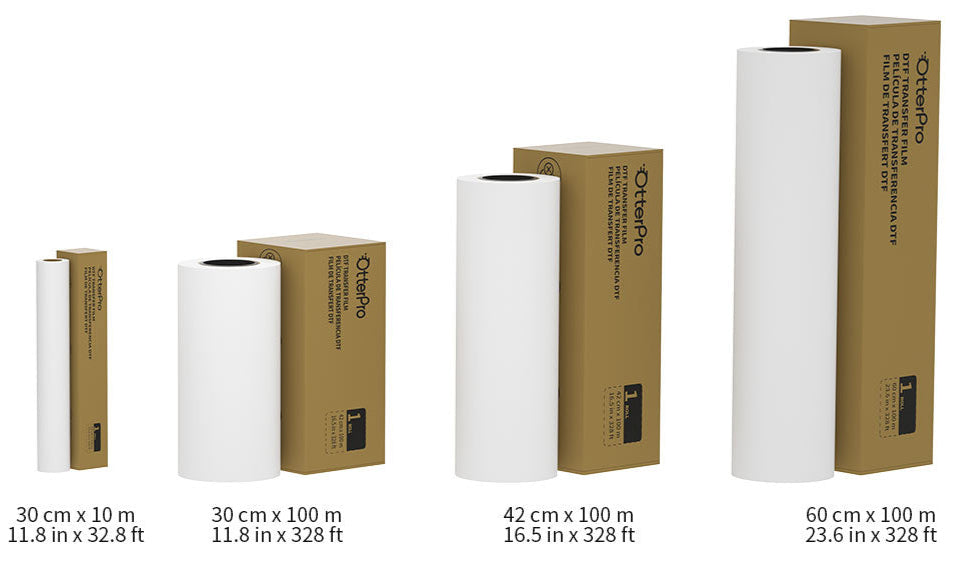
Joto carries OtterPro DTF film in both sheet and roll formats, plus Ecofreen premium, super quality, and ultimate grade films for different quality and budget requirements.
Hot-Melt Adhesive Powder
DTF Powder particle size and melting temperature determine transfer durability and hand feel.
Powder grades:
- Fine-grade (80-120 micron): Softer transfers, better stretch, ideal for athletic wear
- Standard (120-180 micron): Excellent wash durability for general apparel
- White powder: Works on all fabric colors (standard)
- Black powder: Specialty applications on dark garments
Critical application rules:
- Apply immediately after printing while ink is wet and tacky
- Delayed application (over 60 seconds) allows ink to skin over
- Under-curing causes cracking and peeling after washing
- Over-curing burns adhesive, creating brittle transfers
- Proper curing: 160-170°C (320-340°F) for 2-3 minutes
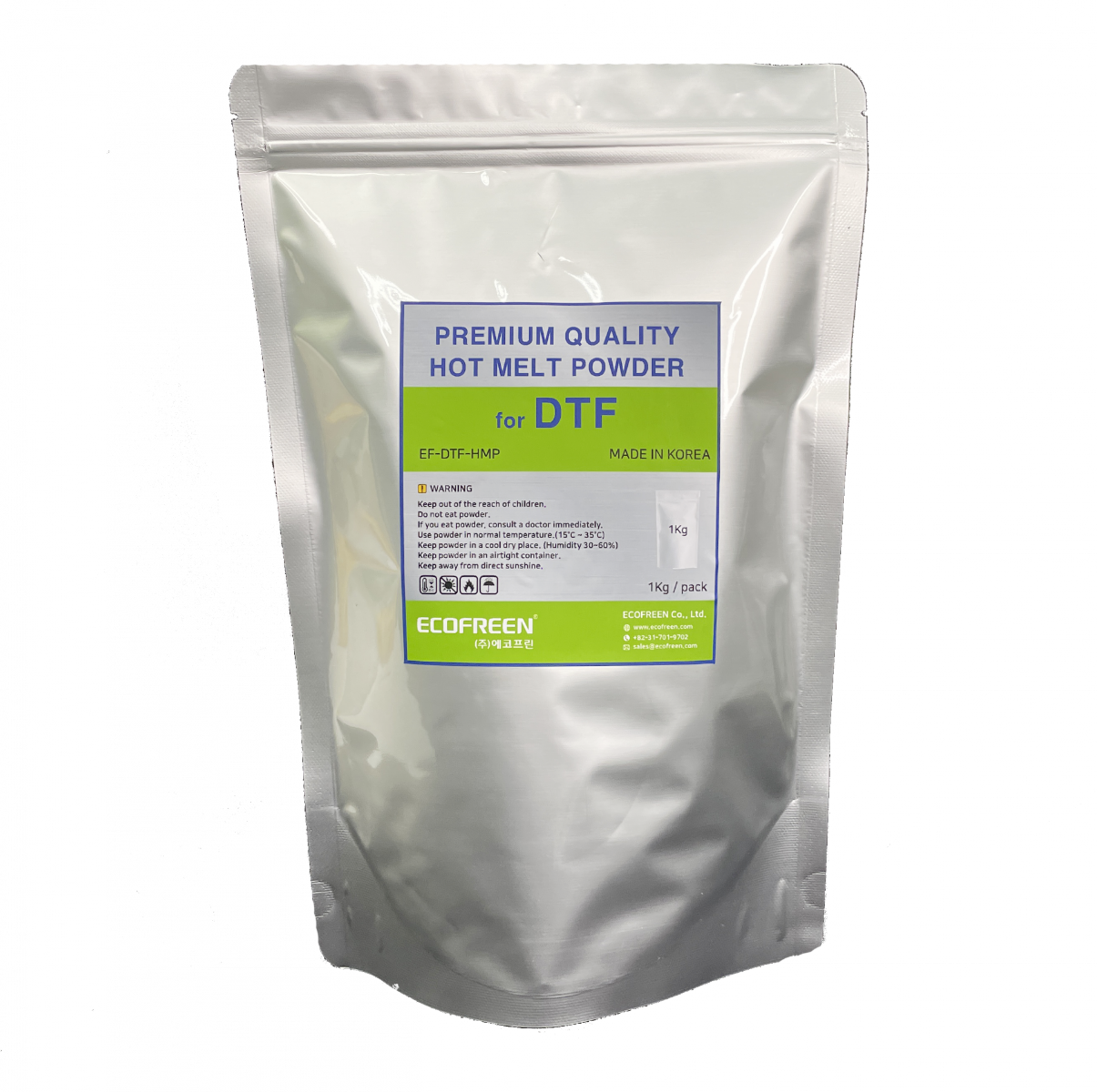
Joto offers OtterPro and Ecofreen DTF powder in 1kg bags, with both white and black formulations available.
DTF Ink Systems
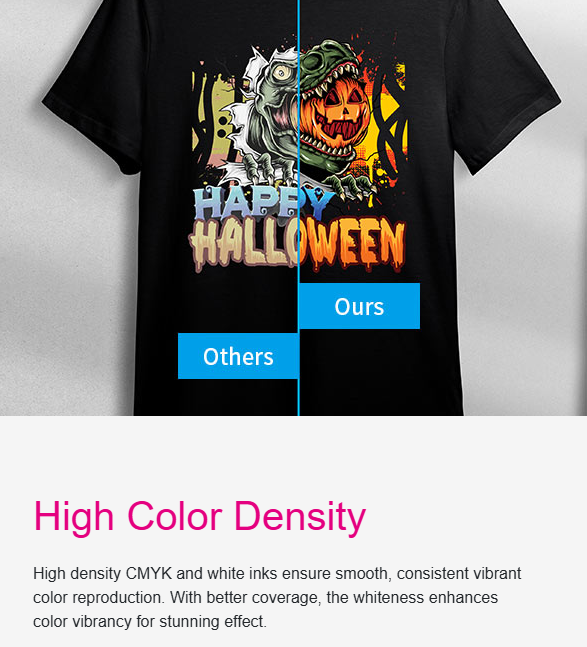
Water-based pigment inks designed specifically for DTF printing provide vibrant colors, excellent wash fastness, and proper adhesion to PET film. DTF ink formulations differ from DTG, sublimation, and standard inkjet inks in viscosity, drying time, and powder adhesion chemistry.
Ink configuration:
- White ink: Underbase for colored designs on dark fabrics (requires circulation systems)
- CMYK process colors: Layer over white ink for full-color designs
- Optional: Light cyan and light magenta for smoother gradients
Storage requirements:
- Maintain temperature between 15-30°C (59-86°F)
- Below 15°C causes viscosity increases affecting print quality
- Above 30°C accelerates chemical breakdown
- Opened bottles degrade after 6-12 months depending on storage conditions
Joto stocks OtterPro Ultra DTF ink in 1000ml bottles with CMYK plus white formulations compatible with Epson and modified desktop print engines.
DTF Curing Equipment: Dedicated Ovens vs. Heat Press Methods
Tunnel Dryers and Conveyor Ovens
Dedicated DTF curing ovens use forced-air convection heating to melt adhesive powder uniformly across the transfer surface.
Conveyor-style ovens:

- Belt speeds: 1-3 meters per minute
- Heating zones: 160-170°C (320-340°F)
- Continuous production without operator intervention
- Essential for high-volume gang sheet operations
Compact sheet ovens:

- Designed for A3 to A4 transfer sizes
- Batch-process one transfer at a time
- Curing times: 2-4 minutes per sheet
- Suitable for smaller operations and entry-level production
Joto carries DTF sheet ovens for entry-level production and commercial tunnel dryers for high-volume operations, including the EZ-JET PRO 36 shaker/dryer system designed specifically for the Epson G6070.
Heat Press Curing Alternative
Some operators use heat presses to cure powder by pressing printed film at transfer temperature (300-320°F / 148-160°C) for 10-15 seconds.
Limitations of this method:
- Heat press unavailable for garment pressing during film curing
- Inconsistent pressure application causes uneven powder melting
- Large transfers may not fit standard heat press platens
- Creates workflow bottlenecks at scale
Heat press curing suits operations producing fewer than 20 transfers daily or businesses testing DTF before investing in dedicated curing equipment. Production operations require separate curing capacity to maintain workflow efficiency.
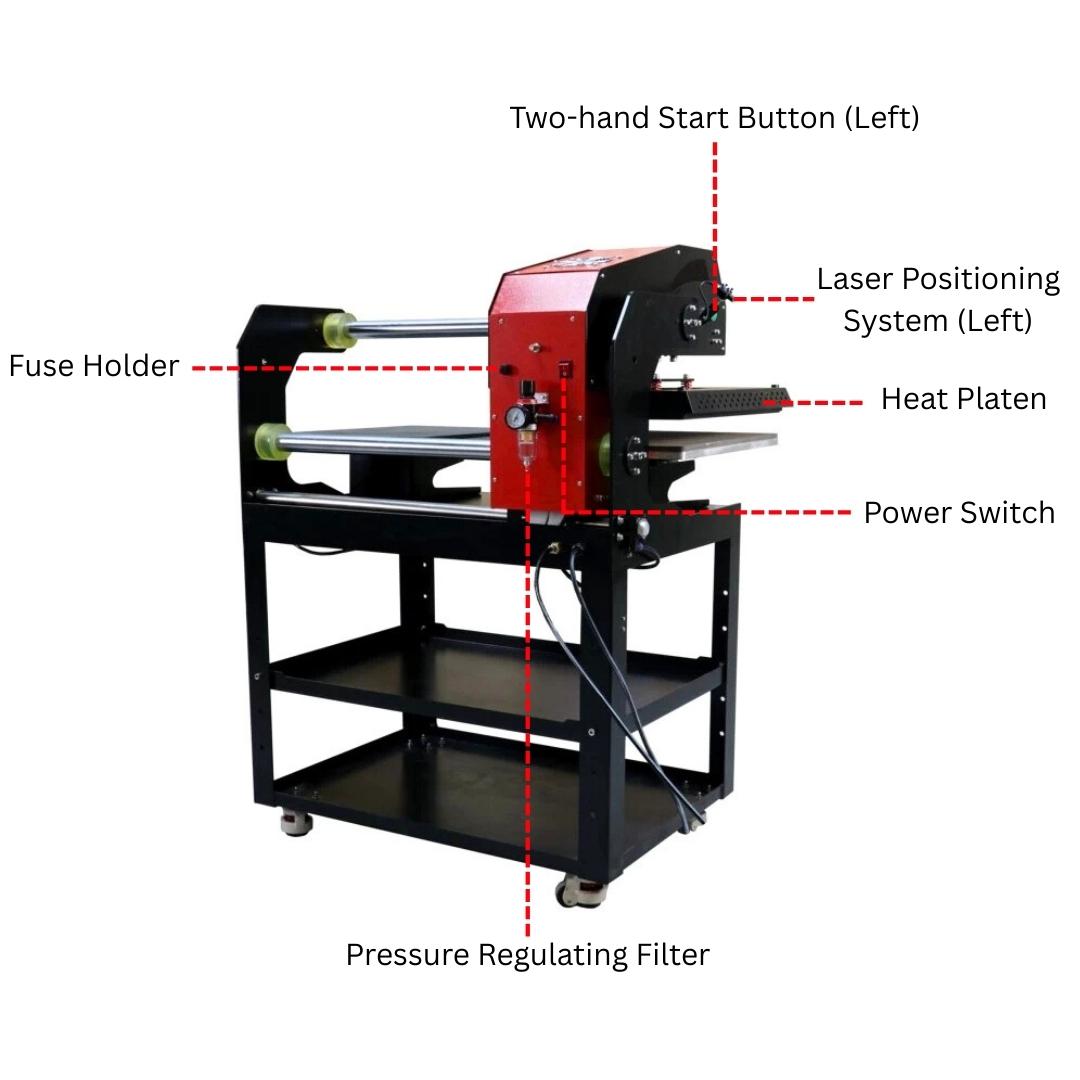
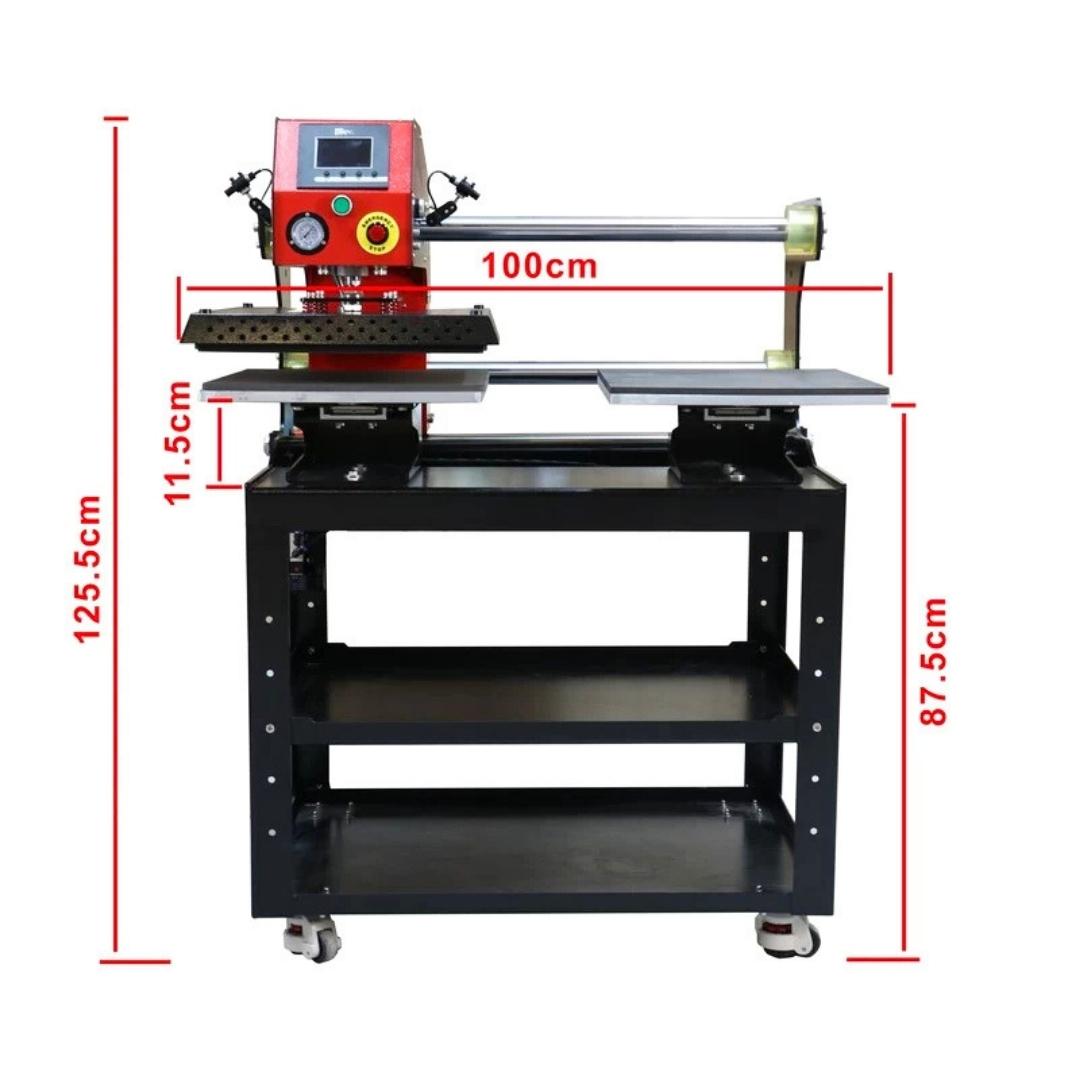
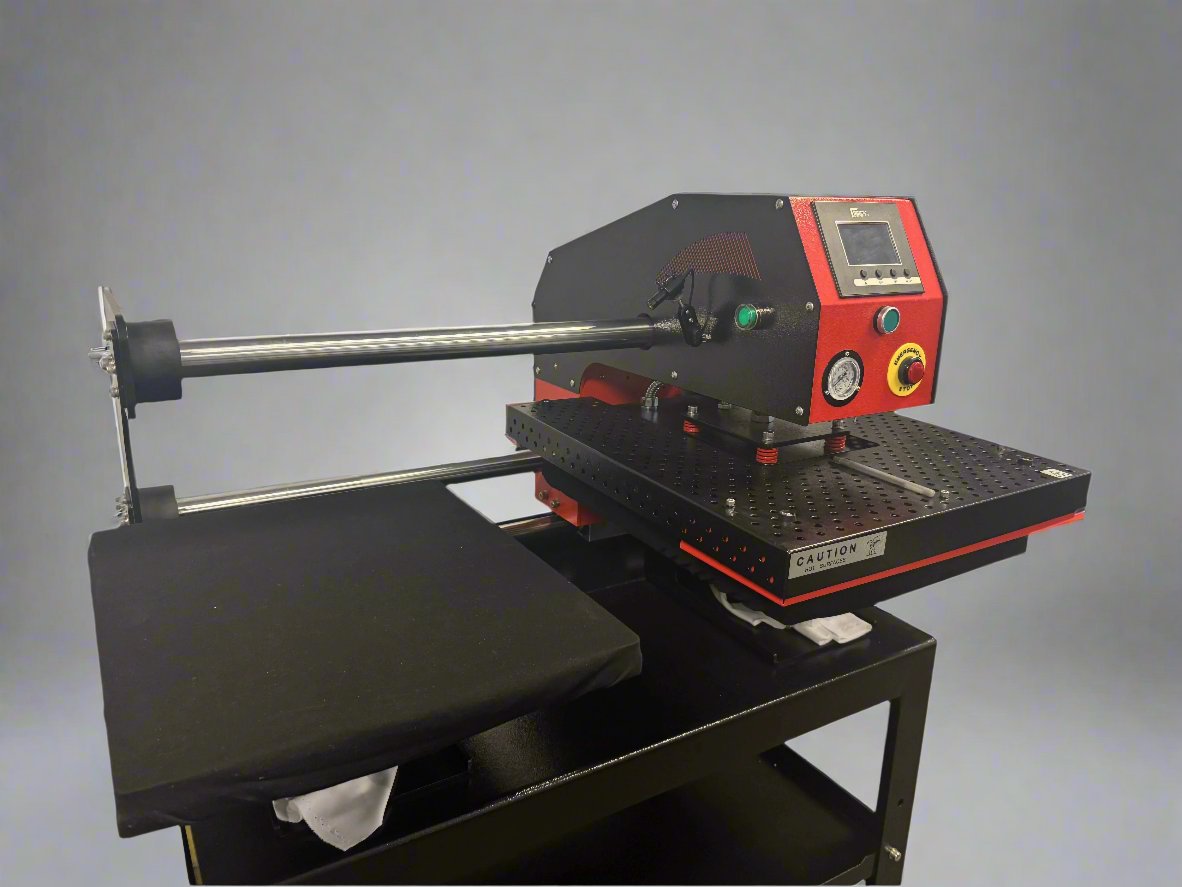
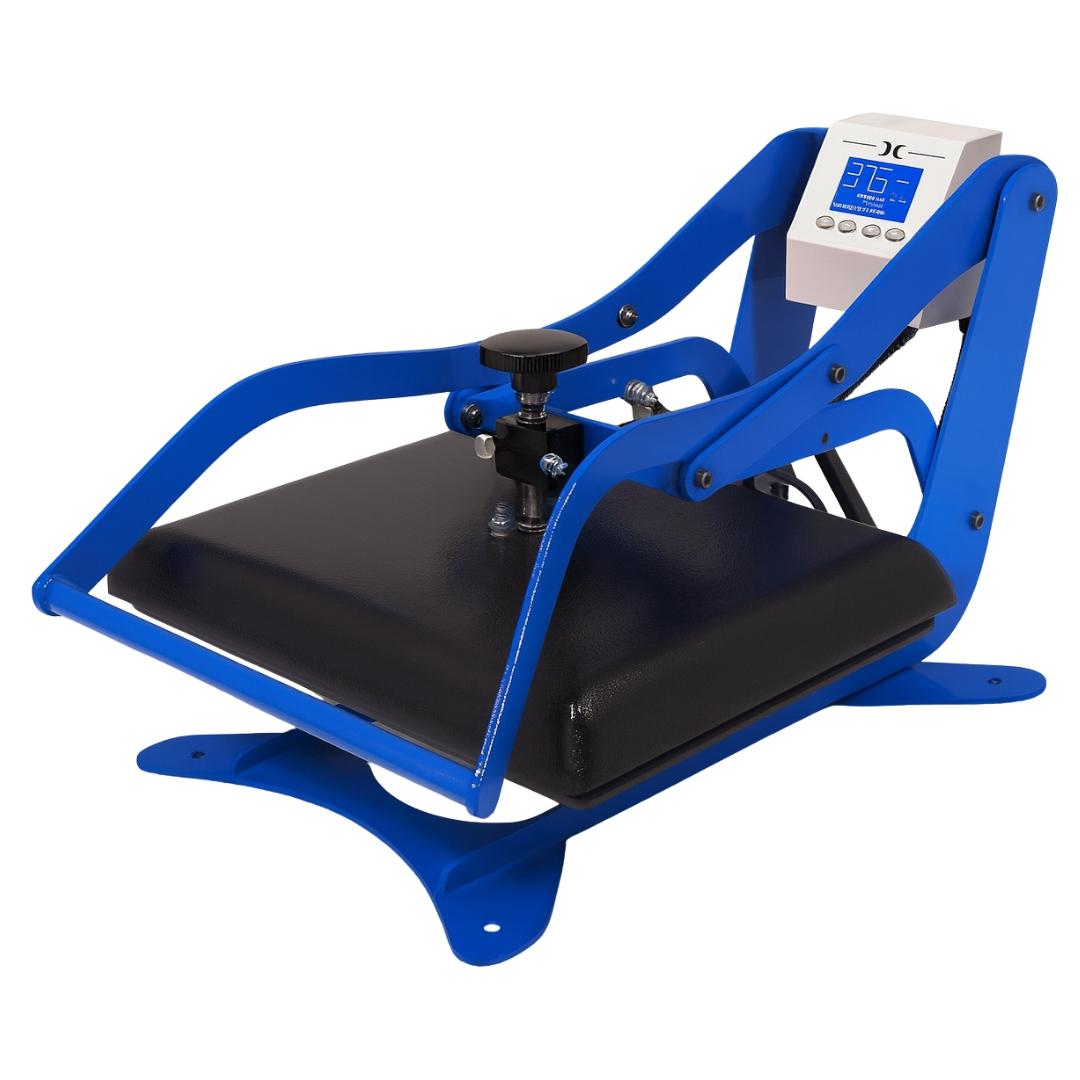
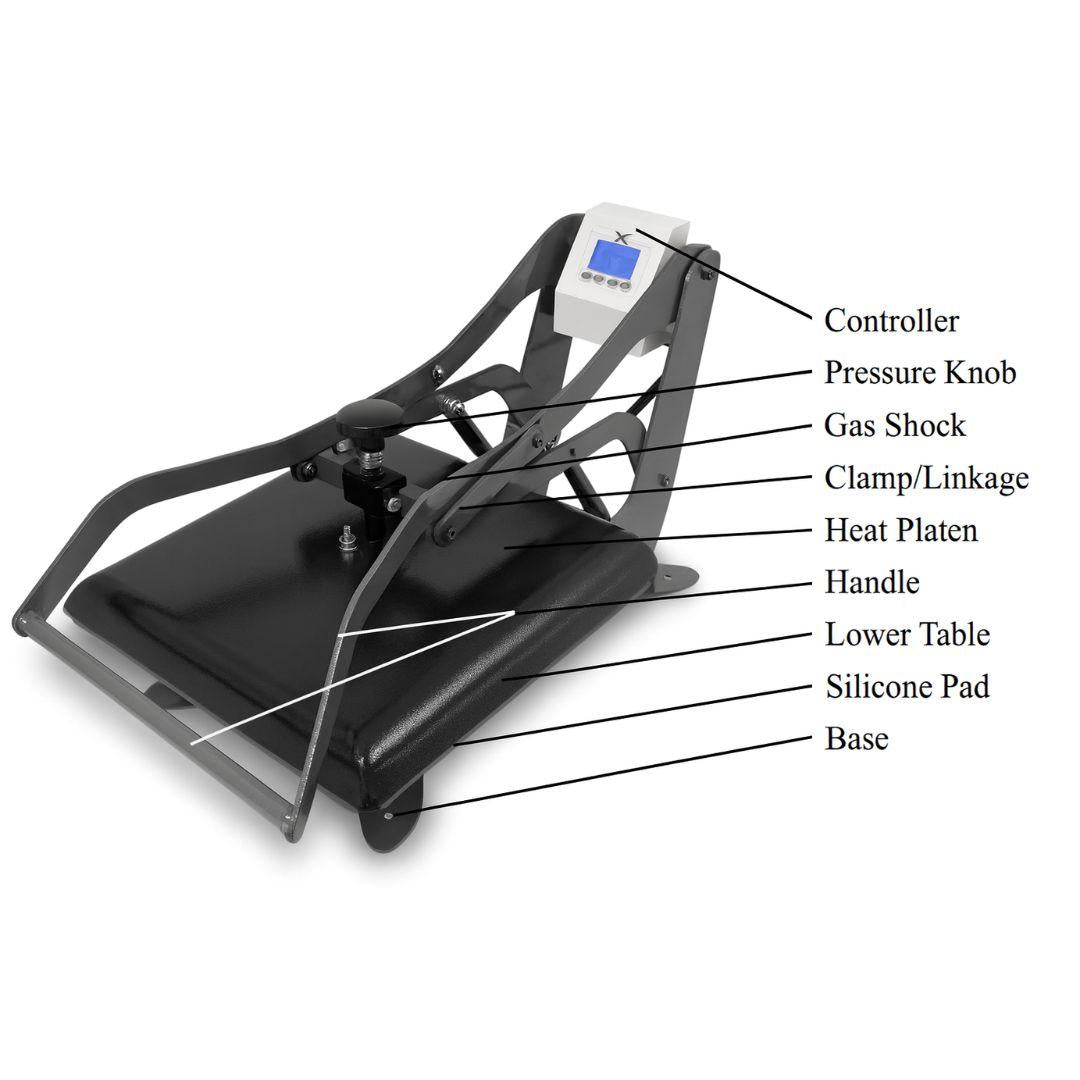
Heat Press Selection for DTF Transfer Application
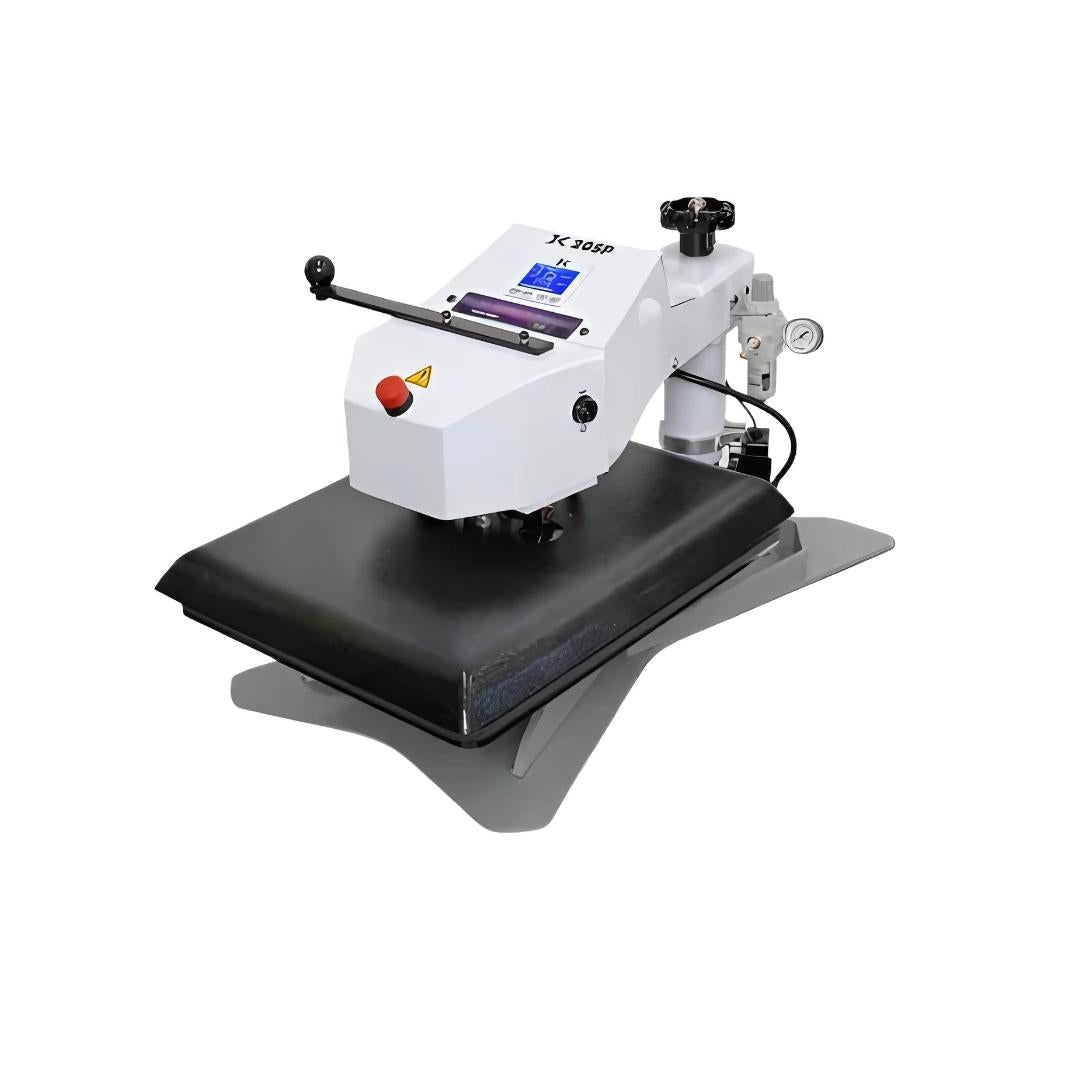
Clamshell vs. Swing-Away Design
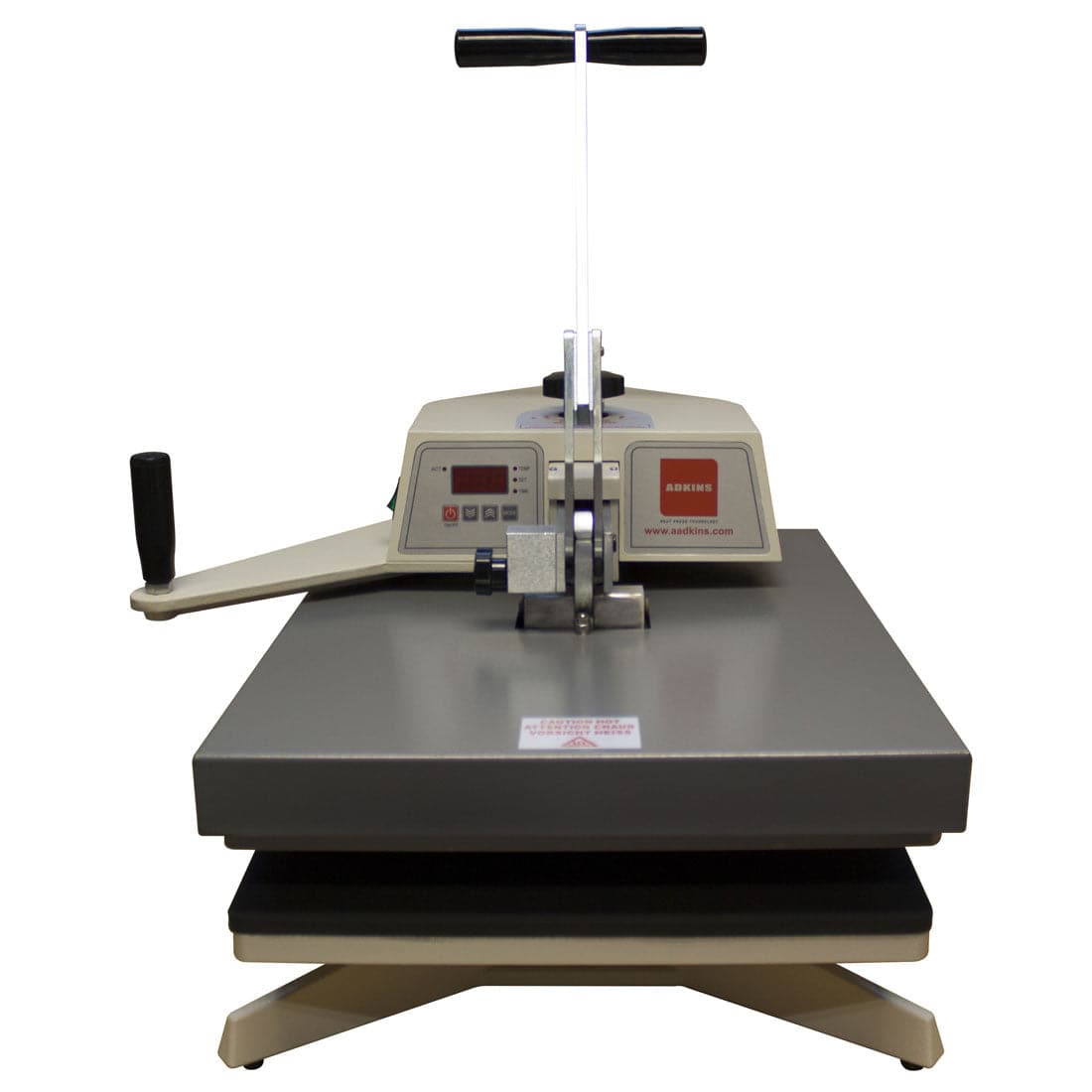
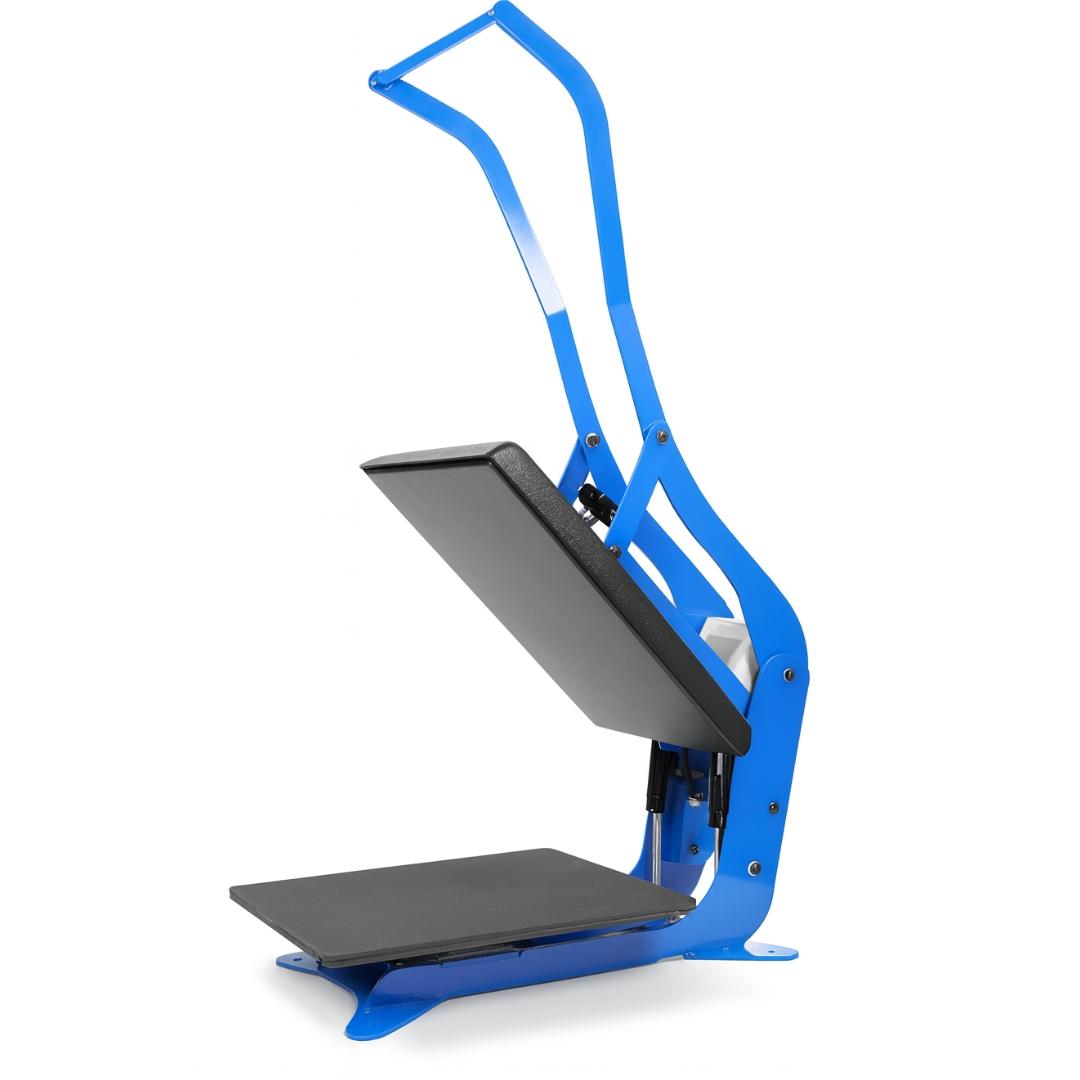
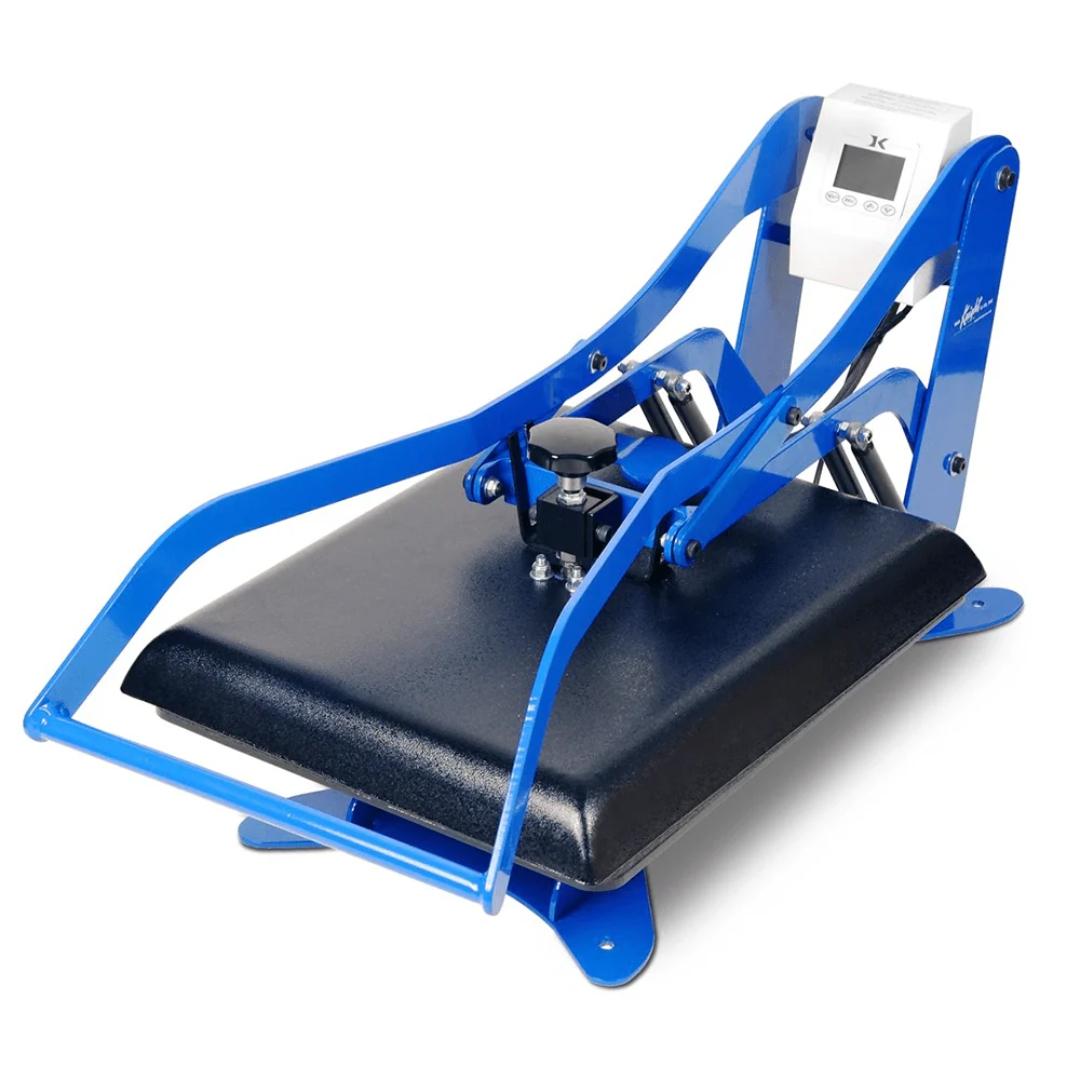
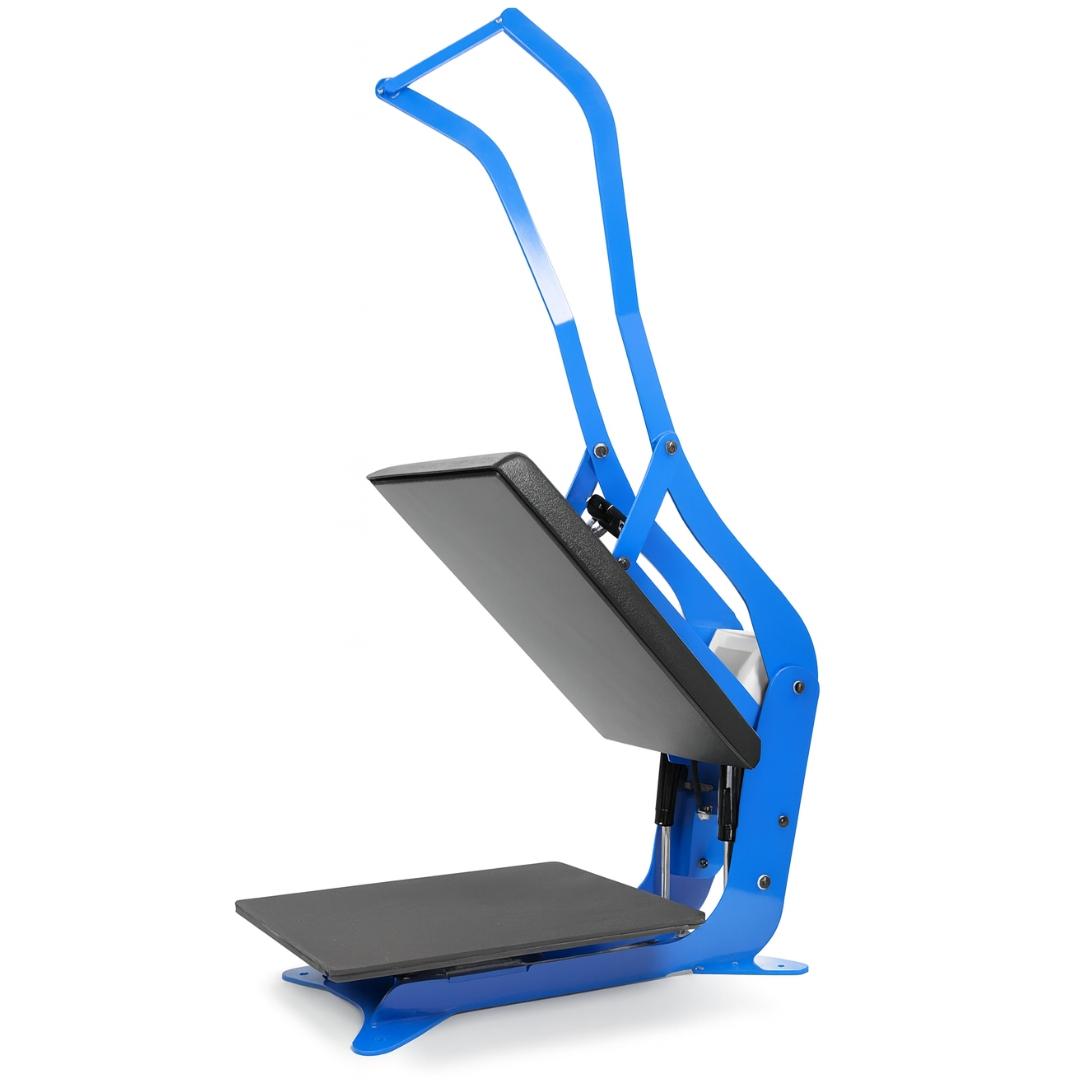
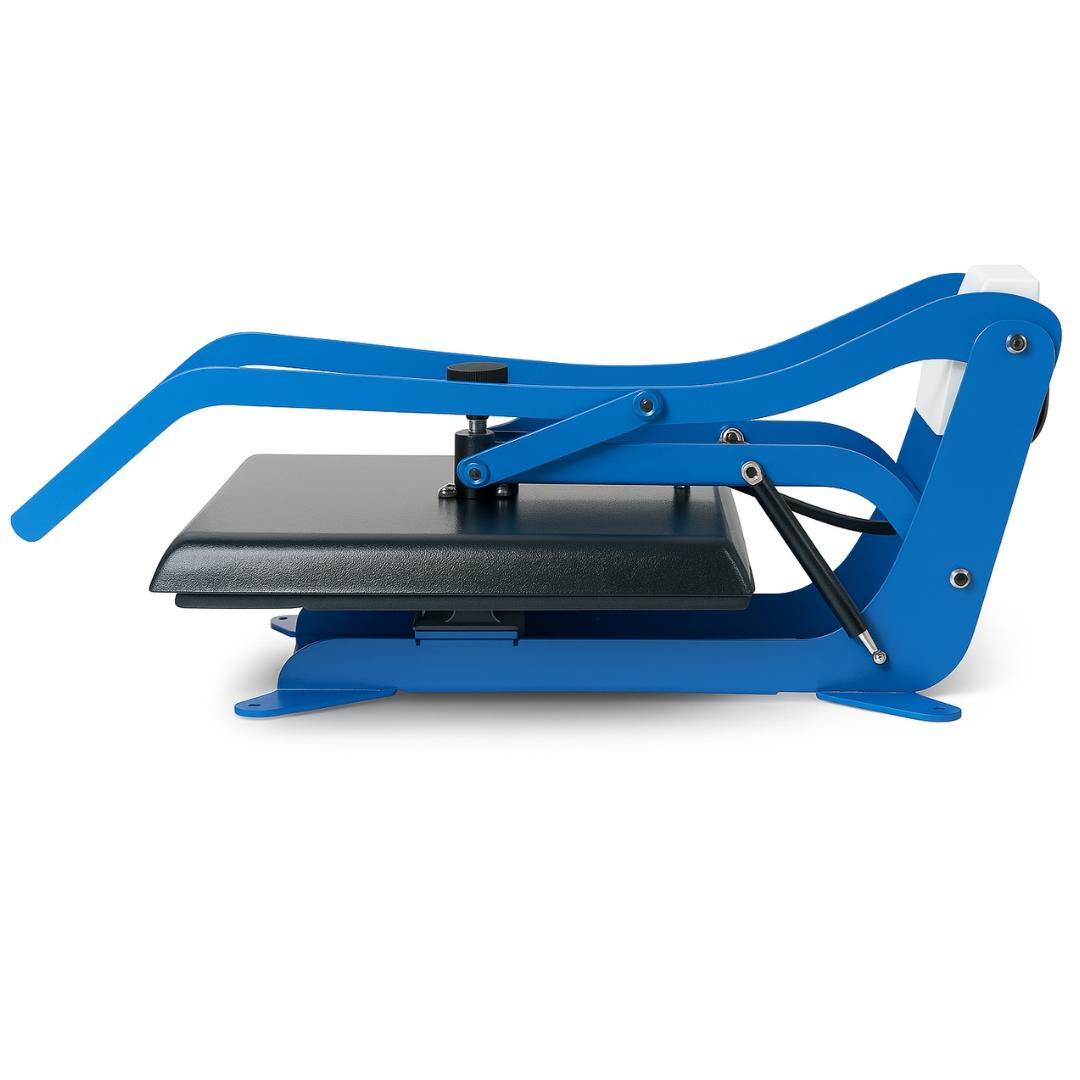
Clamshell Heat Presses (Vertically Opening)

- Compact footprints and fast operation
- Upper platen lifts straight up for quick garment placement
- Best for t-shirts, hoodies (front/back), flat textiles
- Pressure adjustment varies by model (digital vs. manual)

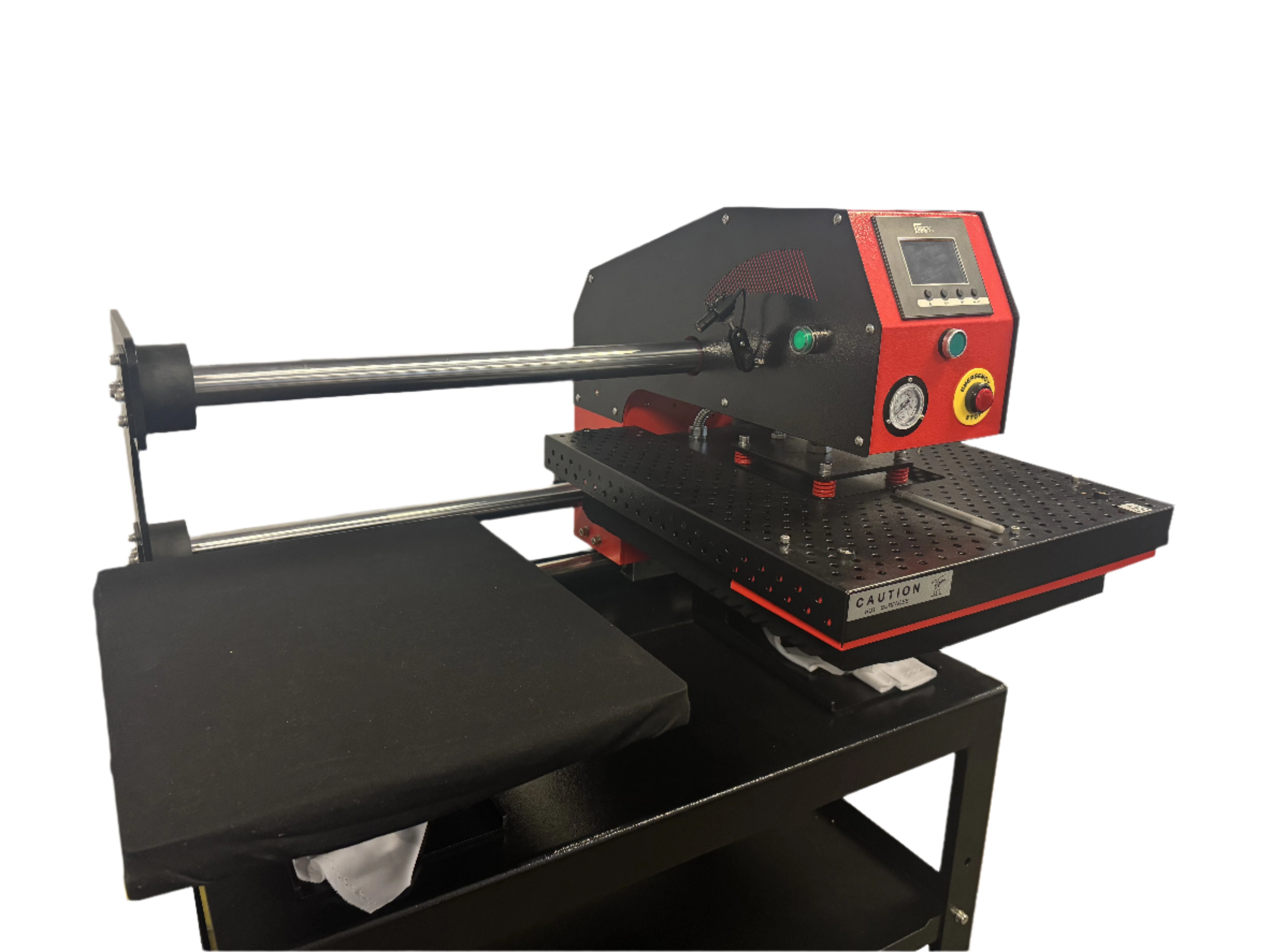
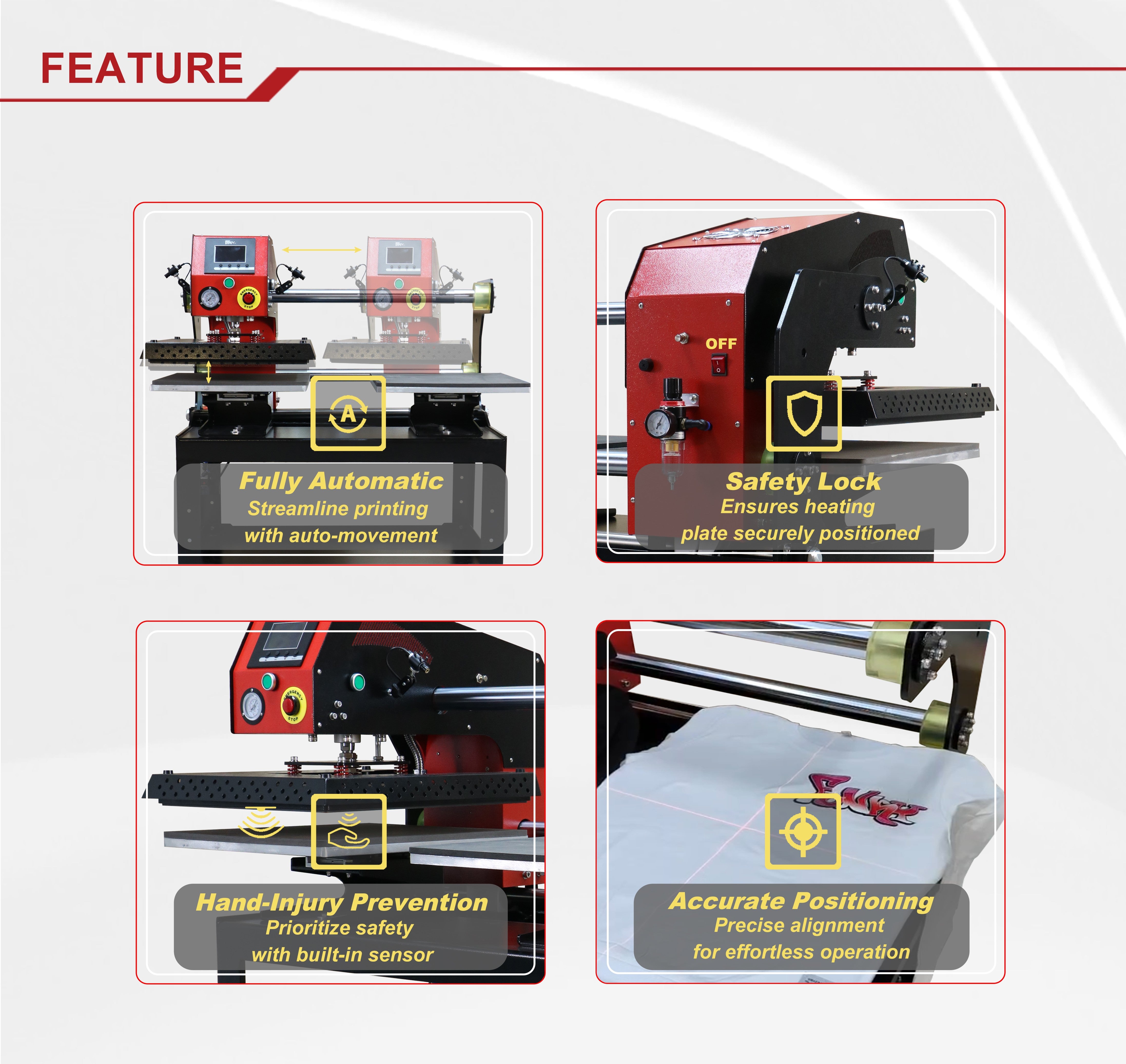
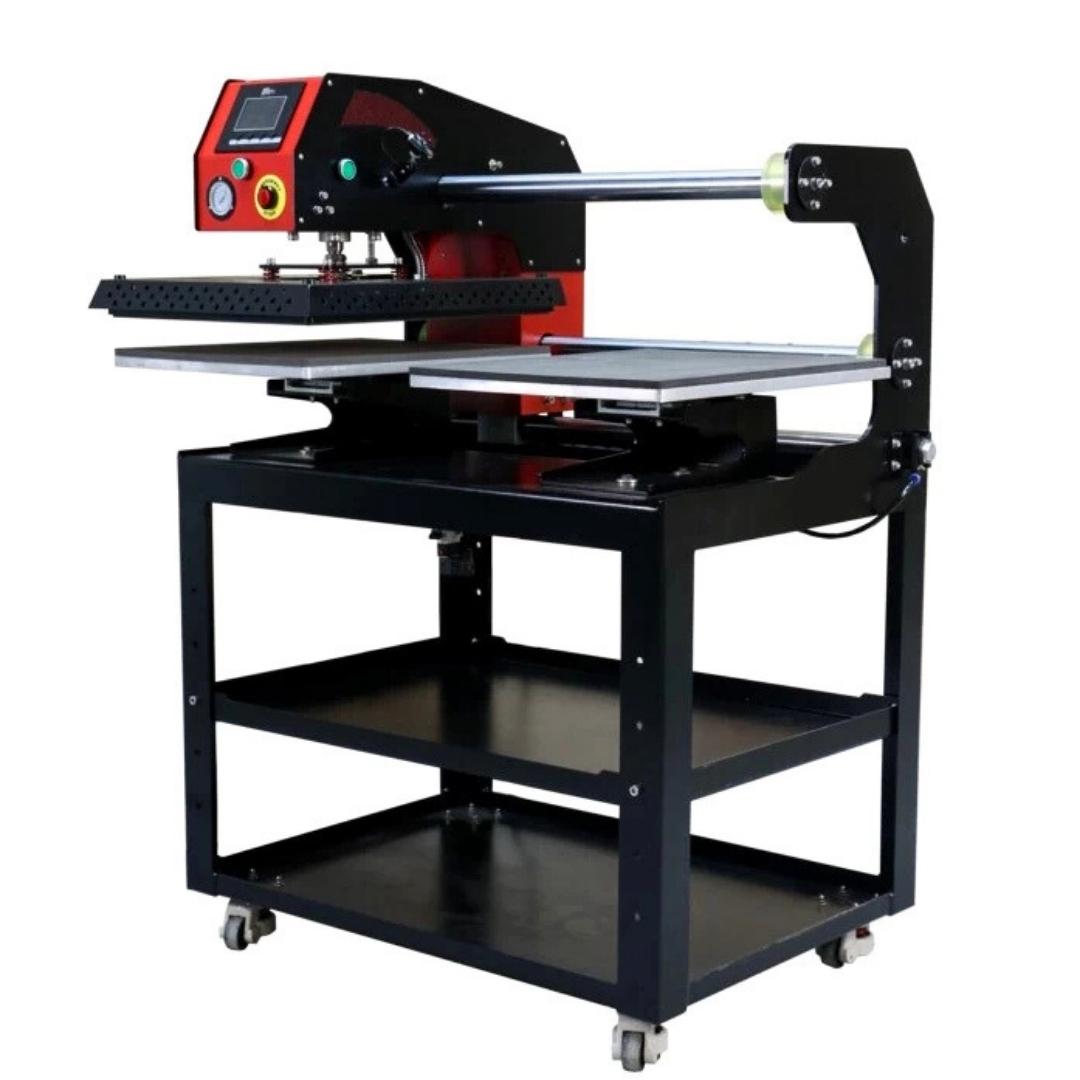
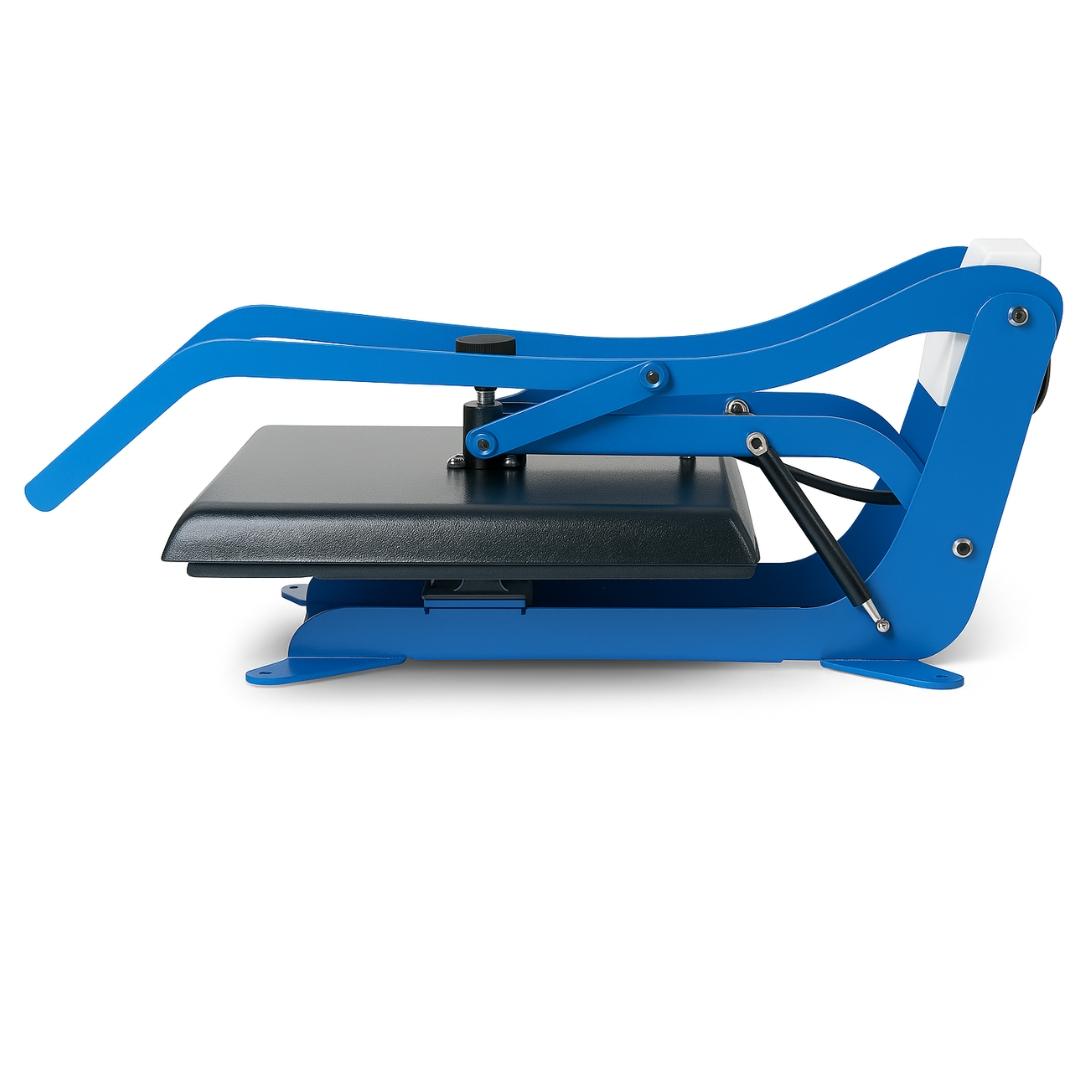
- Upper platen separates horizontally from lower platen
- Better access for thick garments and multi-layer items
- More consistent pressure distribution across platen surface
- Safer operation (eliminates accidental hot surface contact)
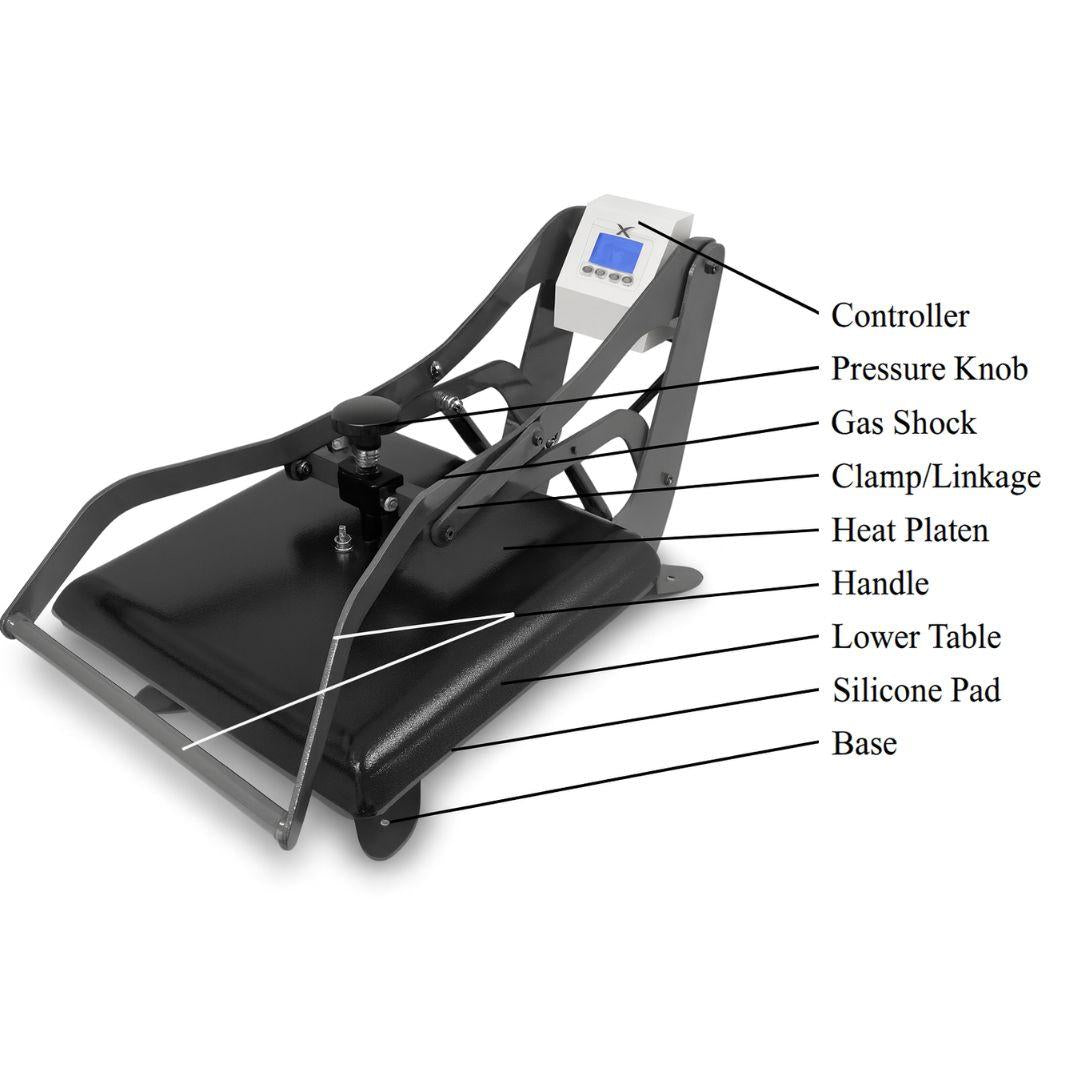
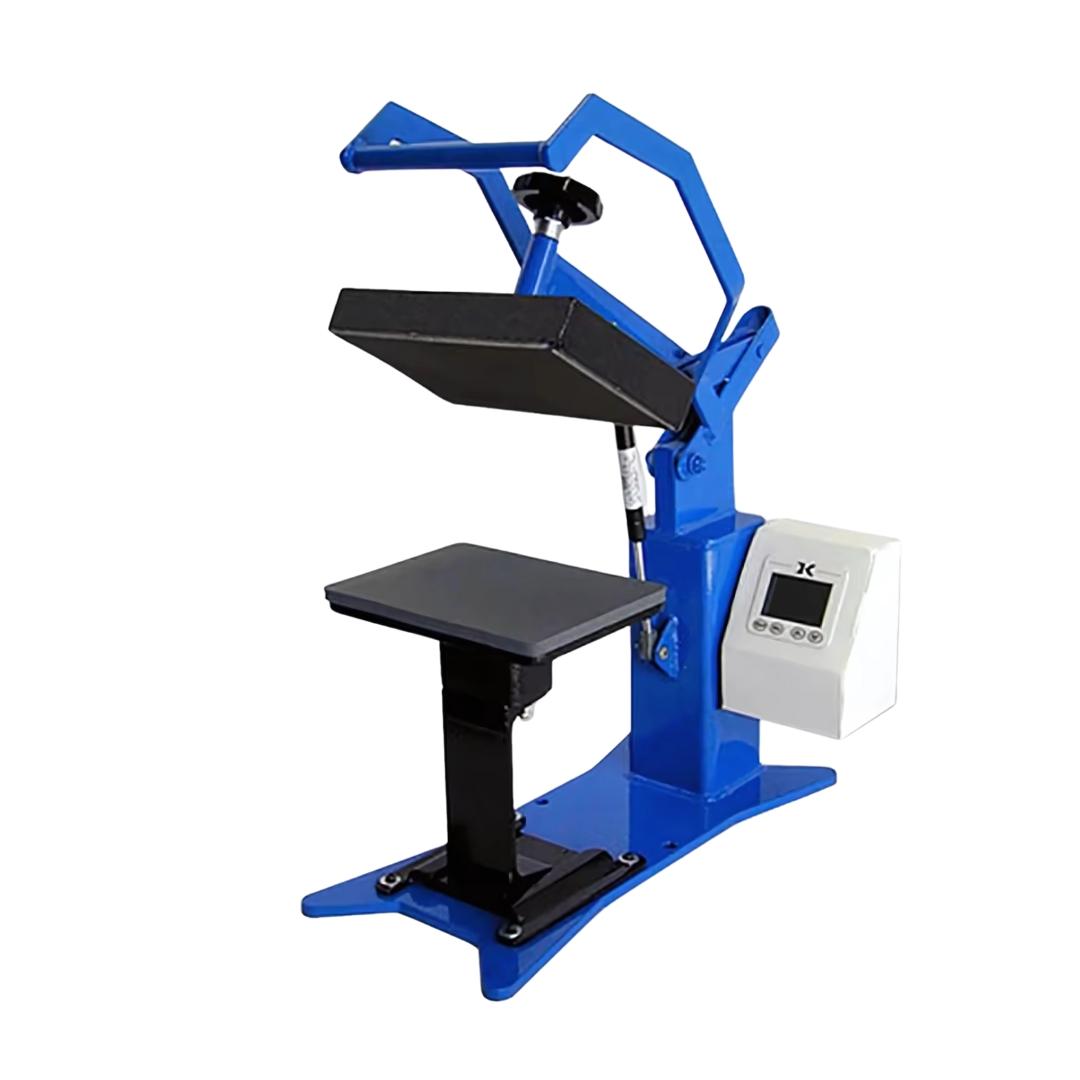
Joto's heat press lineup includes the Olli S1 Ultra (16x20 clamshell), Geo Knight Digital Knight series (professional clamshells), and multiple swing-away models for different production scales.
Platen Size Considerations
Heat press platen size must accommodate your largest intended transfer design plus 2-3 inches of clearance on all sides for proper pressure distribution.
Standard sizes and capacities:
- 15x15 inch: Maximum full-chest adult design approximately 12x12 inches
- 16x20 inch: Standard production size, handles most adult garment transfers
- 16x24 inch: Accommodates oversized designs and all-over prints
Gang sheet production using large DTF printers requires correspondingly large heat presses or batch-processing workflows where individual transfers get cut and pressed separately. Attempting to press transfers larger than platen size results in incomplete bonding at edges and premature transfer failure.
Temperature and Pressure Requirements
Standard DTF pressing parameters:
- Temperature: 300-320°F (148-160°C)
- Pressure: Firm to heavy (60-80 PSI depending on fabric and transfer size)
- Time: 10-15 seconds for standard transfers
Equipment considerations:
- Digital heat presses with PID controllers maintain temperature within ±5°F
- Analog models exhibit temperature swings of 20-30°F (require monitoring)
- Auto-release mechanisms prevent over-pressing
Insufficient temperature or pressure causes incomplete bonding where transfers peel after first wash. Excessive temperature scorches fabric or melts synthetic fibers.
DTF System Cost Breakdown: Three Production Tiers
| System Component | Entry-Level System | Mid-Range System | Production System |
|---|---|---|---|
| DTF Printer | 13-17" width, manual feed, basic white ink | 24" width, auto-feed, white ink circulation | 35+" width, dual heads, industrial white ink |
| Curing Equipment | Sheet oven or heat press method | Compact conveyor oven | Full conveyor with powder shaker integration |
| Heat Press | 15x15 clamshell, manual pressure | 16x20 auto-release, digital controls | 16x24 swing-away, programmable presets |
| Monthly Consumables | 50-100 transfers: Film, powder, ink refills | 200-400 transfers: Bulk film rolls, powder, ink | 1000+ transfers: Commercial film, powder, ink systems |
| Workflow Capacity | 20-50 transfers/day, manual powder shaker | 100-300 transfers/day, semi-automated | 500+ transfers/day, fully automated |
| Best For | Testing DTF, side business, low-volume custom | Established print shop adding DTF service | Fulfillment center, contract decorator, manufacturer |
Total Cost of Ownership Analysis
Initial equipment costs represent only 30-40% of first-year DTF expenses. Understanding the full cost picture prevents underbudgeting and cash flow problems.
Consumable costs per transfer:
- In-house production: $0.40-$0.90 per letter-size transfer
- Wholesale outsourcing: $1.50-$3.50 per transfer
- Breakeven point: 200+ transfers weekly reaches ROI in 4-8 months
Labor costs by automation level:
- Manual systems: 2-3 minutes per transfer (powder shaking, film handling)
- Automated systems: Under 30 seconds per transfer (loading/unloading only)
- Maintenance supplies: $50-$200 monthly depending on volume
Savings analysis: Businesses transitioning from wholesale transfers to in-house DTF production save $200-$500 weekly in material costs at sustained volumes above 200 transfers per week. This assumes proper equipment sizing, consistent production scheduling, and avoiding the common mistake of buying entry-level equipment for production-scale needs.
Common DTF System Setup Mistakes to Avoid
Mistake 1: Undersized Equipment for Actual Volume
Buying a 13-inch entry printer when your order volume requires 200+ transfers weekly creates immediate bottlenecks. Small printers run continuously to meet demand, accelerating wear and increasing maintenance frequency.
Solution: Calculate realistic daily transfer volume before selecting equipment. If you average 30 transfers daily now but growth projections show 100+ transfers within 6 months, buy for the projected volume. Upgrading costs more than buying correctly the first time.
Mistake 2: Skipping Dedicated Curing Equipment
Using a heat press to cure powder seems cost-effective initially but creates workflow paralysis. Your heat press cannot simultaneously cure film and press garments. Production bottlenecks at the curing stage.
Solution: Dedicated curing ovens separate these processes, allowing continuous printer operation while film cures and garments press. Even entry-level operations benefit from sheet ovens that cure while the heat press handles transfer application.
Mistake 3: Ignoring White Ink Maintenance Requirements
White ink contains titanium dioxide pigment that settles rapidly when stationary. Print heads clog when white ink channels aren't circulated and cleaned according to manufacturer schedules.
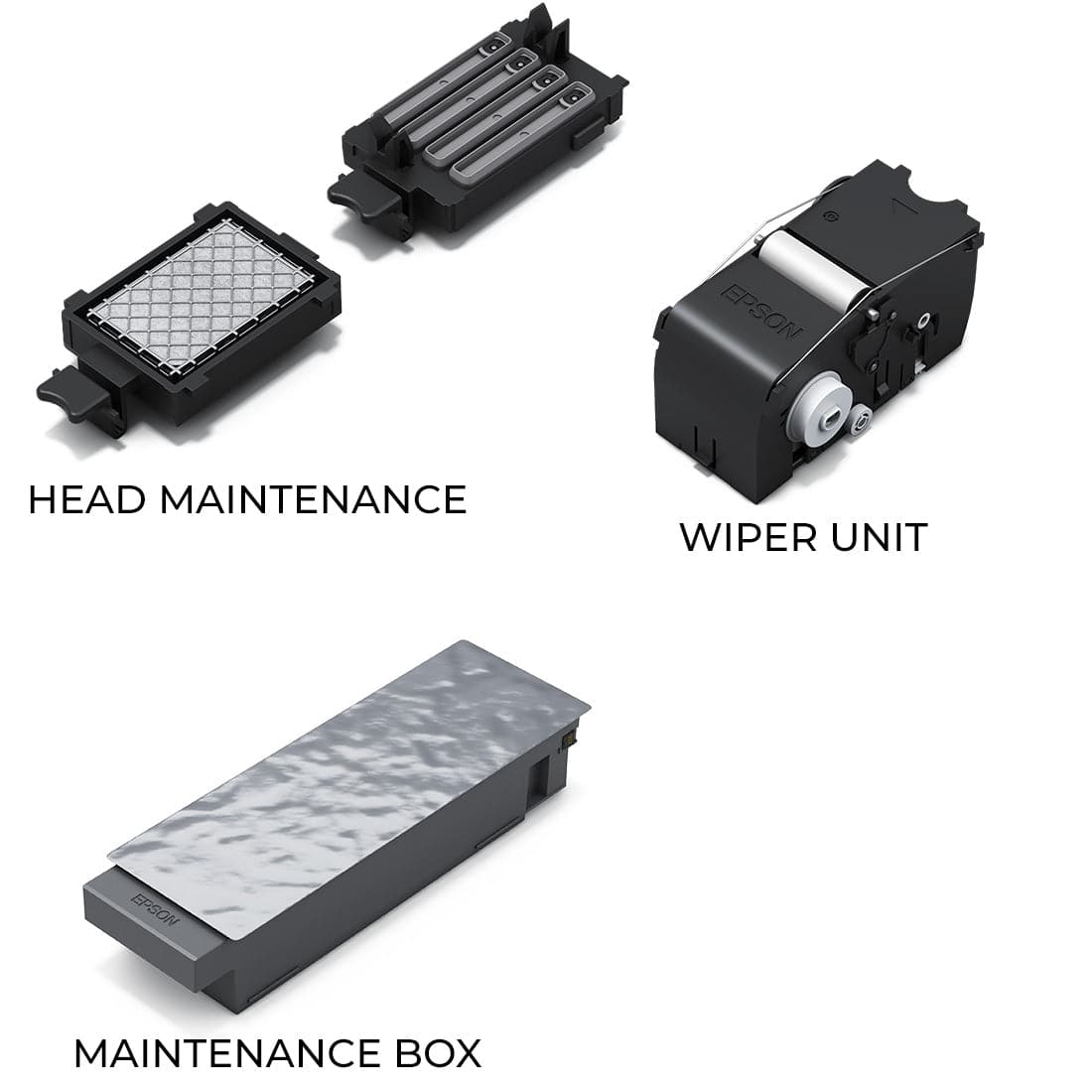
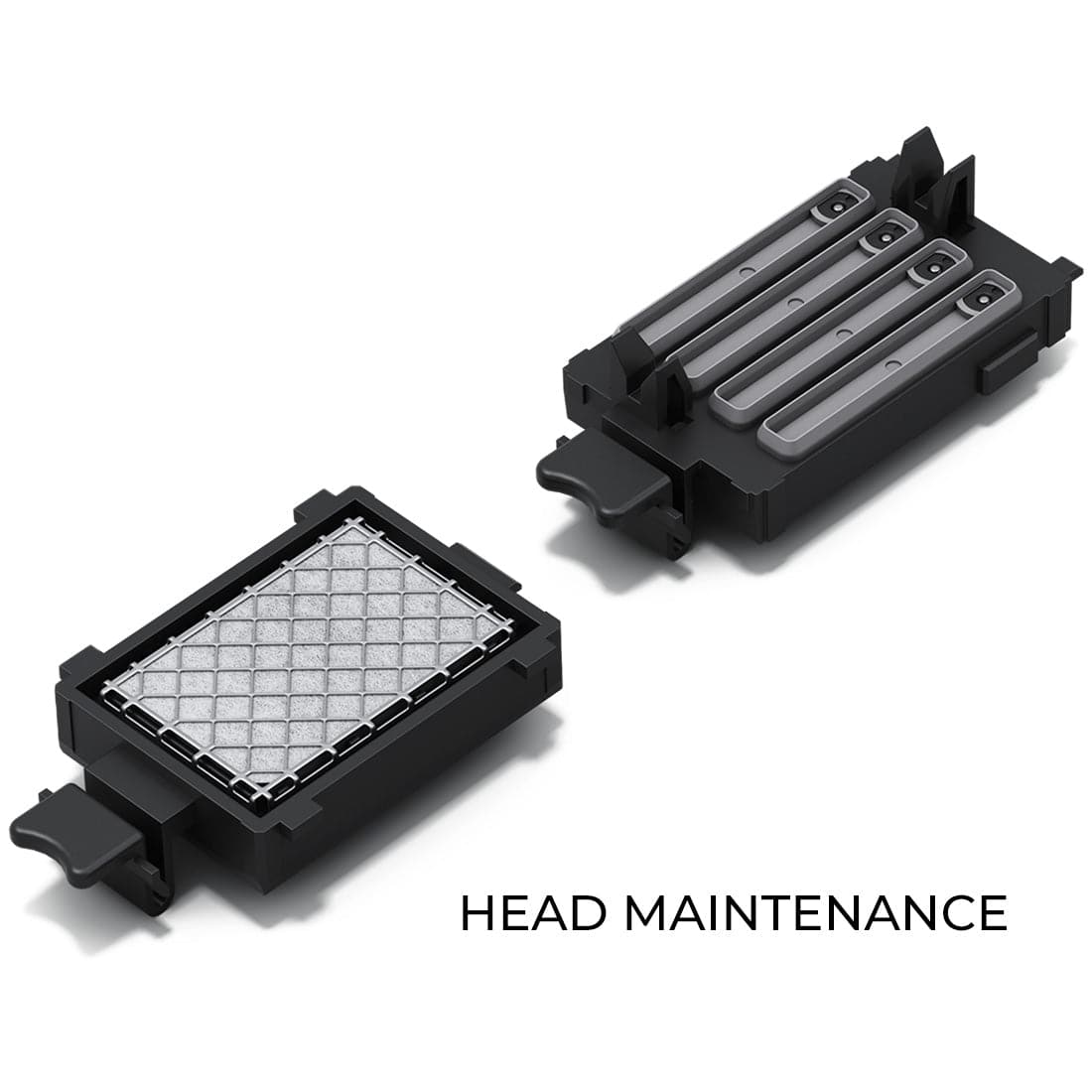
Solution: Budget time for daily white ink circulation cycles, weekly print head cleaning, and monthly deep cleaning procedures. Most white ink failures result from maintenance neglect, not equipment defects.
Mistake 4: Mixing Incompatible Consumables
DTF systems require matched consumables: ink formulated for your printer, powder compatible with your ink chemistry, and film designed for your ink type. Mixing brands or substituting consumables to save costs causes adhesion failures and transfer durability problems.
Solution: Stick with manufacturer-recommended or tested consumables until you have experience evaluating alternatives. Powder particle size must match ink formulation. Film coatings must accept your ink without beading or running.
Workflow Integration: From File to Finished Garment
Design Preparation and RIP Software
DTF requires mirrored designs (flipped horizontally) since transfers print face-down on film. RIP (Raster Image Processor) software handles color management, white ink underbase generation, and file preparation.
Design requirements:
- Minimum resolution: 300 DPI for sharp edge definition
- Vector graphics produce cleaner results than rasterized images
- White ink underbase density: 80-120% coverage under colored layers
Entry systems use simplified RIP interfaces. Production systems integrate with shop management software for job tracking and inventory control.
The Print-Powder-Cure-Press Sequence
Step 1 - Print:
- Load film into printer
- Send job to printer through RIP software
- Monitor ink output for nozzle issues or color shifts
Step 2 - Powder Application:
- Apply adhesive powder immediately after printing (within 60 seconds)
- Ensure complete coverage of all inked areas
- Shake off excess powder to prevent halo effects around designs
Step 3 - Cure:
- Run powdered film through oven or place in sheet oven
- Maintain specified temperature: 160-170°C (320-340°F)
- Cure for 2-3 minutes minimum
- Verify powder fully melted by checking transfer flexibility
Step 4 - Press:
- Pre-press garment to remove moisture and wrinkles
- Position transfer on garment (design facing up)
- Apply heat press at 300-320°F (148-160°C) for 10-15 seconds with firm pressure
- Allow cold-peel transfers to cool 15-20 seconds before removing carrier film
Quality Control Checkpoints
Before powdering:
- Inspect prints for color accuracy
- Check white ink opacity (should be solid, not translucent)
- Look for missing nozzle lines or banding
After powdering:
- Check powder coverage for bare spots
- Verify excess powder removal (no buildup outside design areas)
After curing:
- Test transfer flexibility (properly cured transfers bend without cracking)
- Check for powder adhesion (should not flake off when touched)
Before production pressing:
- Test press adhesion on scrap fabric
- Verify correct temperature and pressure settings
- Conduct wash testing on sample transfers every production run
Frequently Asked Questions
Can I start DTF printing with just a printer?
No. DTF printing requires a complete system: printer, adhesive powder, PET film, curing equipment (oven or heat press), and a heat press for garment application. Buying only the printer leaves you unable to produce usable transfers. Budget for the complete system when evaluating DTF investment. Missing any single component stops production entirely.
How long do DTF transfers last after washing?
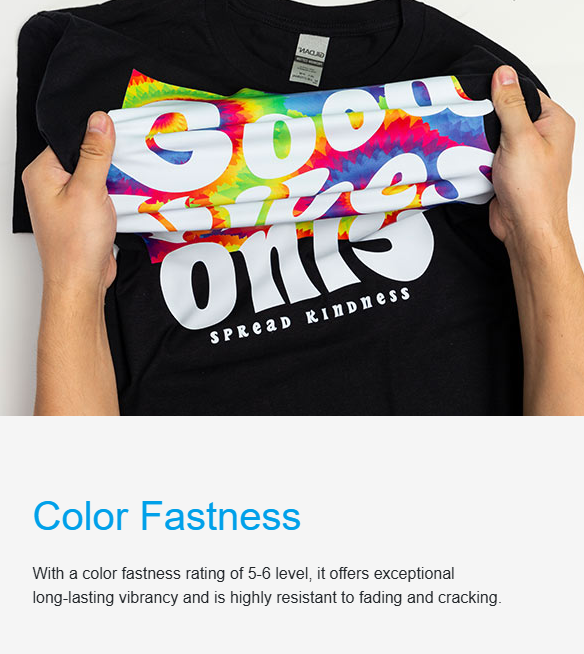
Properly cured DTF transfers withstand 50+ wash cycles when laundered at normal temperatures (warm water, standard detergent, tumble dry medium heat). Under-cured transfers crack within 5-10 washes. Transfer durability depends on correct powder curing, proper press temperature and pressure, and fabric compatibility. Commercial operations should conduct wash testing on every production run to verify process consistency.
What fabrics work with DTF transfers?
DTF transfers adhere to cotton, polyester, poly-cotton blends, canvas, denim, nylon, and leather. Unlike sublimation (polyester only) or screen printing (fabric-specific inks), DTF works across fabric types including dark and black garments. Heavily textured fabrics like fleece may require higher press pressure for complete adhesion. This versatility makes DTF suitable for diverse product catalogs.
How much space does a DTF system require?
Entry-level systems fit in 6-8 feet of linear workspace (printer, powder station, curing oven, heat press arranged in sequence). Production systems require 15-20 feet of workspace with dedicated areas for printing, curing, pressing, and quality control. Ventilation requirements vary by equipment size, with commercial operations needing exhaust systems for powder dust and curing fumes.
Can I use a DTF printer for other printing methods?
Some hybrid printers like the Epson F2270 and F1070 support both DTF and DTG printing with mode switching. Dedicated DTF printers cannot be converted to sublimation, DTG, or standard document printing due to specialized ink systems and film-handling mechanisms. Attempting to run incompatible inks damages print heads and voids warranties. Choose hybrid models if you need multi-method capability.
Ready to build your DTF system? Explore Jot Imaging Essentials complete DTF equipment lineup including printers, curing ovens, heat presses, and consumables. Contact our technical team at 1-800-565-5686 for system sizing recommendations based on your production volume and budget.