"Should I buy a laser engraver or stick with my heat press?"
This question lands in our inbox weekly. Usually from print shop owners who see gorgeous laser-engraved wood products on Instagram and wonder if they're missing out.
Here's what those Instagram posts don't show: the $4,000 investment, 6-month learning curve, ventilation setup, material testing costs, and months before the first profitable sale.
After 15 years supplying both laser engravers and heat press equipment to hundreds of shops across North America, here's the honest comparison — including what each method actually costs to start, how fast you can become profitable, and which products make money with each technology.
How Each Method Works
1. Heat Press (Sublimation/DTF/HTV)
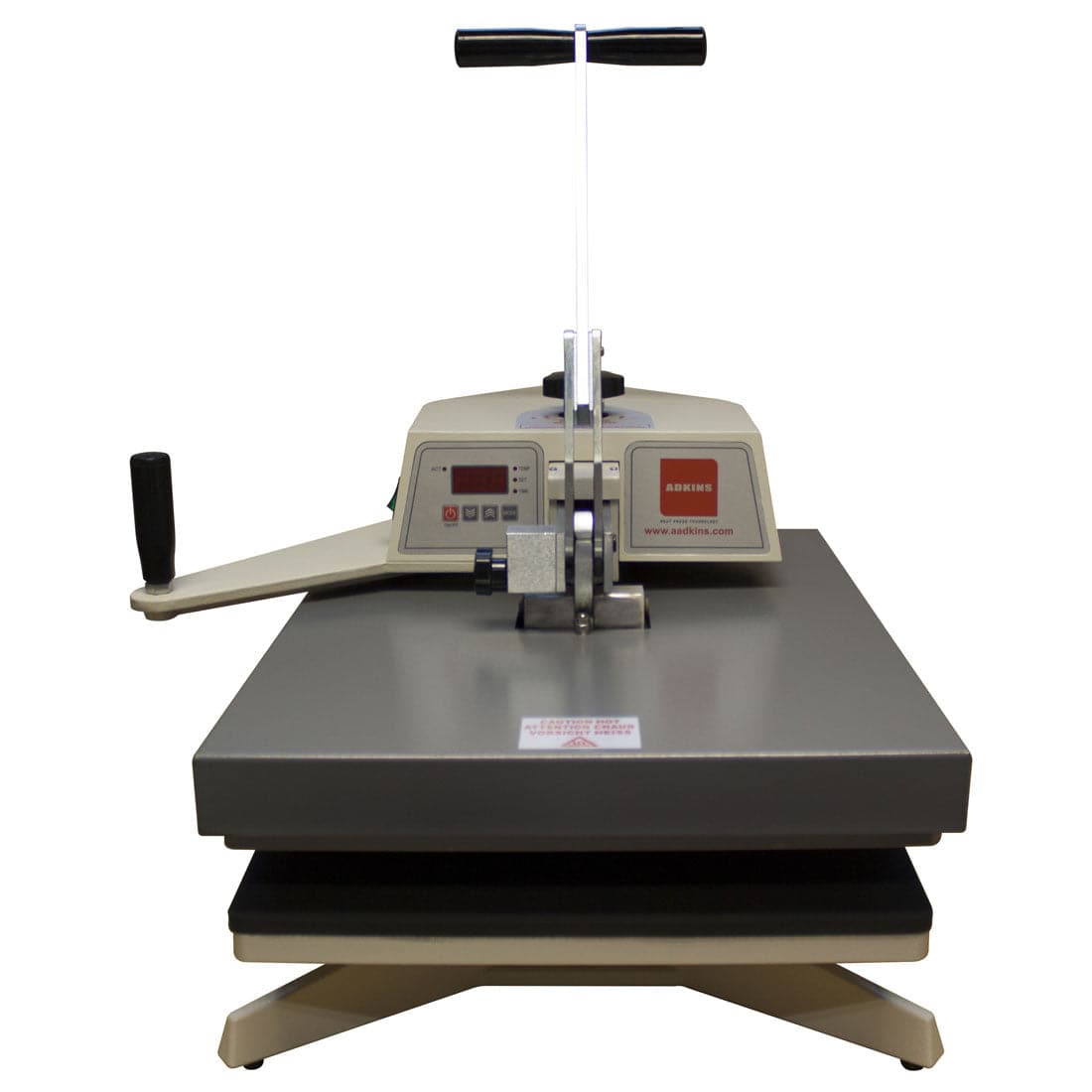
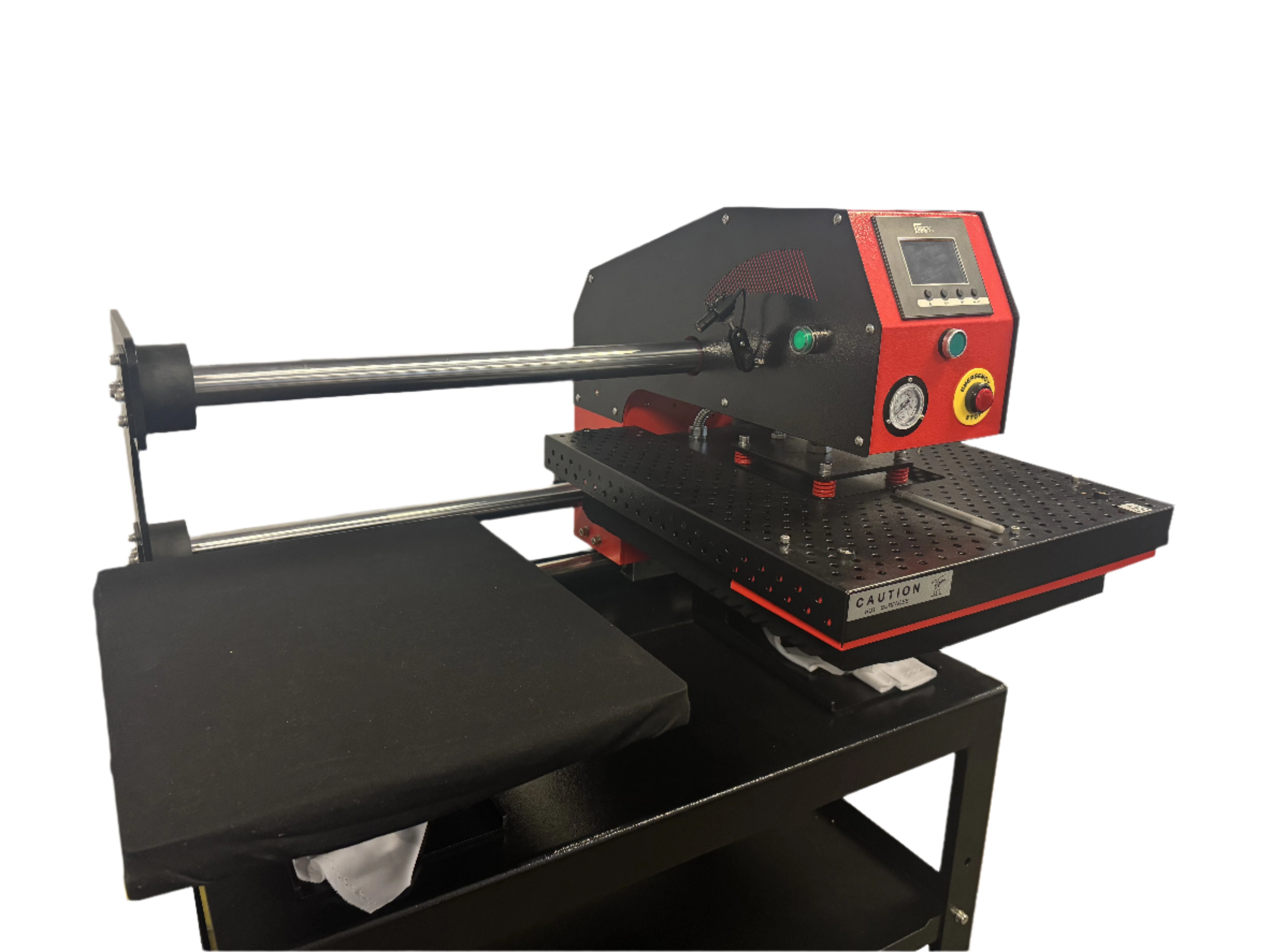
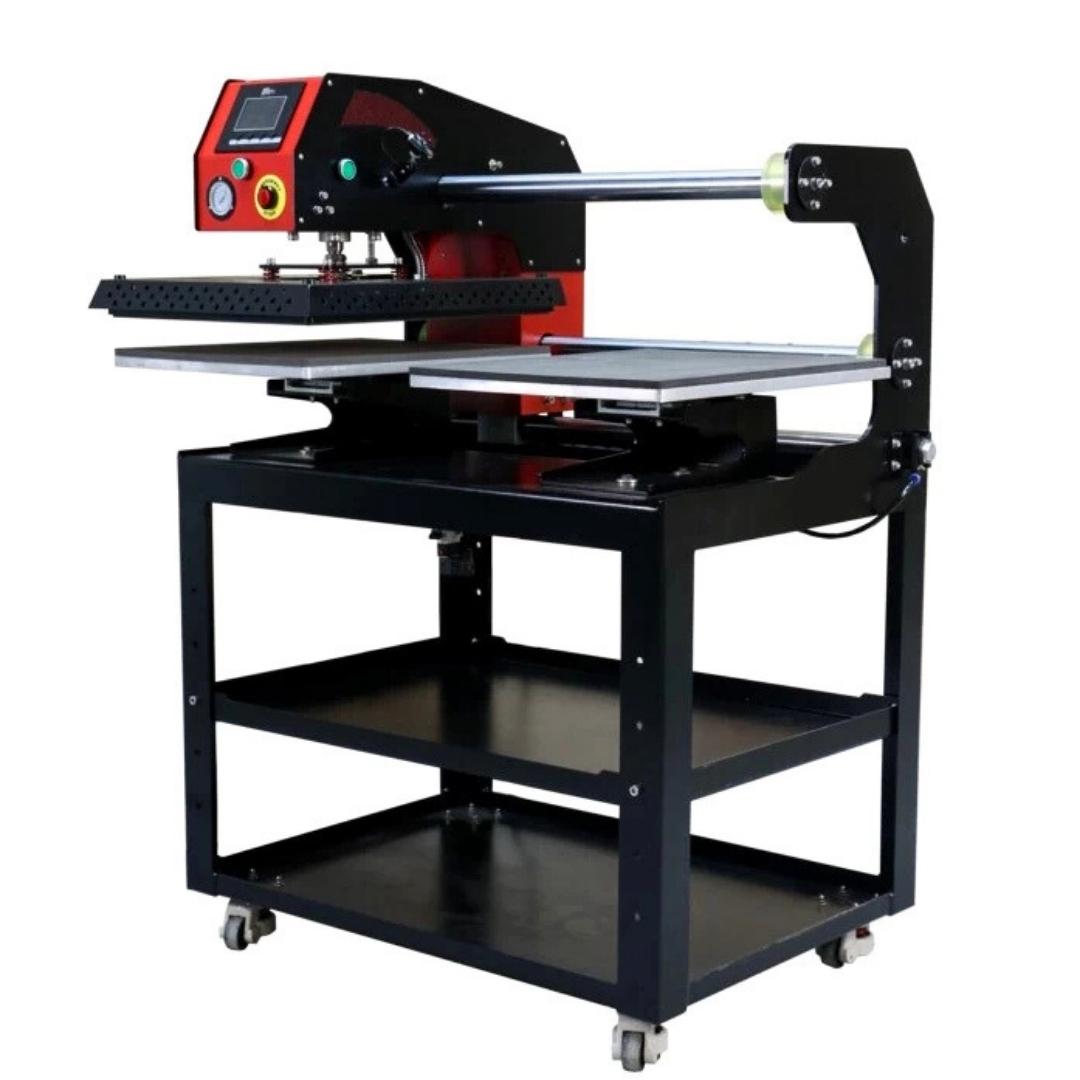
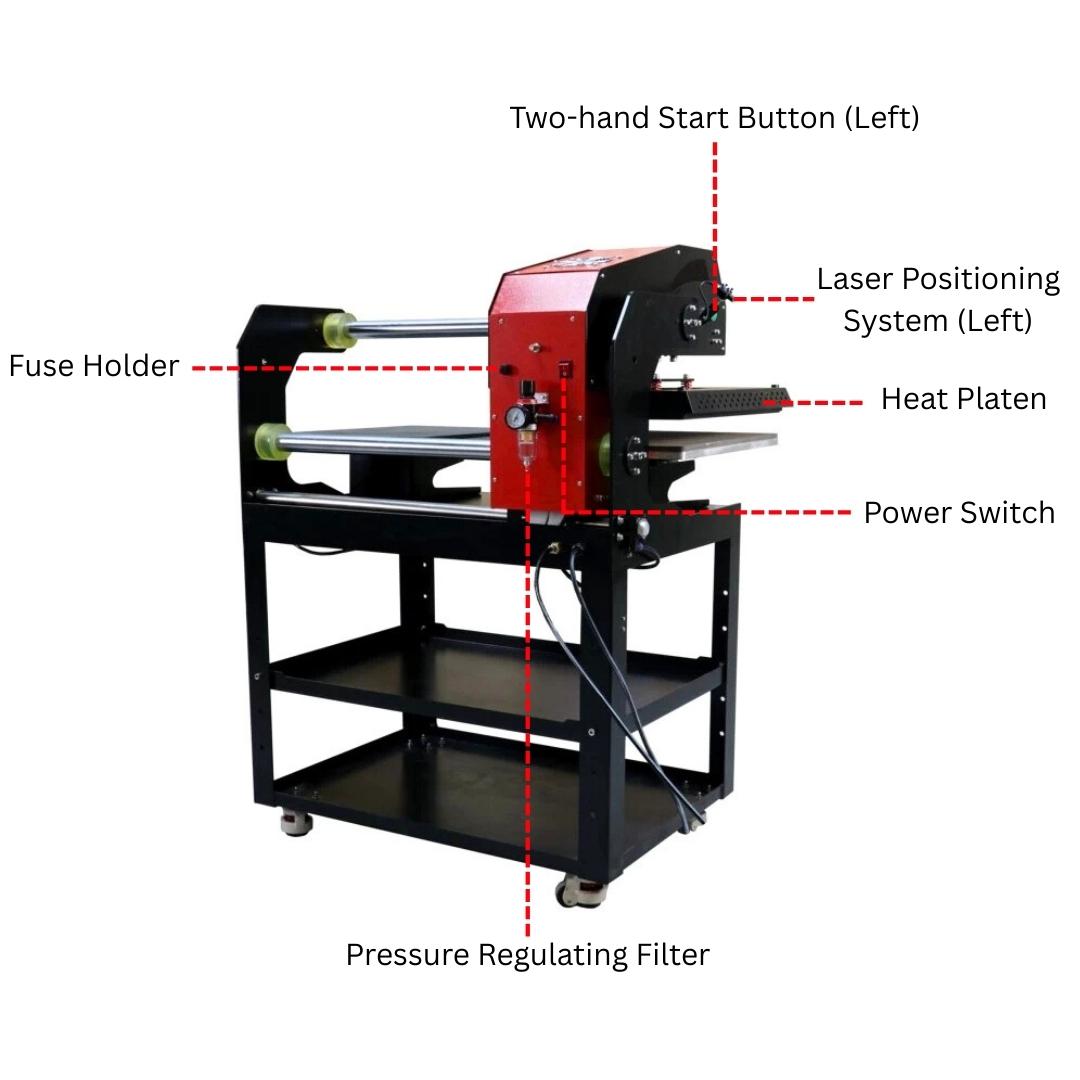
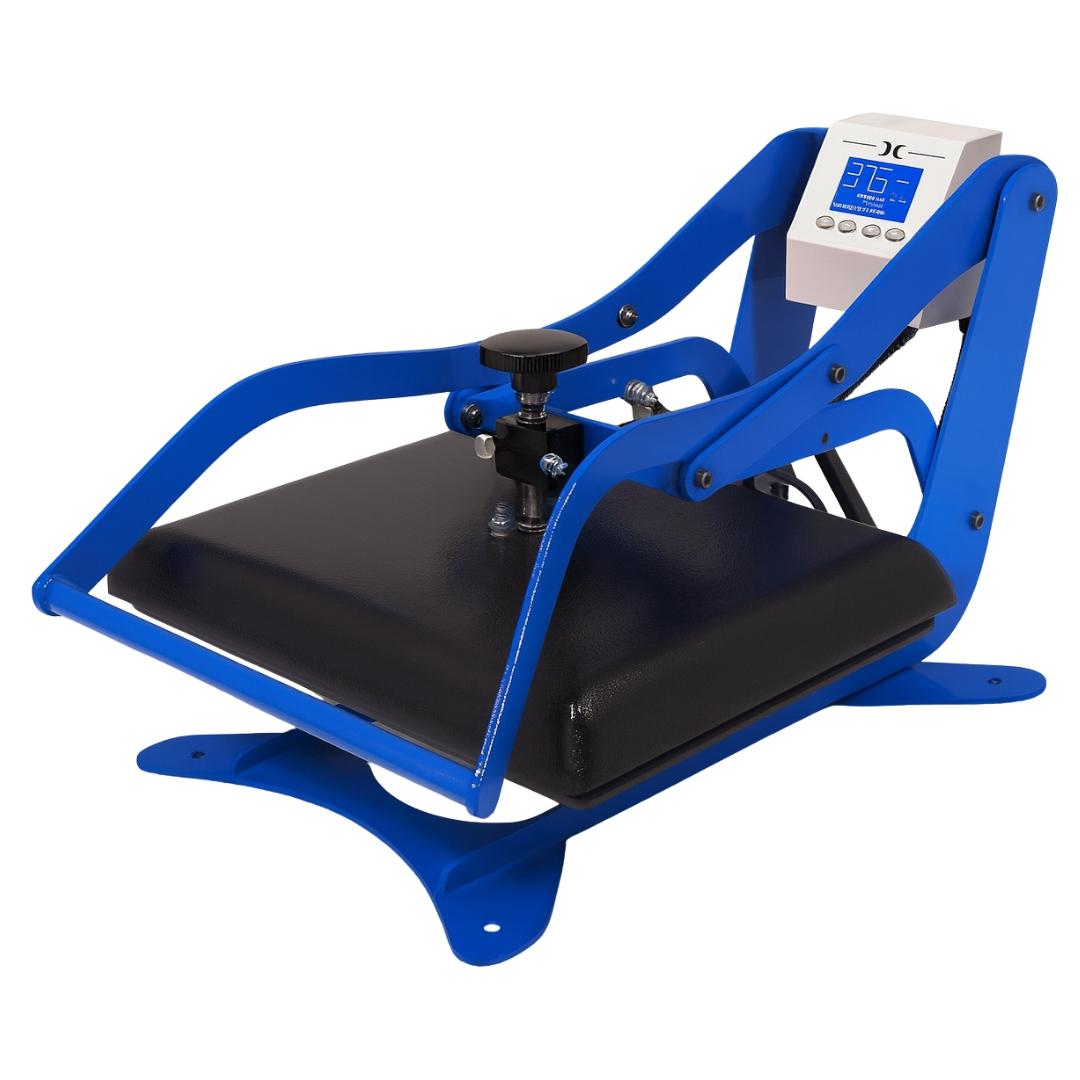
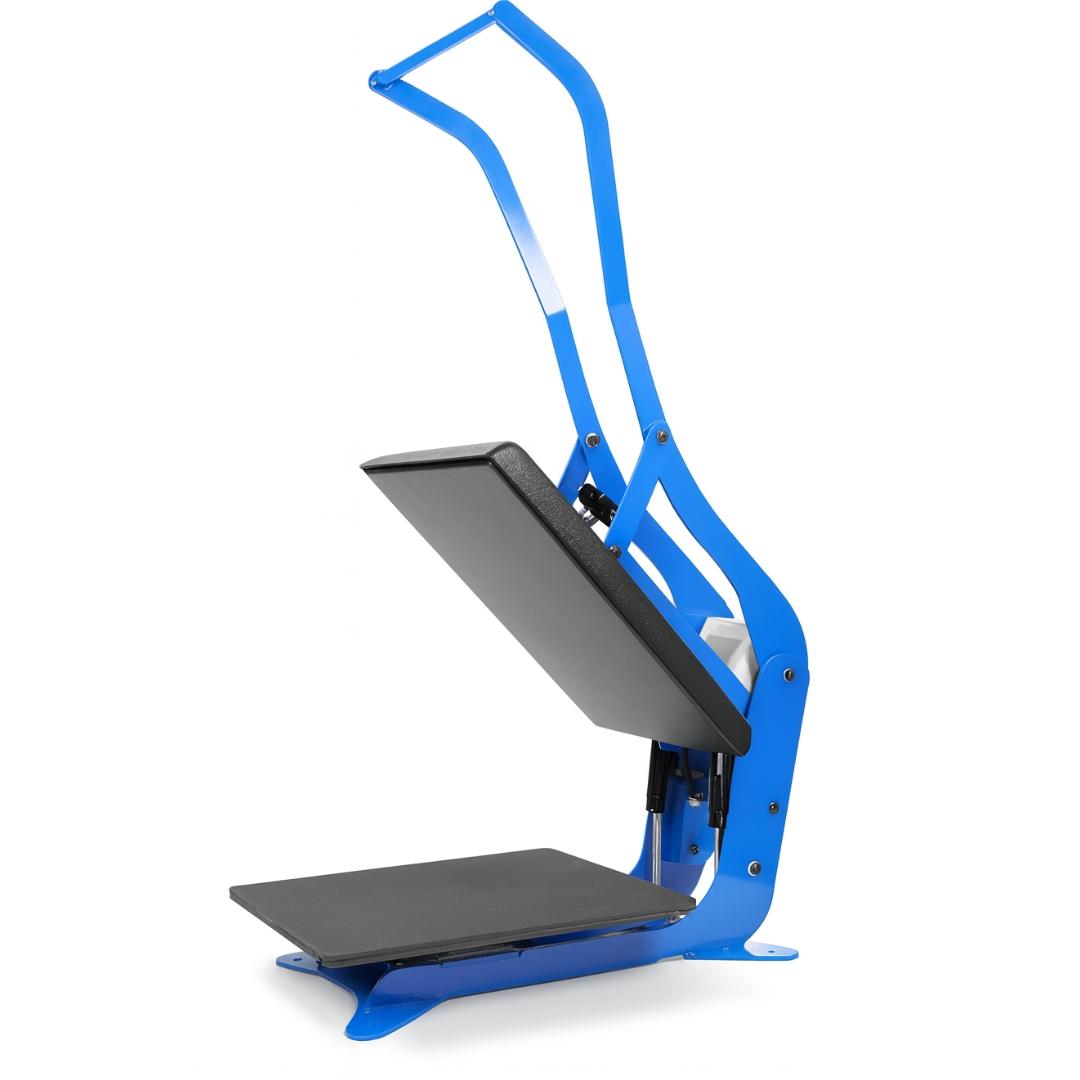
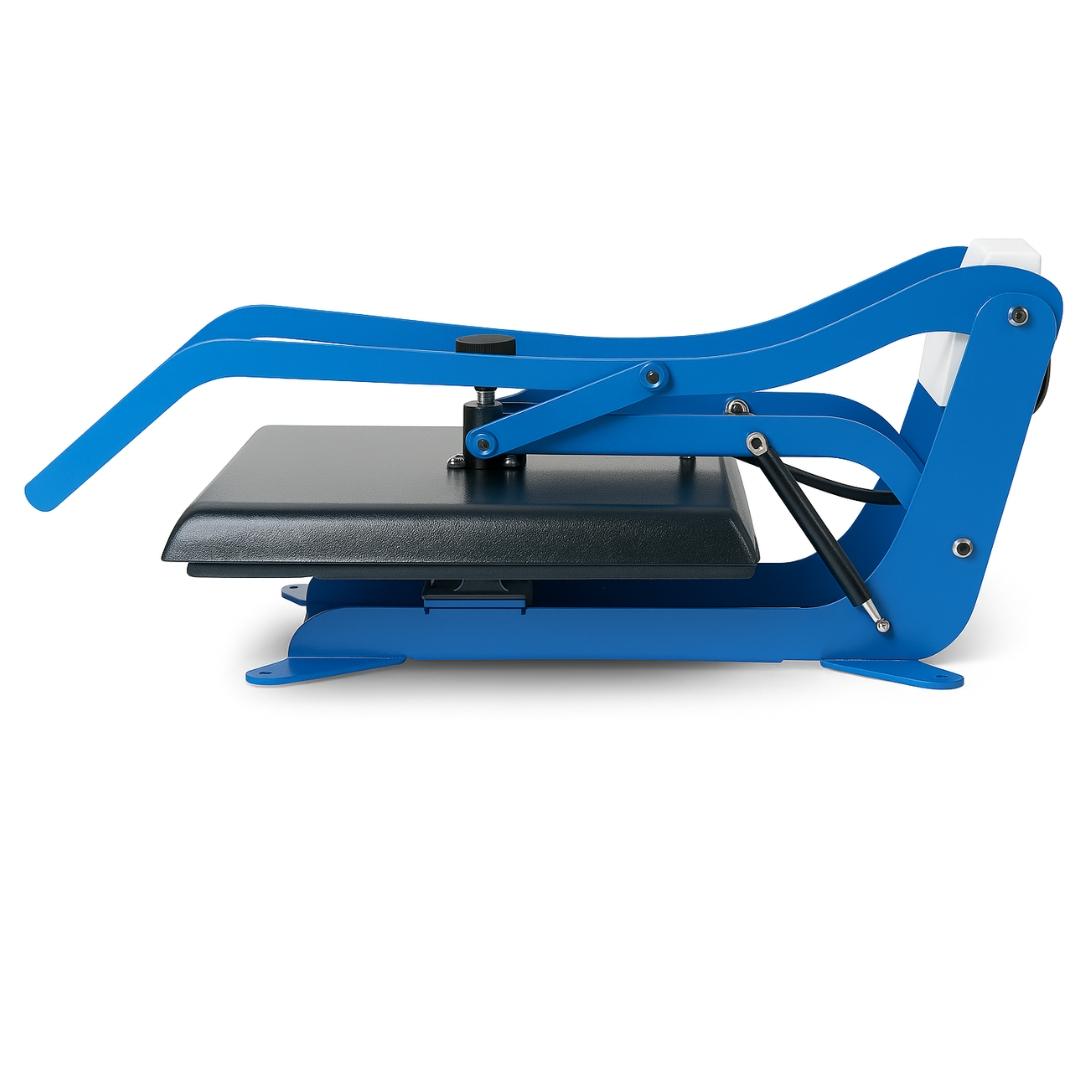
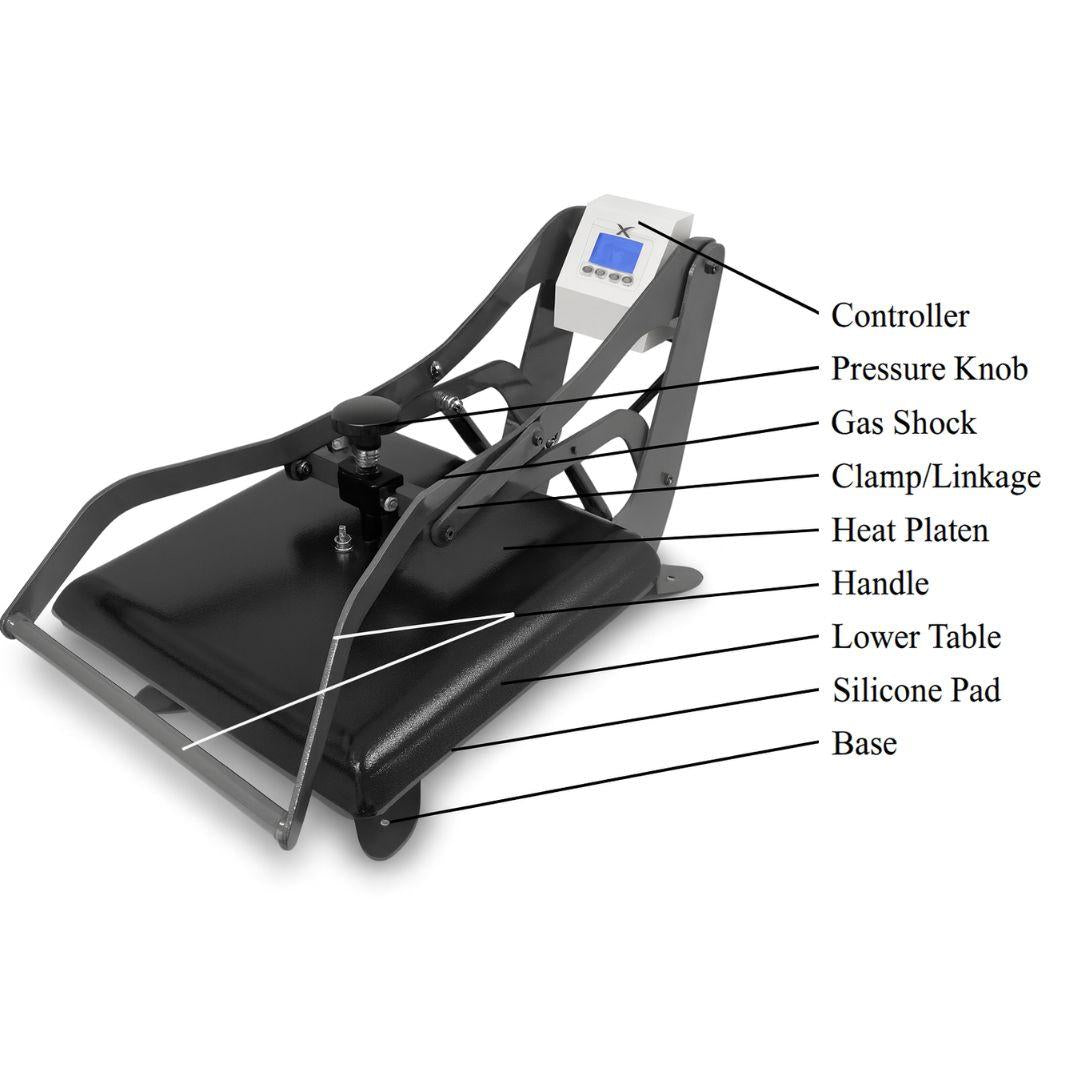
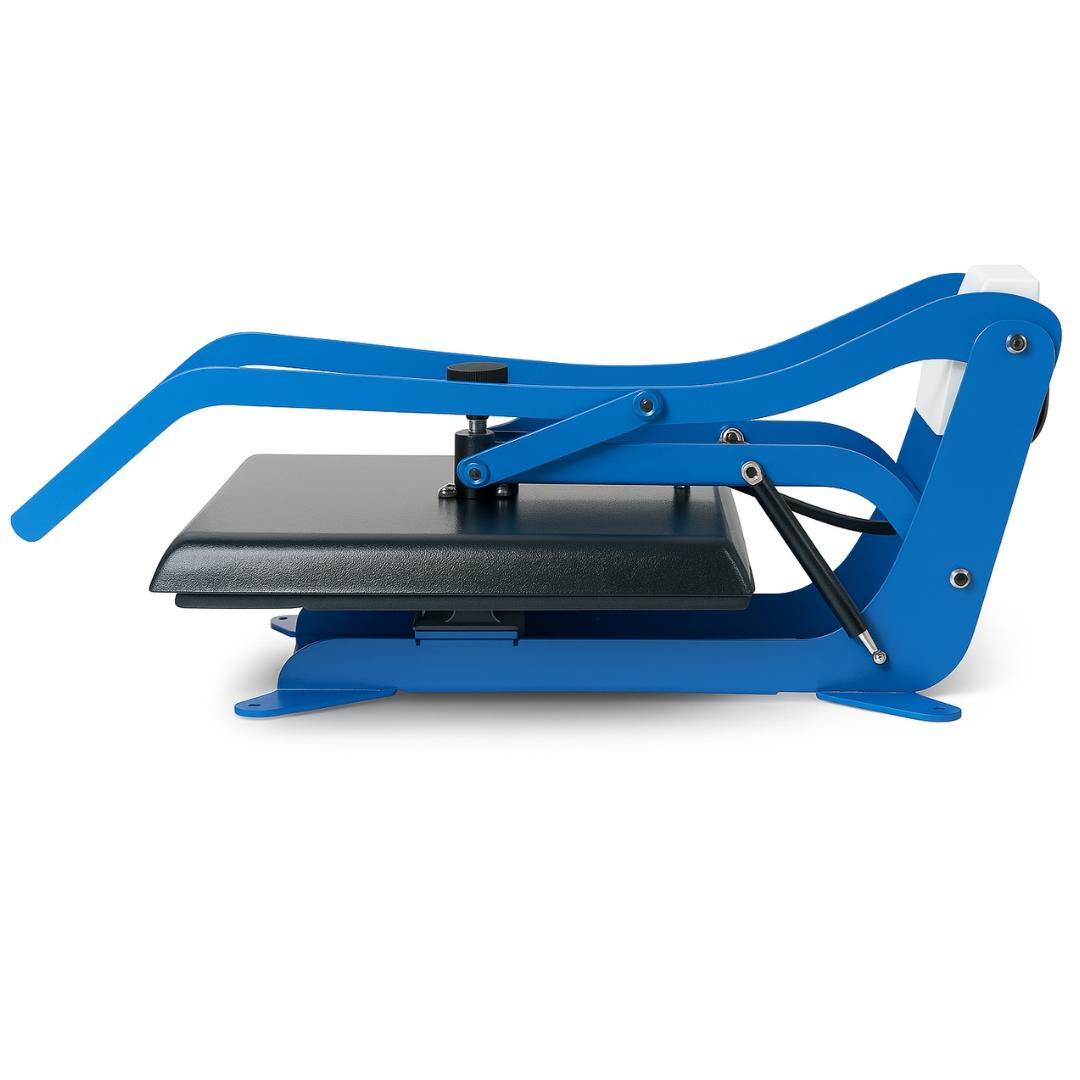
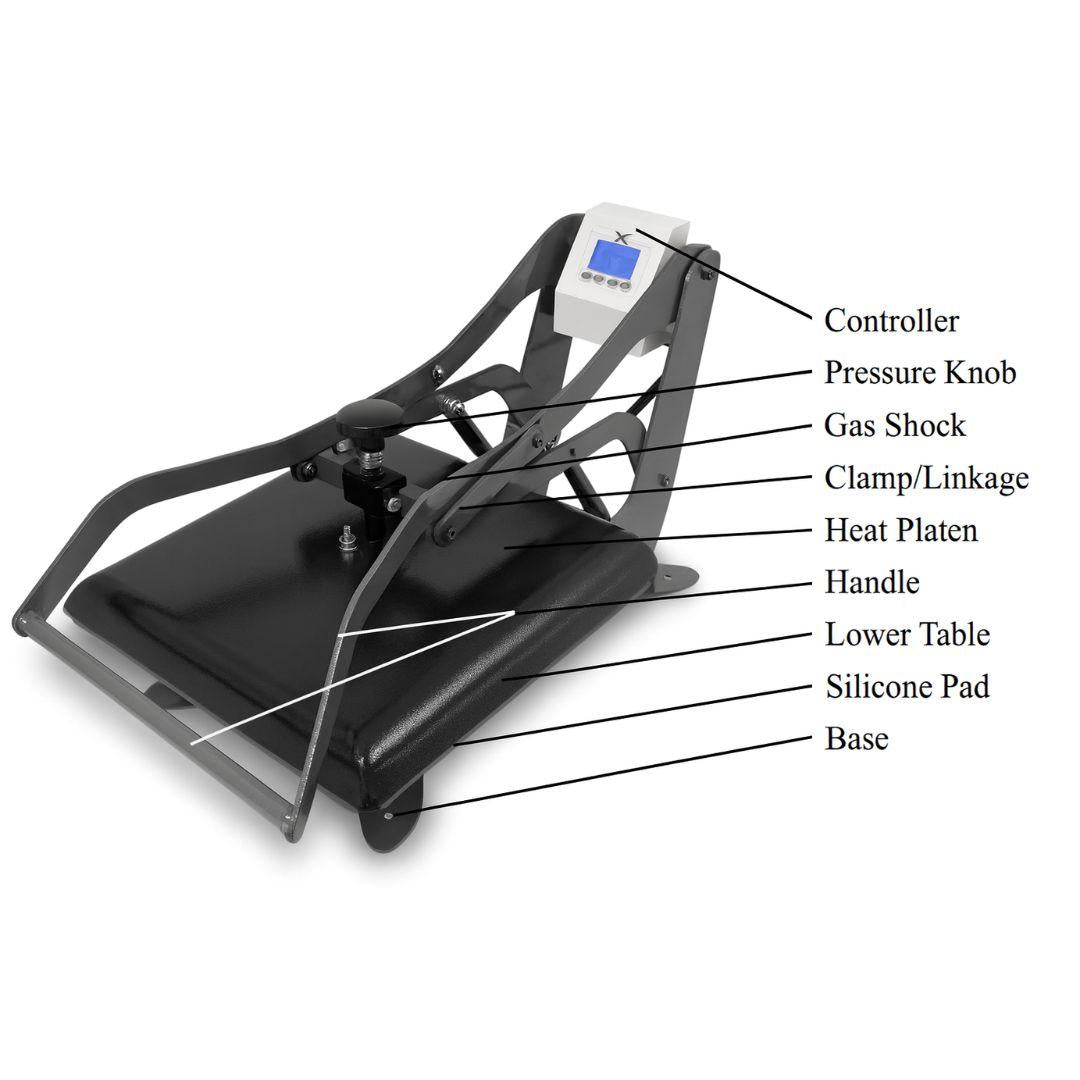
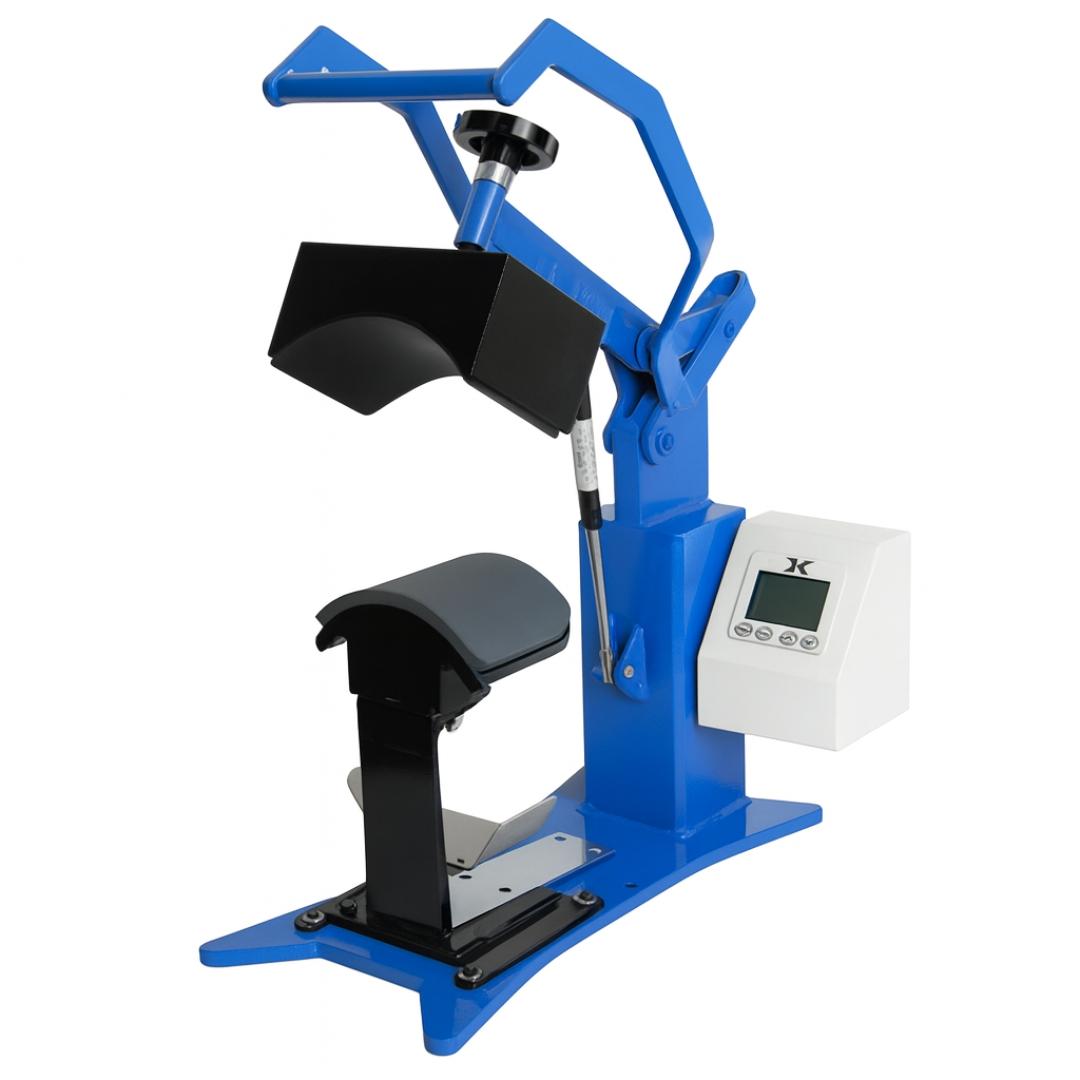
Heat press technology transfers pre-printed designs onto products using controlled heat and pressure. The process is straightforward: position your transfer on the substrate, close the press for 10-30 seconds, and peel away the carrier material.
The heat press doesn't create the design — it bonds pre-made transfers (DTF, sublimation, or vinyl) to fabric, ceramic, metal, or other compatible materials. This means you need either a printer (for sublimation/DTF) or pre-cut vinyl, but the application process itself is simple and fast.
-
Application time: 30-90 seconds per item
-
Design capability: Full-color vibrant images on fabric, ceramic, metal
-
Learning curve: Minimal (profitable in first week)
- Primary substrates: Fabric/apparel, drinkware, soft goods
2. Laser Engraver
Laser engraving uses a focused beam to burn, etch, or mark designs directly into material surfaces. The laser removes material (through vaporization or controlled burning) to create permanent marks, cuts, or engravings.
Unlike heat press which adds color to a surface, laser engraving removes material from the surface. This creates monochrome designs (though some lasers can produce color effects on specific metals through oxidation).
-
Application time: 2-30 minutes per item (depends on design complexity and material)
-
Design capability: Monochrome etching, cutting, marking on wood, acrylic, metal, glass, leather
-
Learning curve: Steep (profitable in 3-6 months after mastering settings)
- Primary substrates: Wood, acrylic, glass, leather, metal (marking only)
Key difference: Heat press = adding color TO surface. Laser = removing material FROM surface.
Startup Cost Reality Check
Let's be brutally honest about what it actually costs to get started with each method.
Heat Press Method
| Investment Category | Cost Range |
|---|---|
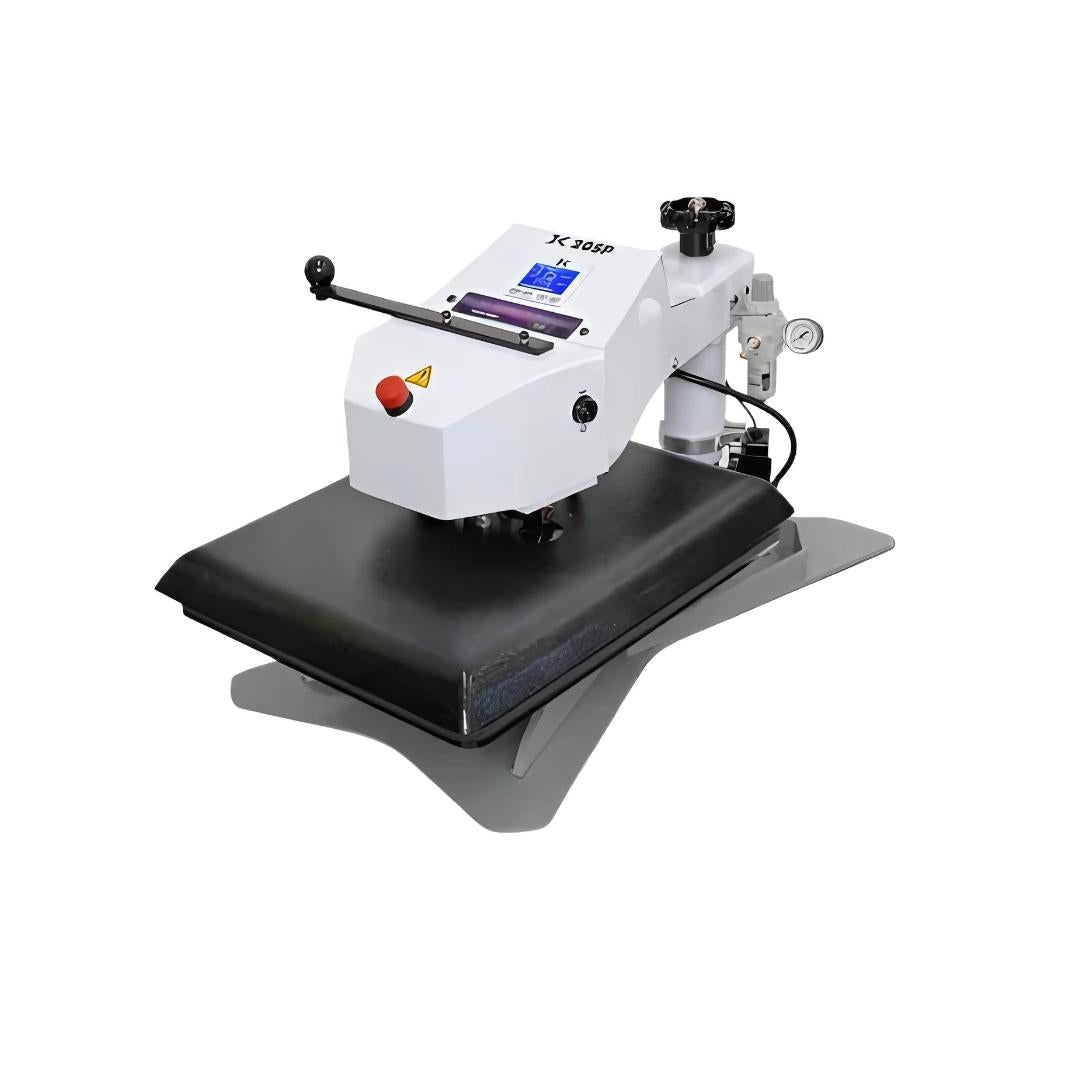
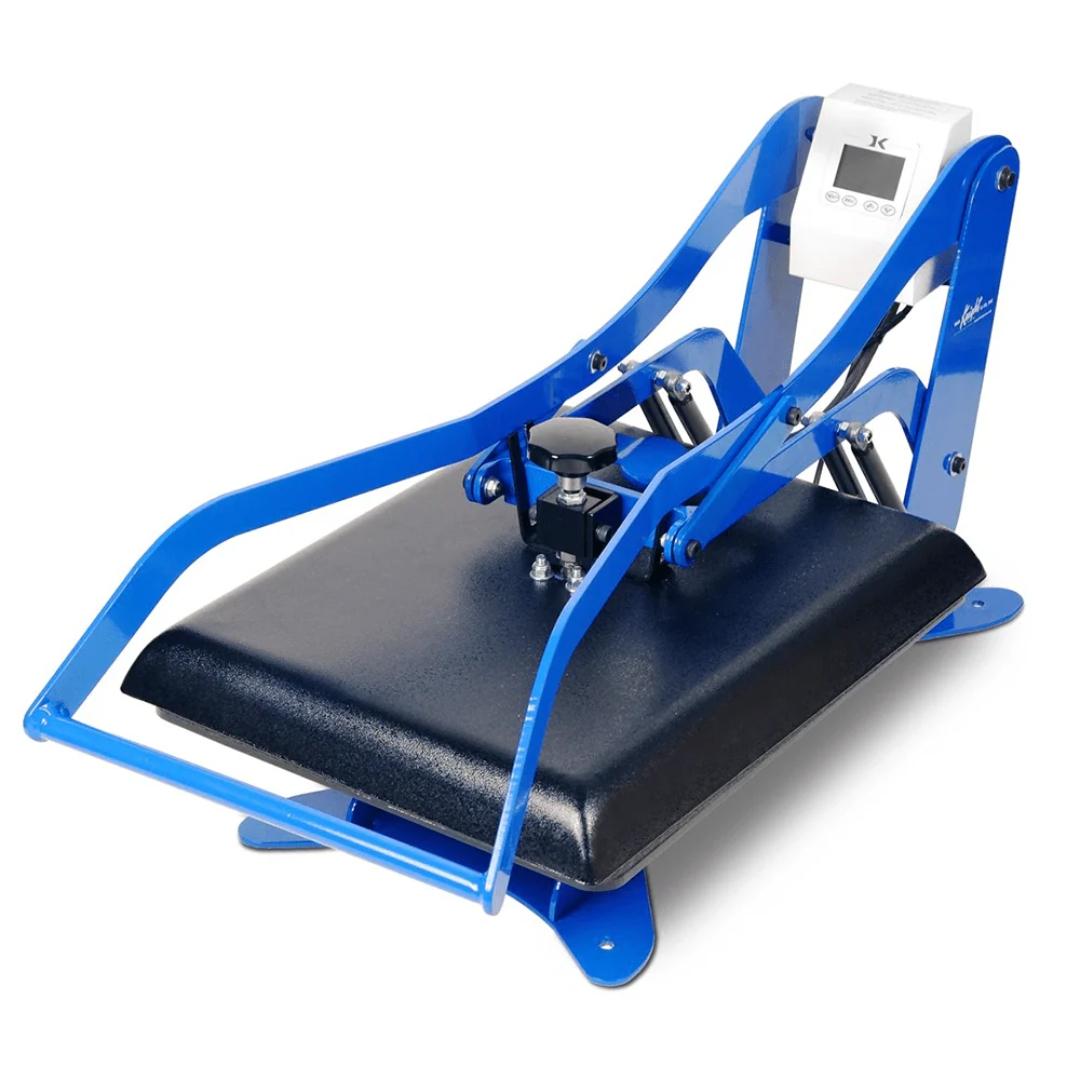
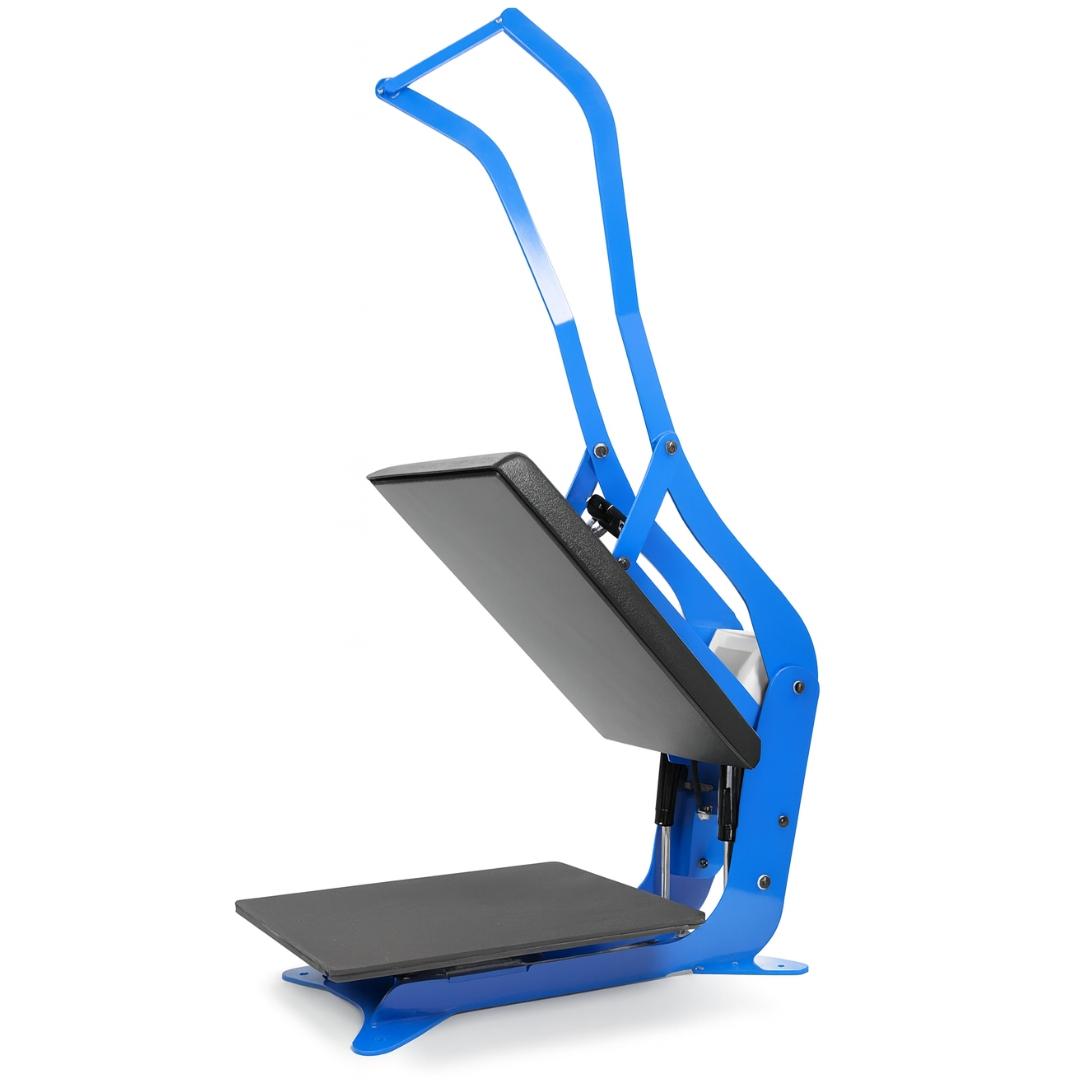
| Heat press equipment | $200-$2,000 (clamshell or swing-away press) |
| Printer (if doing sublimation/DTF) | $300-$1,500 (entry-level Epson or DTF printer) |
| OR Pre-made transfers (if outsourcing) | $1.50-$3 per transfer (no printer needed) |
| Software | Free (usually included with printer) |
| Ventilation | None required (open window sufficient) |
| Material testing samples | $50-$100 (variety pack of blanks) |
| Learning resources | Free (YouTube has thousands of tutorials) |
| TOTAL STARTUP | $500-$2,500 |
Time to first profitable sale: 1-7 days (if you follow proven settings from suppliers or tutorials)
Laser Engraver Method
| Investment Category | Cost Range |
|---|---|
| Laser engraver (consumer grade) | $3,000-$8,000 (xTool, Glowforge, similar) |
| Software | $0-$80 (Lightburn one-time purchase) |
| Ventilation system | $300-$1,500 (fume extractor REQUIRED for indoor use) |
| Material testing samples | $200-$500 (wood, acrylic, metal, leather samples) |
| Learning resources | $0-$500 (courses, or 100+ hours trial/error) |
| Safety equipment | $50-$150 (proper eyewear, fire extinguisher) |
| TOTAL STARTUP | $4,000-$11,000 |
Time to first profitable sale: 30-180 days (after mastering settings and finding profitable products)
This cost difference is significant, but it's not the full story. The real difference is in the learning curve timeline.
The Learning Curve Nobody Talks About
Instagram and YouTube make both methods look easy. They're not equally easy.
Heat Press Mastery Timeline
Day 1: Understand temperature, time, and pressure basics. Run test presses on sample blanks.
Week 1: Successfully pressing consistent transfers on t-shirts, mugs, or other substrates. Ready to take customer orders.
Month 1: Profitable and confident. Troubleshooting common issues (scorching, incomplete adhesion, wrinkles).
Month 3: Experimenting with advanced techniques (multi-color layering, specialty substrates, complex garment types).
The learning curve is manageable because heat press has only 3 main variables: temperature, time, and pressure. Settings are universal — 320°F works on any heat press brand. Resources are abundant and free.
Laser Engraver Mastery Timeline
Week 1-4: Software setup (Lightburn, RDWorks, or manufacturer software). Running basic test patterns (squares, circles, text). Learning terminology (kerf, power, speed, frequency, DPI).
Month 2-3: Material testing. Each material requires different settings. Wood type matters (birch vs oak vs walnut). Acrylic behaves differently than wood. Metal marking is completely different from engraving. You're building a settings database from scratch.
Month 4-6: Dialing in settings database per material. Starting to achieve consistent results. Still destroying occasional pieces when settings aren't quite right.
Month 6-12: Confident enough to take customer orders without fear of ruining expensive materials. Understanding how design complexity affects job time and pricing.
The learning curve is steep because laser engraving has 15+ variables per material: speed, power, frequency, DPI, number of passes, focus height, air assist settings, and more. Settings don't transfer between machines - even identical models behave differently. Material inconsistency compounds the problem (same "birch plywood" from two suppliers can require different settings).
Real Reddit User Experience
From r/Laserengraving, March 2026:
"I bought a 60W MOPA Fiber Laser about a year and a half ago and am still trying to figure out how to figure out the settings so I don't destroy everything I try and engrave. I've burned through metal projects, barely scratched the surface in others. The only things I've been successful on are making metal business cards and doing some Magpul Magazines."
This is not unusual. A year and a half of ownership and still struggling with basic operations. This doesn't happen with heat presses.
Material Compatibility & Product Range
Both methods excel at different product categories. Understanding this prevents costly mistakes.
What Heat Press CAN'T Do (Laser Wins)
- Wood products: Cutting boards, coasters, signs, plaques
- Leather engraving: Wallets, journals, belts, pet collars
- Glass etching: Drinkware (non-ceramic), awards, decorative items
- Acrylic cutting and engraving: Awards, displays, signage
- Metal marking: Stainless steel, aluminum (surface marking, not cutting)
- Natural stone engraving: Granite, marble, slate
Heat press requires a coating or compatible surface. Raw wood, uncoated glass, and natural leather don't work with heat transfer methods.
What Laser Engraver CAN'T Do (Heat Press Wins)
- Full-color vibrant images: Laser is monochrome (or limited color on specific metals)
- Fabric and apparel: Laser would burn/melt fabric (DTF and sublimation dominate here)
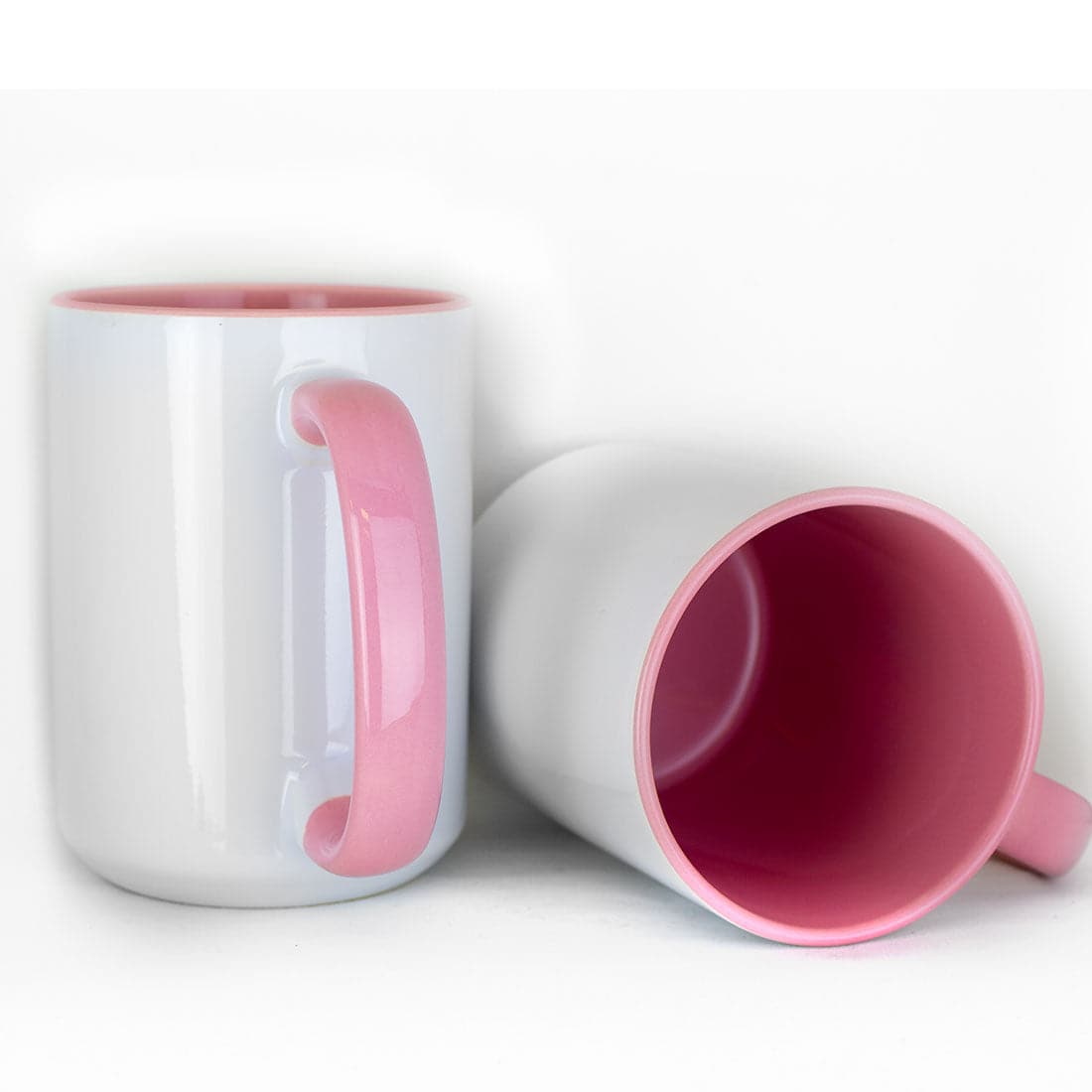
- Ceramic mugs with wraparound designs: Sublimation creates full-color photo-quality results
- Polyester products: Sublimation specialty (vibrant, permanent, washable)
- Large-format items: Yard signs, banners, flags (heat press handles large transfers easily)
- Soft goods: Tote bags, pillows, blankets (require heat transfer, not engraving)
Overlap Territory (Both Methods Work)
Coasters:
- Heat press: Sublimation on ceramic or hardboard coasters (full-color)
- Laser: Engraved wood coasters (monochrome, rustic aesthetic)
Drinkware:
- Heat press: Sublimation on stainless steel tumblers (full-color, photo-quality)
- Laser: Etched glass cups, mason jars (elegant monochrome)
Awards and plaques:
- Heat press: Sublimation on metal or acrylic (full-color designs)
- Laser: Engraved wood, acrylic, or glass (professional, traditional look)
The choice isn't about which is "better" — it's about which aesthetic and material type your target market prefers.
Production Speed Comparison
Speed directly impacts how many orders you can fulfill and how quickly you reach profitability.
Heat Press Workflow (DTF on T-Shirt)
- Position transfer on garment (10 seconds)
- Close press (15-20 seconds dwell time)
- Open press and peel carrier film (5 seconds)
- Total: 30-35 seconds per shirt
Volume production capability: 80-100 shirts per hour with efficient workflow and pre-positioning
Laser Workflow (Logo on Wood Coaster)
- Position material in laser bed (15 seconds)
- Focus laser to correct height (10-20 seconds)
- Run engraving job (3-10 minutes depending on design detail and material)
- Remove and clean residue (20-30 seconds)
- Total: 4-11 minutes per coaster
Volume production capability: 6-15 items per hour (heavily dependent on design complexity)
When Speed Matters
Heat press dominates for:
- Apparel production: T-shirt shops, event merchandise, team uniforms
- High-volume orders: 50+ identical items
- Same-day turnaround: Rush orders, walk-in customers
- Time-sensitive events: Tournaments, conferences, festivals
Laser wins when:
- Detail and precision matter more than speed: Intricate designs, fine text, photorealistic engraving
- Premium pricing justifies longer production time: Artisan products, custom awards, personalized gifts
- Small batch customization: Each item is unique (names, dates, personalization)
Profitability Analysis: Real Numbers
Let's look at actual profit margins for comparable products in each category.
Heat Press Example: DTF Custom T-Shirt
Costs per shirt:
- Blank t-shirt (Bella Canvas 3001): $3-$7
- DTF transfer (8"x10" design): $1.50-$3
- Labor (35 seconds at $15/hour): $0.15
- Total cost: $4.65-$10.15
Typical selling price: $18-$35 (depending on market, quantity, customization)
Profit margin: 55-70%
Time to profitability: Week 1-2 (immediate cash flow once you dial in settings)
Laser Example: Engraved Wood Coaster Set (4 coasters)
Costs per set:
- 4 blank wood coasters (3.5" round): $2-$4
- Labor (20 minutes total at $15/hour): $5
- Electricity and maintenance: $0.30
- Material waste (test pieces during setup): $0.50
- Total cost: $7.80-$9.80
Typical selling price: $25-$45 (handmade, personalized, artisan market)
Profit margin: 60-78%
Time to profitability: Month 3-6 (after mastering settings, building portfolio, finding customers)
Key Insight
The profit margins are similar (55-78% for both methods). The critical difference is timeline to profitability.
Heat press generates cash flow in weeks. Laser generates cash flow in months.
If you're starting a business and need revenue quickly, this timeline difference is make-or-break. If you have capital to invest and can wait 3-6 months while learning, laser becomes viable.
Hidden Costs & Ongoing Expenses
Startup costs tell only part of the story. Ongoing operational expenses differ dramatically.
Heat Press Hidden Costs
Annual ongoing expenses:
- Teflon sheets replacement: $20-$40/year
- Heat press pad replacement: $50 every 2-3 years
- Electricity: ~$10-$20/month for moderate use
- Total: ~$150-$300/year
Maintenance complexity: Minimal
- Wipe down platens after use
- Replace pads when compressed
- No specialized maintenance required
Laser Engraver Hidden Costs
Annual ongoing expenses:
- Replacement air filters (HEPA): $50-$150 every 3-6 months
- Activated carbon filters: $30-$80 every 2-4 months
- Laser tube replacement (CO2 lasers): $300-$800 every 2-5 years depending on usage
- Lens and mirror cleaning supplies: $50-$100/year
- Electricity: ~$50-$100/month for daily use (laser + fume extraction)
- Material waste during testing: $200-$500 in first 6 months (burns, mistakes, calibration)
- Total: ~$800-$2,000/year
Maintenance complexity: Moderate to high
- Weekly lens and mirror cleaning (critical for cut quality)
- Monthly mirror alignment checks
- Regular filter replacement (performance degrades, becomes fire hazard if ignored)
- Periodic calibration and focus adjustment
- Ventilation system upkeep
The ongoing cost difference is substantial. For high-volume operations, this matters less. For small shops or side hustles, laser's operational expenses can eat into already-thin margins.
Which Method for Your Business?
The right choice depends on your specific situation, not abstract "which is better" comparisons.
Choose Heat Press If:
- ✅ You want profits in the first 30 days (not 3-6 months)
- ✅ Apparel and fabric products are your primary market (t-shirts, hoodies, bags, hats)
- ✅ Full-color vibrant designs are your signature style (photos, gradients, complex artwork)
- ✅ High-volume production matters (events, bulk orders, quick turnaround)
- ✅ Limited startup budget ($500-$2,500 range is your max)
- ✅ You're new to custom products (low learning curve, fast competency)
- ✅ You don't have dedicated workshop space (heat press works in spare bedroom, garage, or small office)
Choose Laser Engraver If:
- ✅ You can invest 3-6 months learning before profitability (have savings or other income)
- ✅ Wood, acrylic, leather, glass products appeal to your aesthetic (rustic, elegant, artisan market)
- ✅ You enjoy technical problem-solving (settings databases, calibration, troubleshooting)
- ✅ Premium artisan market is your target (not mass production or commodity pricing)
- ✅ You have $5,000-$10,000 startup capital available (equipment + ventilation + learning period)
- ✅ You have proper ventilation setup (garage, workshop, commercial space with exterior venting)
- ✅ Monochrome or minimalist design aesthetic fits your brand (not full-color requirement)
What Most Successful Shops Do
Start with heat press. Become profitable. Then add laser engraver as expansion.
This strategy works because:
Cash flow funds expansion: Heat press profits pay for laser investment without taking on debt or depleting savings.
Market understanding first: You learn custom product business basics (pricing, customer acquisition, production workflow) on an easier platform before adding complexity.
Laser becomes value-add, not survival-critical: You can afford the 3-6 month learning curve because heat press business sustains cash flow during that period.
Complementary product lines: Heat press serves apparel/fabric customers. Laser serves wood/acrylic/leather customers. Two revenue streams from different markets.
Mistakes That Delay Profitability
Both methods have predictable failure patterns that extend your timeline to first profitable sale.
Heat Press Mistakes
Buying the cheapest heat press ($80-$150 range)
Budget presses have uneven pressure distribution and unreliable temperature control. This causes partial adhesion failures, scorching, and weak bonding — wasting transfers and delaying your ability to produce consistent, sellable products.
Cost of this mistake: 2-3 months delayed profitability (equipment failures + wasted material costs of $300-$500)
Fix: Invest in reputable brands (Geo Knight, HPN, Hotronix). A $600-$1,200 press lasts 5-10 years and produces consistent results from day one.
Laser Mistakes
Buying laser without ventilation plan
Many first-time buyers don't budget for ventilation, then discover they can't actually use their $5,000 laser because operating indoors without proper fume extraction is dangerous and fills the space with toxic smoke.
Cost of this mistake: $300-$1,000 unexpected expense + 2-week delay to install ventilation before operations can begin
Fix: Budget for fume extraction before buying the laser. Plan ventilation routing (window vent, exterior ducting, or commercial air filtration).
Expecting instant results like heat press
New laser owners often expect professional results within days. When reality hits (months of testing, wasted material, failed attempts), frustration leads to abandoned equipment or selling at a loss.
Cost of this mistake: 3-6 additional months before reaching profitability, plus $200-$500 in wasted material during extended learning period
Fix: Set realistic expectations. 3-6 months to profitability is normal. Budget for material waste. Join forums where experienced users share settings databases to accelerate your learning curve.
Real Shop Case Studies
These examples illustrate different decision paths and profitability timelines.
Case Study 1: Heat Press First (Recommended Path)
- Month 1: Purchased $1,200 heat press + entry-level DTF printer setup. Total investment: $2,500
- Month 2: $3,500 revenue from custom t-shirts for local sports teams, school events, and small business orders. Profitable from Week 3.
- Month 6: $12,000 monthly revenue. Consistent cash flow. Heat press skills mastered.
- Month 12: Added laser engraver ($6,500) using profits from heat press business. Laser became additional product line, not survival-critical.
Result: Laser learning curve happened while heat press sustained income. No financial pressure to rush laser profitability. Both revenue streams now operational.
Case Study 2: Laser First (Common Mistake Pattern)
- Month 1: Purchased $6,500 xTool F2 Ultra + $800 ventilation system. Total investment: $7,300
- Month 2-4: Testing materials. Burning through wood samples, acrylic sheets, leather scraps. Learning Lightburn software. Minimal sales (testing phase).
- Month 5: First profitable sale — personalized wood coasters, $45 order.
- Month 9: Still learning settings. Breaking even on material costs vs sales. No profit yet.
- Month 12: Total revenue $4,200. Still significantly negative ROI. Frustrated with slow progress.
Result: Financial pressure to "make it work" created stress. Considered selling laser at loss. Eventually succeeded but took 18+ months to reach sustainable profitability.
Lesson: Heat press generates immediate cash flow. Laser requires patient capital and time to master.
FAQ: Making Money with Heat Press vs Laser
Can I make the same amount of money with both methods?
Yes, but timeline differs dramatically. Heat press reaches profitability in weeks. Laser reaches profitability in months. Long-term revenue potential is similar for both if you master the technology and find your market.
Which has better profit margins?
Similar (55-78% for both methods). Laser allows premium "artisan" pricing on certain products. Heat press allows volume pricing and faster turnover. Margins depend more on your market positioning than the technology itself.
What if I can only afford one - which should I choose?
If you're starting a business and need revenue within 30-90 days: Heat press.
If you have stable income elsewhere and can invest 6-12 months learning before profitability: Laser could work.
If you're unsure: Heat press. Lower risk, faster learning curve, quicker ROI.
Conclusion
Neither method is objectively "better" - they solve different business needs and serve different markets.
Heat press excels for:
- Apparel and fabric products
- Fast turnaround and high volume
- Immediate profitability
- Beginner-friendly learning curve
- Full-color vibrant designs
Laser engraver wins for:
- Wood, acrylic, glass, leather products
- Artisan pricing and premium positioning
- Product categories heat press can't touch
- Permanent monochrome marking and cutting
Our recommendation after 15 years supplying both technologies:
Start with heat press. Master it. Become profitable. Then add laser as expansion when you have cash flow and time to invest in the learning curve.
Don't let Instagram laser content fool you into thinking it's beginner-friendly. Those perfect engraved results took months of failed attempts, wasted material, and setting adjustments to achieve.
Heat press gets you to revenue in weeks. Laser gets you to revenue in months. Both can build sustainable businesses - but the paths are dramatically different.
Choose based on your timeline, budget, target market, and patience for technical learning curves. Not based on which technology looks cooler on social media.