Skip to content
en
United States USD
Skip to product information

Free shipping on orders of $250+ · under 150 lbs

Pearl Coating™ Sublimation 20oz Aluminum Water Bottle - Pack of 6

Regular price $32.70

B-BTL-WH600-AL

Shipping calculated at checkout

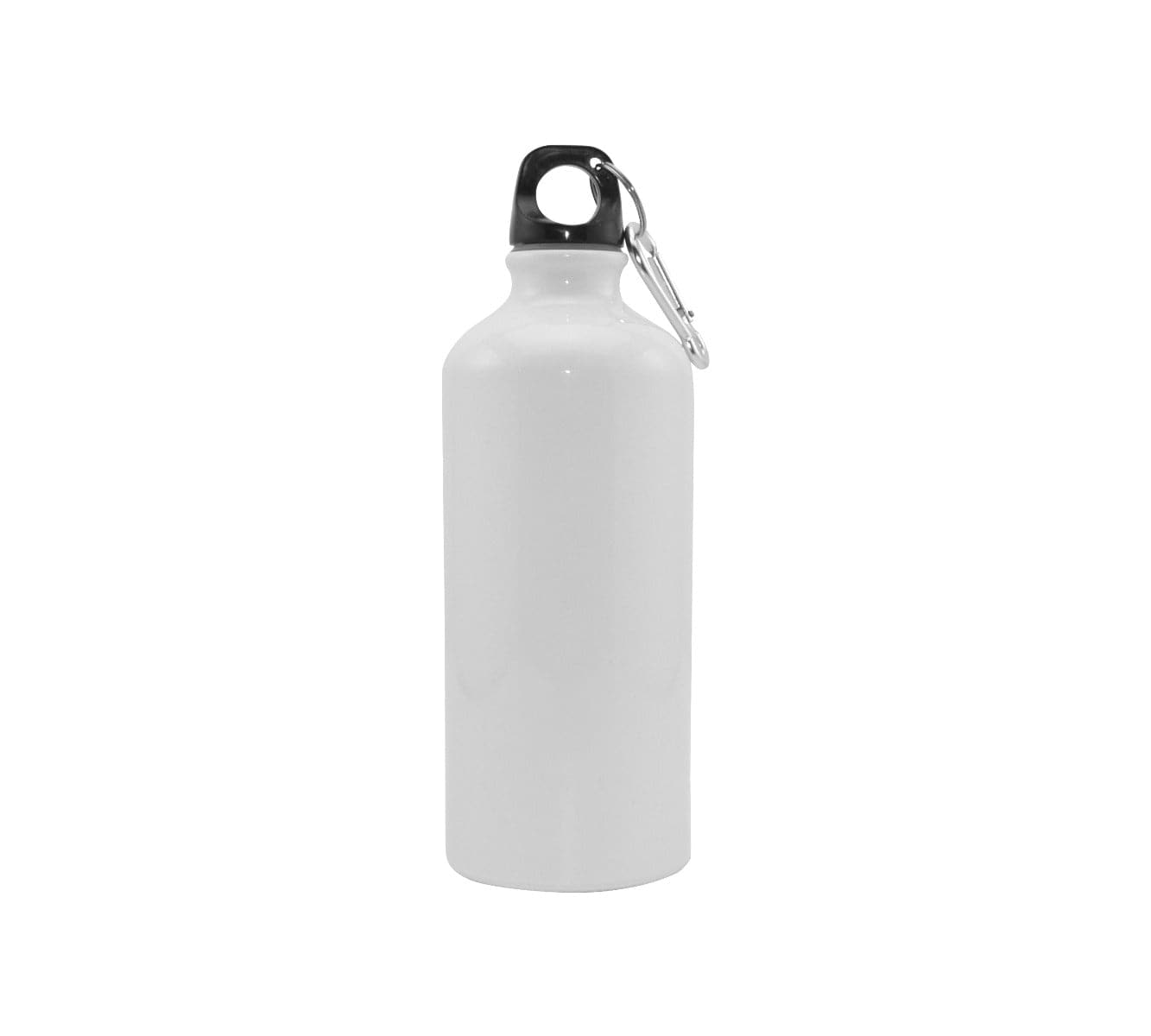
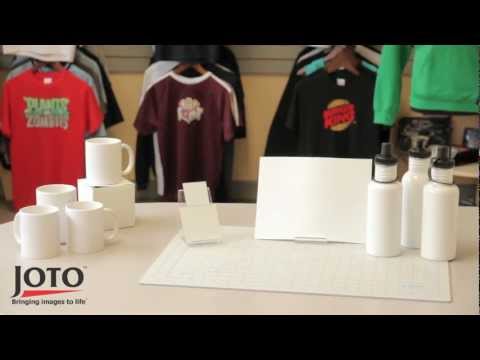
Lightweight and stylish, Joto's Aluminum water bottles are ideal for sublimation printing. Each bottle comes with a screw top and sports top.

  • Pearl Coating™ Sublimation 20oz Aluminum Water Bottle - Pack of 6 - Joto Imaging Supplies US
  • Pearl Coating™ Sublimation 20oz Aluminum Water Bottle - Pack of 6 - Joto Imaging Supplies US

Description


Sublimation 20oz Aluminum Water Bottle with Dual Lids – Pack of 6


Stay hydrated in style with our Sublimation 20oz Aluminum Water Bottles, featuring a premium Pearl Coating™ for vibrant, high-definition prints. Perfect for personalized gifts, corporate branding, or retail merchandise, these lightweight bottles combine durability with sleek design.


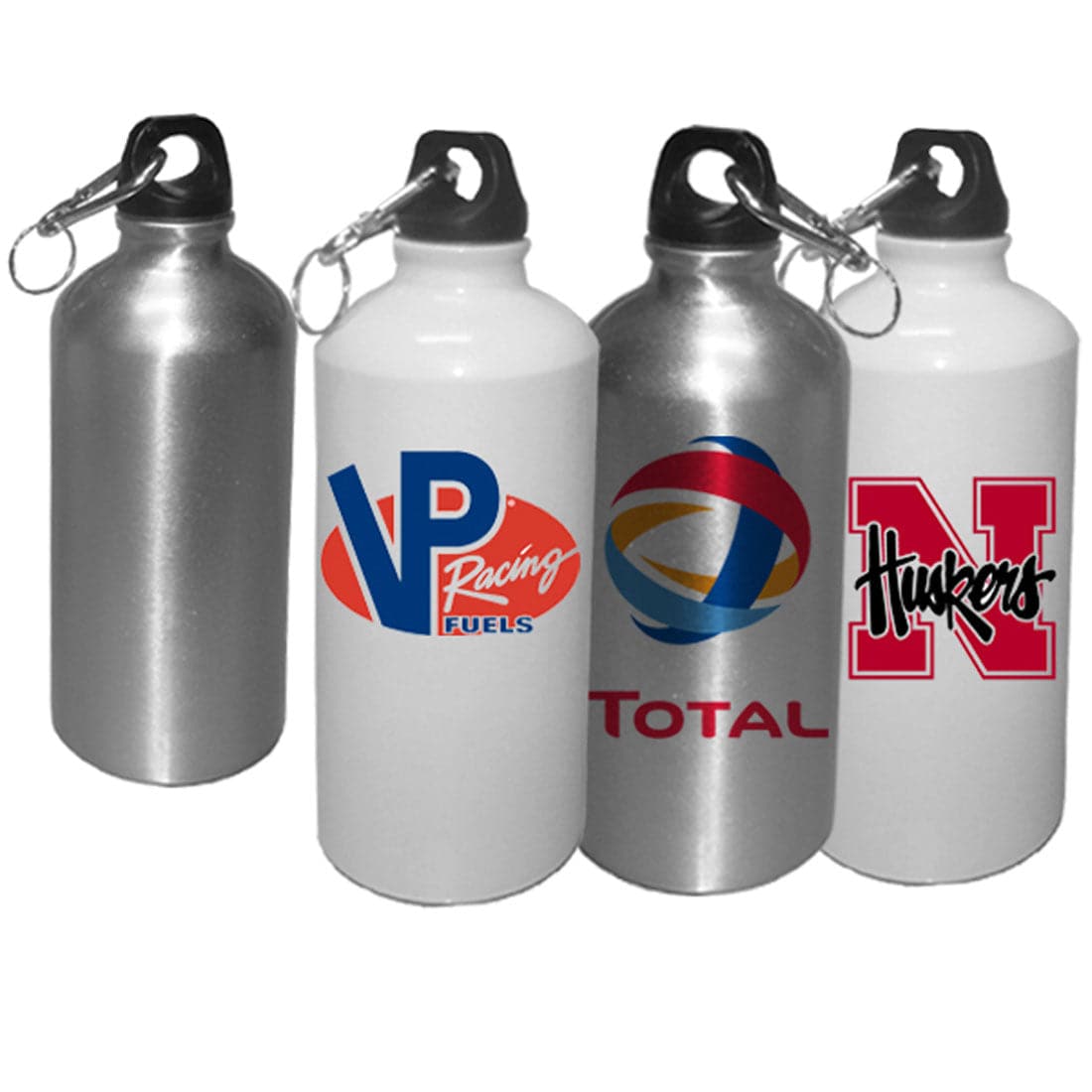
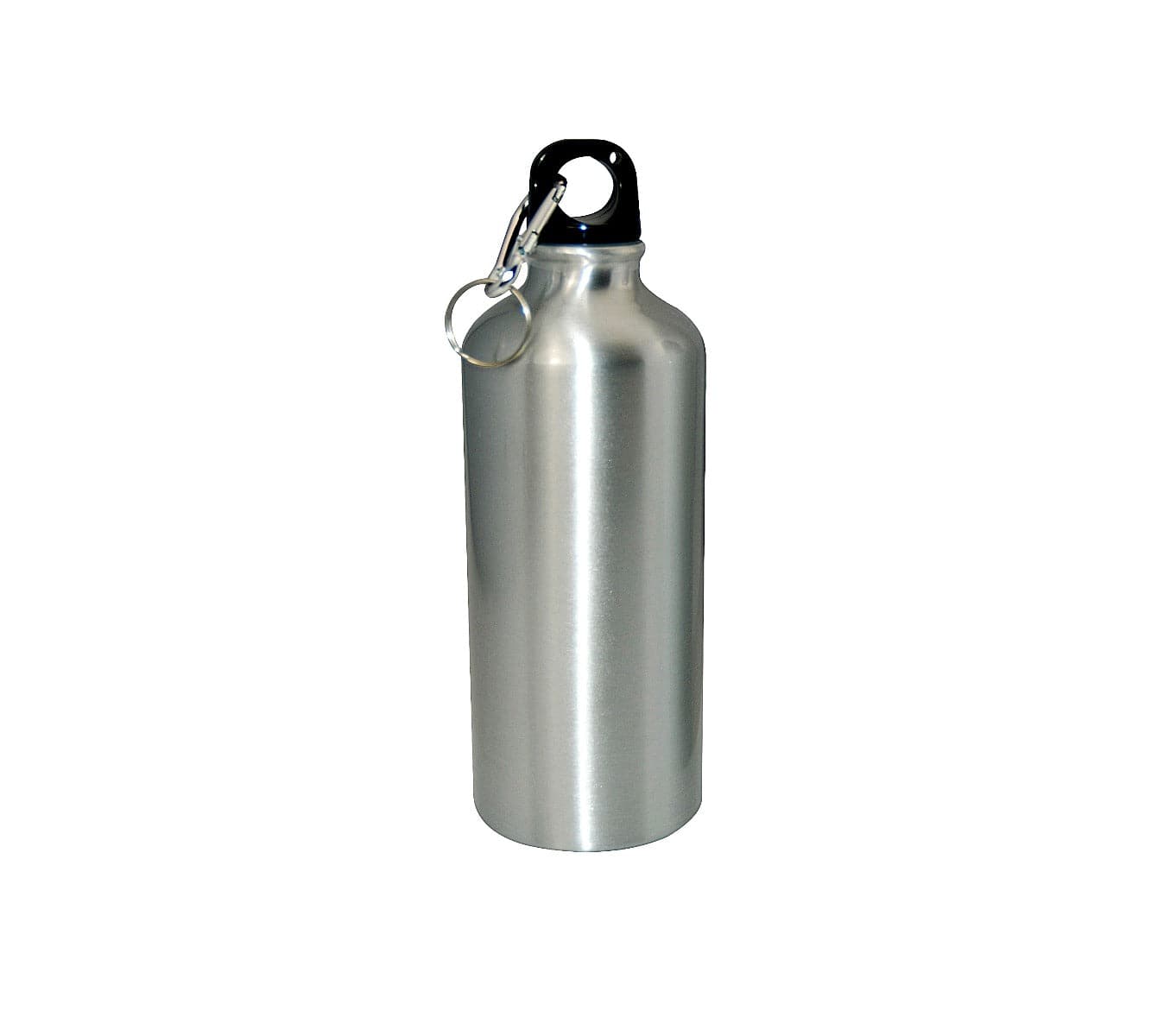
Each bottle includes both a screw-on lid and a sports top for versatile, everyday use. Available in White or Silver finishes to best showcase your custom artwork, logos, or text.


Key Features:


  • 20oz (600ml) aluminum construction for lightweight durability
  • Pearl Coating™ ensures bright, vivid sublimation transfers
  • Includes both a screw top and a sports top lid
  • Available in White or Silver finishes
  • Reusable and eco-friendly design
  • Hand wash recommended to preserve print quality


Personalization Options:


Customize each bottle with photos, logos, text, or artwork. The Pearl Coating™ provides an ideal surface for producing detailed, colorful images that last wash after wash.


Printing Compatibility:


  • Joto Digital Mug Press (Water Bottle Element)
  • Convection Oven (requires shrink sleeve – W 4.92” x H 7.48” / P-SUB-SF-125190)


Mug Press Instructions:


  • Remove the lid before pressing
  • Print image in mirror mode using sublimation ink and paper
  • Wrap and tape the image securely onto the bottle
  • Press at 330°F (166°C) for 80 seconds with light–medium pressure
  • Peel hot and allow the bottle to cool before use


Convection Oven Instructions:


  • Wrap imaged paper and secure with shrink sleeve
  • Use a heat gun on low setting to contour the wrap (avoid top and bottom)
  • Bake at 400°F (204°C) for 480 seconds
  • Peel wrap and sublimation paper immediately after removing from oven
  • Let cool completely on a flat surface


Product Specifications:


  • Material: Aluminum with Pearl Coating™
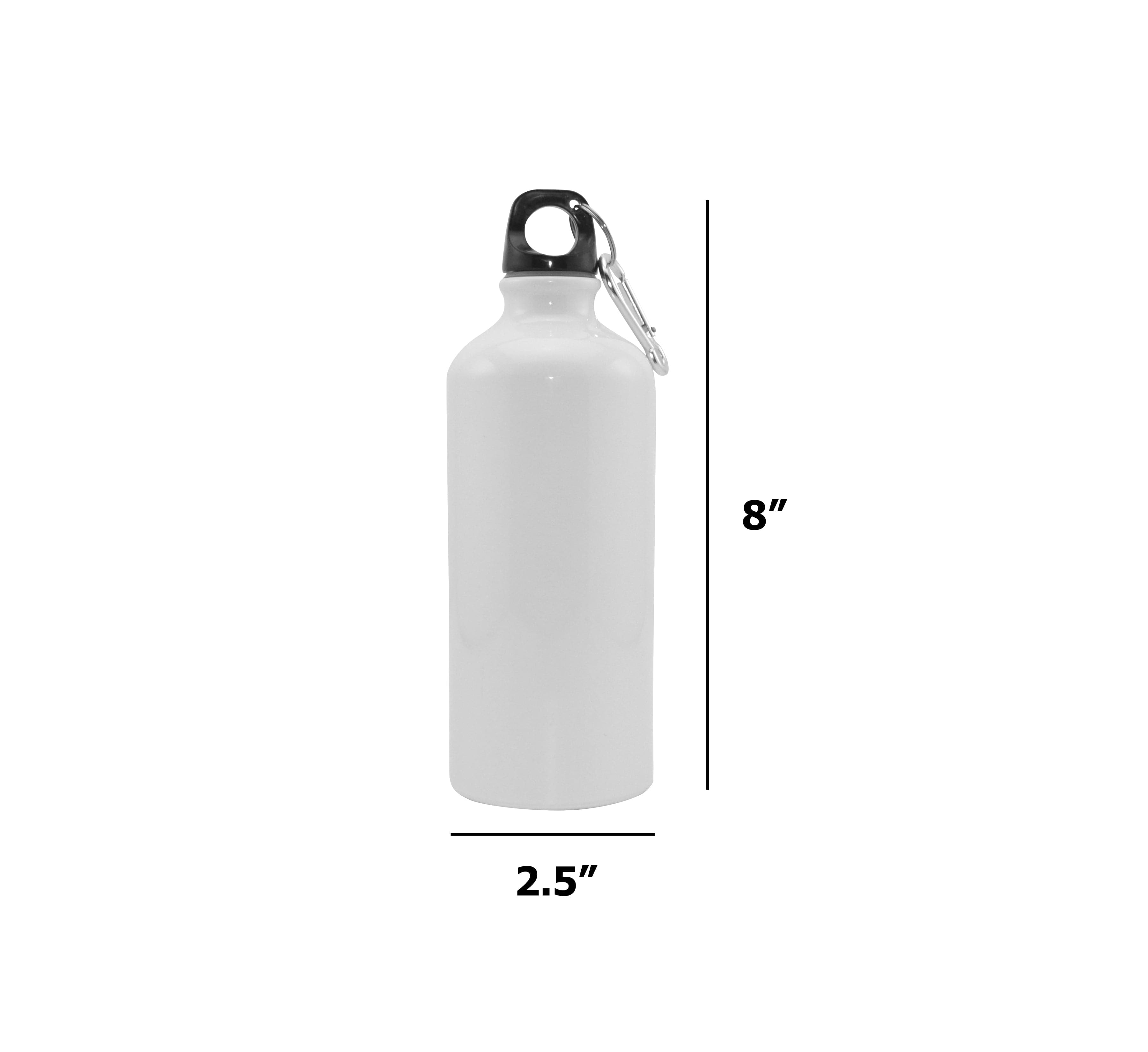
  • Capacity: 20oz (600ml)
  • Finishes: White or Silver
  • Lids: Screw-on lid and sports top included
  • Care: Hand wash only


Important Usage Notes:


  • Hand washing is recommended to maintain image vibrancy
  • Not recommended for microwave use
  • Always remove lids before printing or heating
  • Allow bottles to cool completely before handling after printing


Perfect For:


  • Corporate gifts and promotional items
  • Personalized sports bottles for teams and events
  • Retail merchandise with custom designs
  • Outdoor adventures, fitness, and everyday hydration


What’s Included:


  • 6 aluminum water bottles – 20oz each
  • Each bottle includes a screw top and a sports top lid


Instructions
Equipment Mug Press or Convection Oven
Image Mirror
Mug Element Water Bottle
Mug Press Imaging Instructions Press Temperature: 320°F |  Time: 120-140 seconds | Pressure: Light- Medium | Peel: Hot

Remove the lid from the water bottle.
Design your image and print it out on sublimation paper with sublimation ink printer.
Tape imaged sublimation paper onto your water bottle.
Set the mug press at 330F for 80 seconds. If your press has an idle and press temperature setting, adjust the time accordingly. .
Ensure mug press has reached temperature. Place the bottle into your mug press.
Close Mug Press.
 Once pressing is done, open mug press, and take bottle out of the press. Use gloves or heat resistant cloth to handle the hot insert.
Peel sublimation paper off and leave it to cool off completely.

For time and temperature, please follow the instructions that came with your mug press.  If you bought a mug press from us, the suggested time and temperature for our Single Station, Double Station, and Multi-Station Mug Press are listed above. For any other mug presses, please click on the SUPPORT, DOWNLOADS & TEMPLATES tab, and download the instructions from there.
Convection Oven Instructions Press Temperature: 400°F |  Time: 480 seconds (test in your oven for accurate time) | Peel: Hot

Tape imaged sublimation paper onto your water bottle. Place the image toward the water bottle. 
Place & center product inside the shrink wrap.
Use a heat gun on a low setting to shrink the wrap to the contour of the product. Begin with the side away from the transfer first. Ensure the wrap only encases the sides of the product leaving the top and bottom open.
Ensure that you have set the correct temperature & time for your convection oven.
Place the water bottle into your convection oven and close the convection oven's door.
Once the time is done, peel the shrink sleeve with the sublimation paper immediately.
 Leave on the table to cool off completely.
General sublimation blanks instructions
Downloads
Description


Sublimation 20oz Aluminum Water Bottle with Dual Lids – Pack of 6


Stay hydrated in style with our Sublimation 20oz Aluminum Water Bottles, featuring a premium Pearl Coating™ for vibrant, high-definition prints. Perfect for personalized gifts, corporate branding, or retail merchandise, these lightweight bottles combine durability with sleek design.


Each bottle includes both a screw-on lid and a sports top for versatile, everyday use. Available in White or Silver finishes to best showcase your custom artwork, logos, or text.


Key Features:


  • 20oz (600ml) aluminum construction for lightweight durability
  • Pearl Coating™ ensures bright, vivid sublimation transfers
  • Includes both a screw top and a sports top lid
  • Available in White or Silver finishes
  • Reusable and eco-friendly design
  • Hand wash recommended to preserve print quality


Personalization Options:


Customize each bottle with photos, logos, text, or artwork. The Pearl Coating™ provides an ideal surface for producing detailed, colorful images that last wash after wash.


Printing Compatibility:


  • Joto Digital Mug Press (Water Bottle Element)
  • Convection Oven (requires shrink sleeve – W 4.92” x H 7.48” / P-SUB-SF-125190)


Mug Press Instructions:


  • Remove the lid before pressing
  • Print image in mirror mode using sublimation ink and paper
  • Wrap and tape the image securely onto the bottle
  • Press at 330°F (166°C) for 80 seconds with light–medium pressure
  • Peel hot and allow the bottle to cool before use


Convection Oven Instructions:


  • Wrap imaged paper and secure with shrink sleeve
  • Use a heat gun on low setting to contour the wrap (avoid top and bottom)
  • Bake at 400°F (204°C) for 480 seconds
  • Peel wrap and sublimation paper immediately after removing from oven
  • Let cool completely on a flat surface


Product Specifications:


  • Material: Aluminum with Pearl Coating™
  • Capacity: 20oz (600ml)
  • Finishes: White or Silver
  • Lids: Screw-on lid and sports top included
  • Care: Hand wash only


Important Usage Notes:


  • Hand washing is recommended to maintain image vibrancy
  • Not recommended for microwave use
  • Always remove lids before printing or heating
  • Allow bottles to cool completely before handling after printing


Perfect For:


  • Corporate gifts and promotional items
  • Personalized sports bottles for teams and events
  • Retail merchandise with custom designs
  • Outdoor adventures, fitness, and everyday hydration


What’s Included:


  • 6 aluminum water bottles – 20oz each
  • Each bottle includes a screw top and a sports top lid


Instructions
Equipment Mug Press or Convection Oven
Image Mirror
Mug Element Water Bottle
Mug Press Imaging Instructions Press Temperature: 320°F |  Time: 120-140 seconds | Pressure: Light- Medium | Peel: Hot

Remove the lid from the water bottle.
Design your image and print it out on sublimation paper with sublimation ink printer.
Tape imaged sublimation paper onto your water bottle.
Set the mug press at 330F for 80 seconds. If your press has an idle and press temperature setting, adjust the time accordingly. .
Ensure mug press has reached temperature. Place the bottle into your mug press.
Close Mug Press.
 Once pressing is done, open mug press, and take bottle out of the press. Use gloves or heat resistant cloth to handle the hot insert.
Peel sublimation paper off and leave it to cool off completely.

For time and temperature, please follow the instructions that came with your mug press.  If you bought a mug press from us, the suggested time and temperature for our Single Station, Double Station, and Multi-Station Mug Press are listed above. For any other mug presses, please click on the SUPPORT, DOWNLOADS & TEMPLATES tab, and download the instructions from there.
Convection Oven Instructions Press Temperature: 400°F |  Time: 480 seconds (test in your oven for accurate time) | Peel: Hot

Tape imaged sublimation paper onto your water bottle. Place the image toward the water bottle. 
Place & center product inside the shrink wrap.
Use a heat gun on a low setting to shrink the wrap to the contour of the product. Begin with the side away from the transfer first. Ensure the wrap only encases the sides of the product leaving the top and bottom open.
Ensure that you have set the correct temperature & time for your convection oven.
Place the water bottle into your convection oven and close the convection oven's door.
Once the time is done, peel the shrink sleeve with the sublimation paper immediately.
 Leave on the table to cool off completely.
General sublimation blanks instructions
Sublimation 20 oz Aluminum Water Bottle - Pack of 6
Pearl Coating™ Sublimation 20oz Aluminum Water Bottle - Pack of 6
Drawer Title
Similar Products